Why does it say someone else changed this record?
Someone saved the same record while you were editing it, so Zaras did not save your change. Their change stays, and your edits stay on screen.
Save your change again
- Press Refresh on the web, or tap it in the app.
- Check the latest details.
- Press the same save button again.
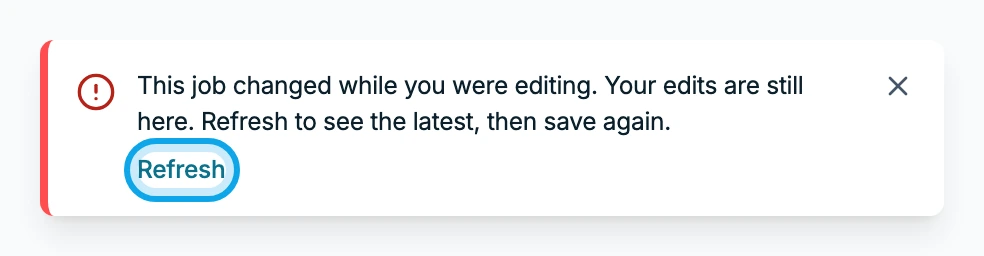
What you see
The message names the record, such as This job changed while you were editing. Under it: Your edits are still here. Refresh to see the latest, then save again. After Refresh, the record shows its latest version.
It says the record was deleted
This job was deleted comes with Someone removed it while you were editing, so your changes couldn't be saved.
On the web, an open record may show a banner instead. It reads, for example, "This job may have been deleted or is no longer available." Its link, such as "Back to jobs list", returns you to the list.
It says someone already did it
A one-time action, like marking an invoice paid, can only happen once. This invoice was already marked paid comes with Someone else got to it first, so nothing was charged twice.
The app says to pull down
This changed while you were editing, so it wasn't saved. Pull down to see the latest. Pull the screen down, then make your change again.
Who can do this
Anyone who can edit the record can see this message. No extra permission is needed.