Sign in with Google or Apple
Press Continue with Google or Continue with Apple to sign up or sign in without a Zaras password. Use the same Google or Apple account every time, on every device.
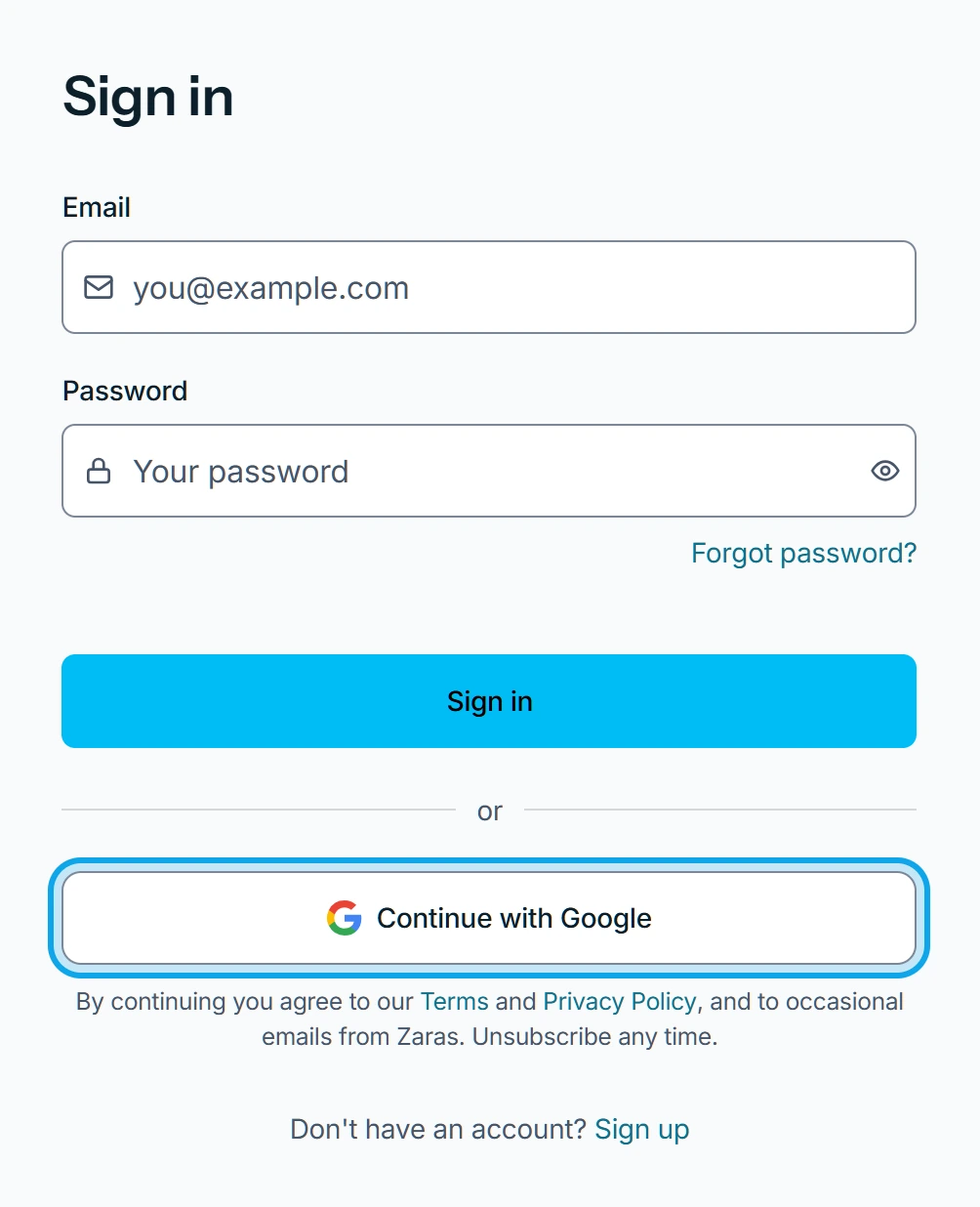
On the web:
- Open Create your account or Sign in.
- Press Continue with Google or Continue with Apple.
- Choose your account in the window that opens.
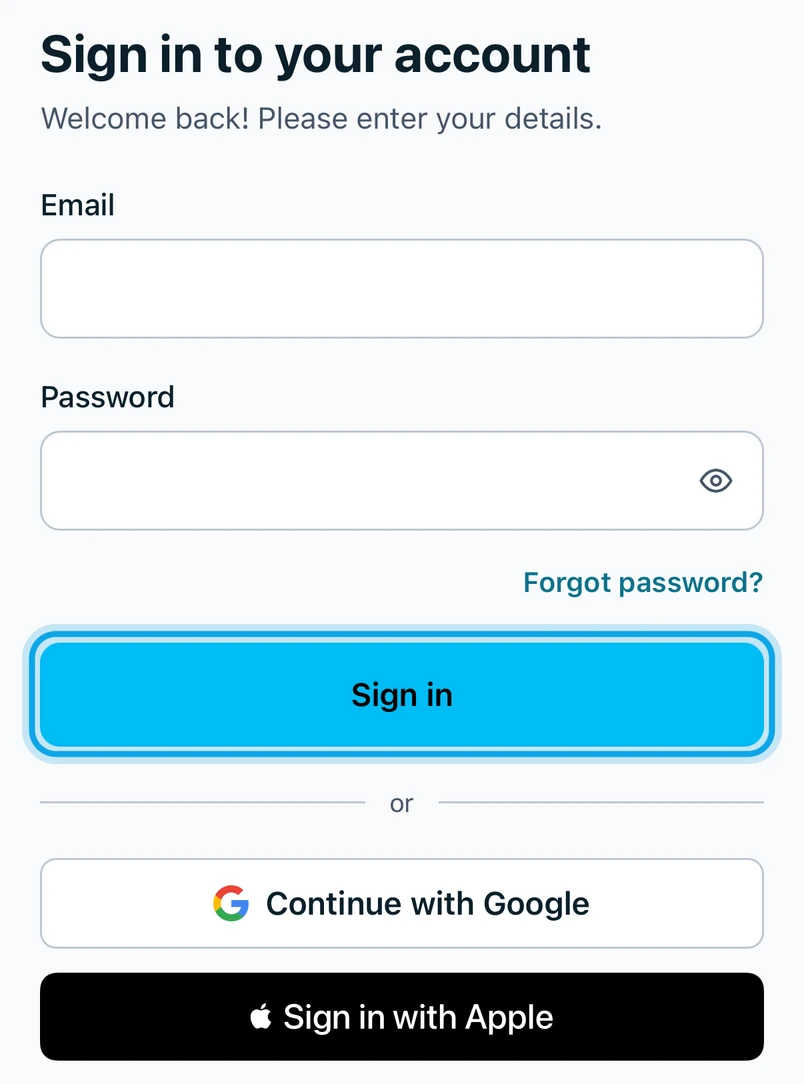
In the Zaras app:
- Tap Continue with Google, or Sign in with Apple on an iPhone.
- Choose your account in the window that opens.
What you see
You land in your workspace, or in the setup steps for a new account.
It says Verify your email with Google first
On the web: Google hasn't verified this email address yet. Confirm it with Google, then sign in again.
Joining from an invitation
Pick the Google or Apple account with the invited email address: see Join a team from an invitation.
Who can do this
Anyone can sign in this way. Prefer a password? See Create a Zaras account on the web.