Where do I see payments on an invoice?
Scroll to the invoice's Payments card, on the web or in the Zaras app. It shows what is paid, the balance, and the latest payments.
See every payment
- Open the invoice and scroll to Payments.
- Press View all on the card when there are more rows, or tap it in the app.
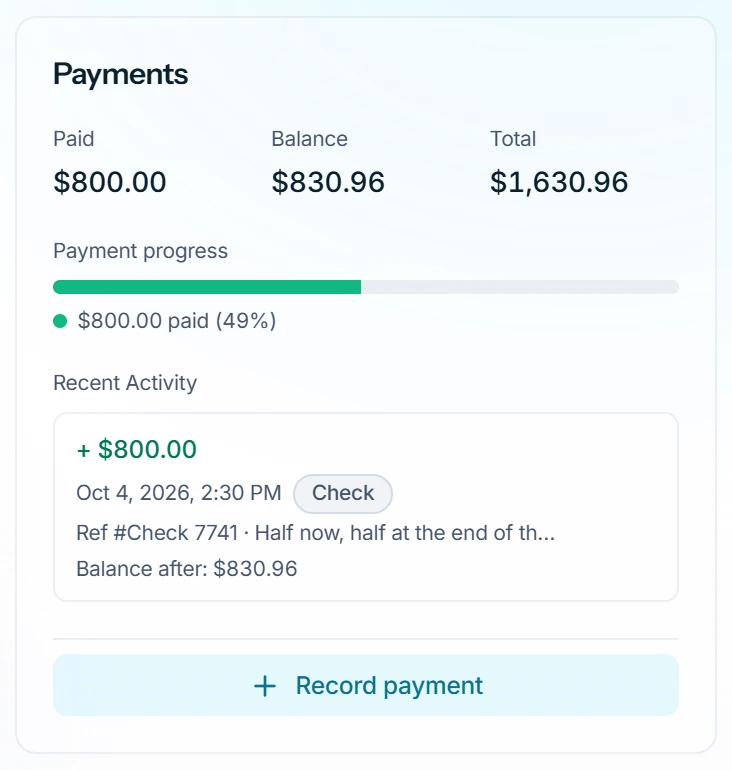
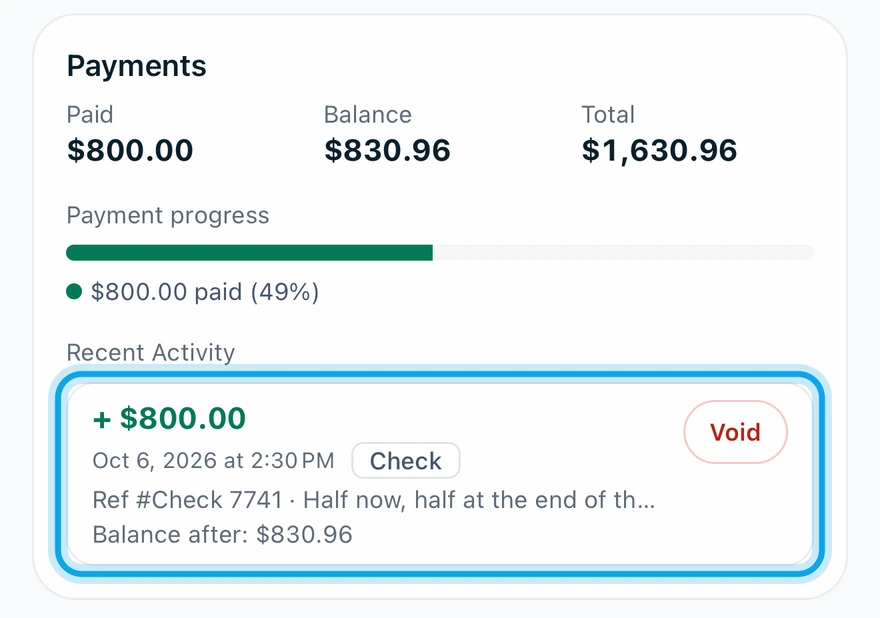
What you see
The Payment ledger lists every payment, void and write-off, each with its balance after. Rows are typed Payment, Void or Write-off, and Hide voided entries tidies the list.
Online payments
A payment from the emailed invoice page lands in the ledger by itself. It shows the card brand and last four digits, a Stripe reference and Open Stripe dashboard.
With Auto-send payment receipts on in Settings → Online payments, the customer gets a receipt right away.
Who can do this
The ledger needs Manage invoices. Owners, admins, office and technicians hold it by default. Others ask an owner or admin.