Tell customers how to pay without card payments
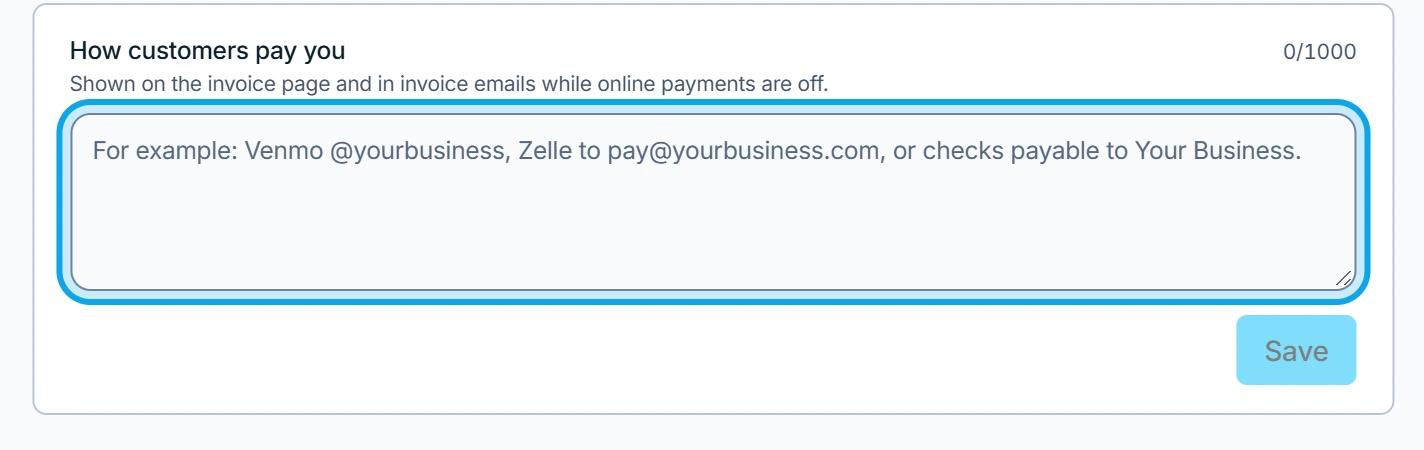
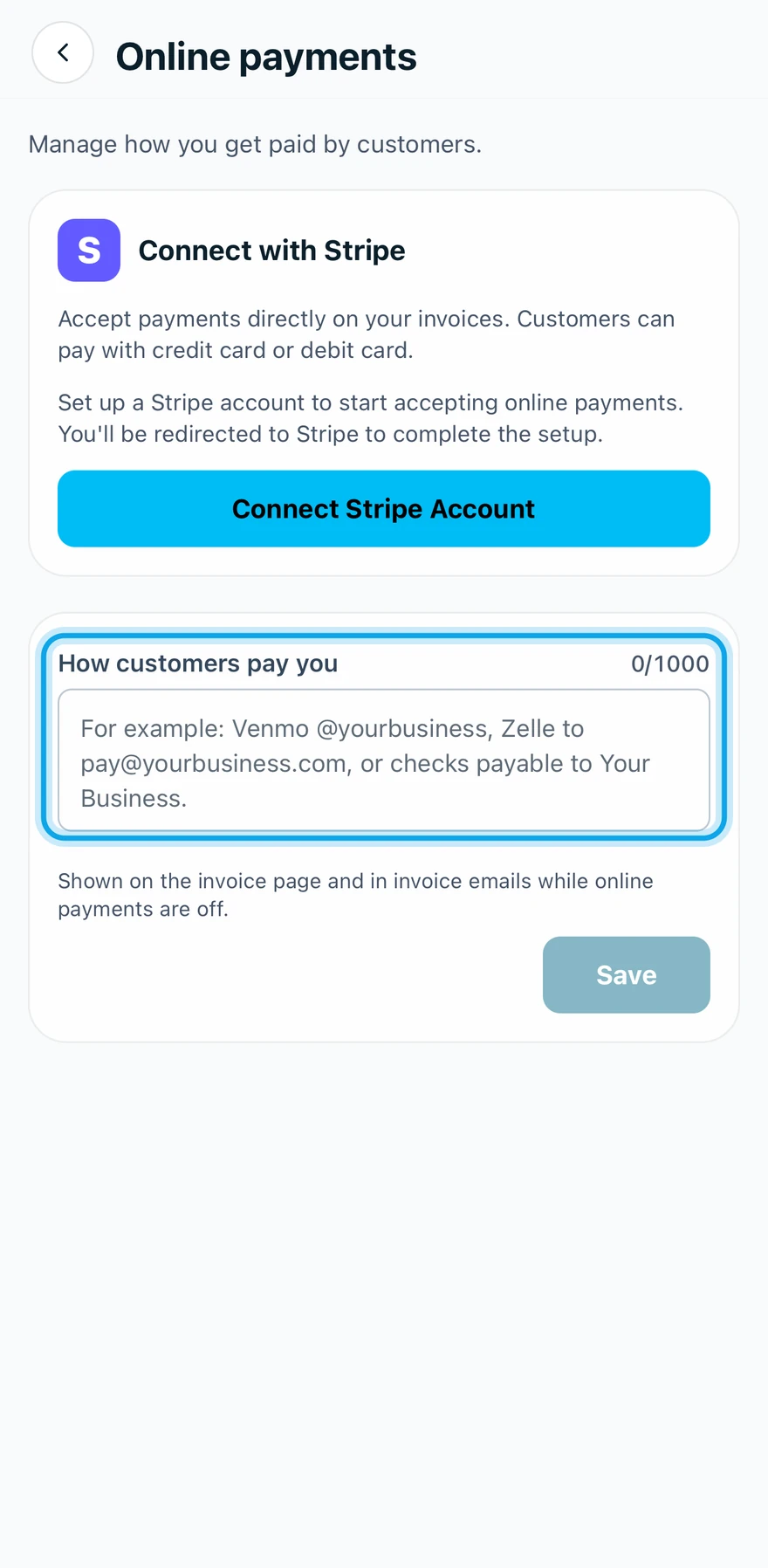
Without card payments, write your payment instructions under How customers pay you, such as a Venmo or Zelle handle. Customers see them on every invoice while online payments are off.
Add your payment instructions
- Open Settings → Online payments.
- Type your instructions under How customers pay you.
- Press Save.
What you see
Payment instructions saved confirms it. The instructions are Shown on the invoice page and in invoice emails while online payments are off. The customer reads them under How to pay, below the balance.
Nothing is recorded for you when they pay. Record each payment yourself when it arrives.
Who can do this
It needs Manage financial settings, held by owners and admins by default. Others ask an owner or admin under Settings → Team & roles → Roles.