Add a task
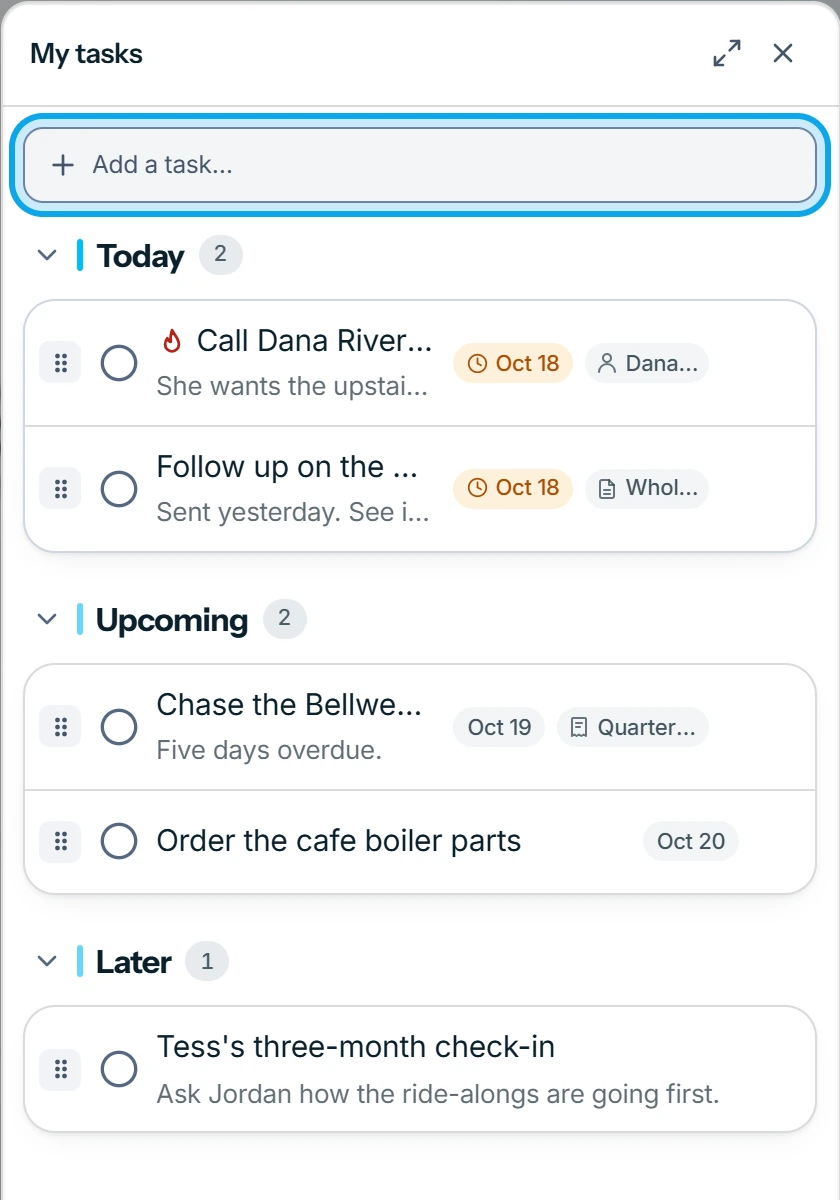
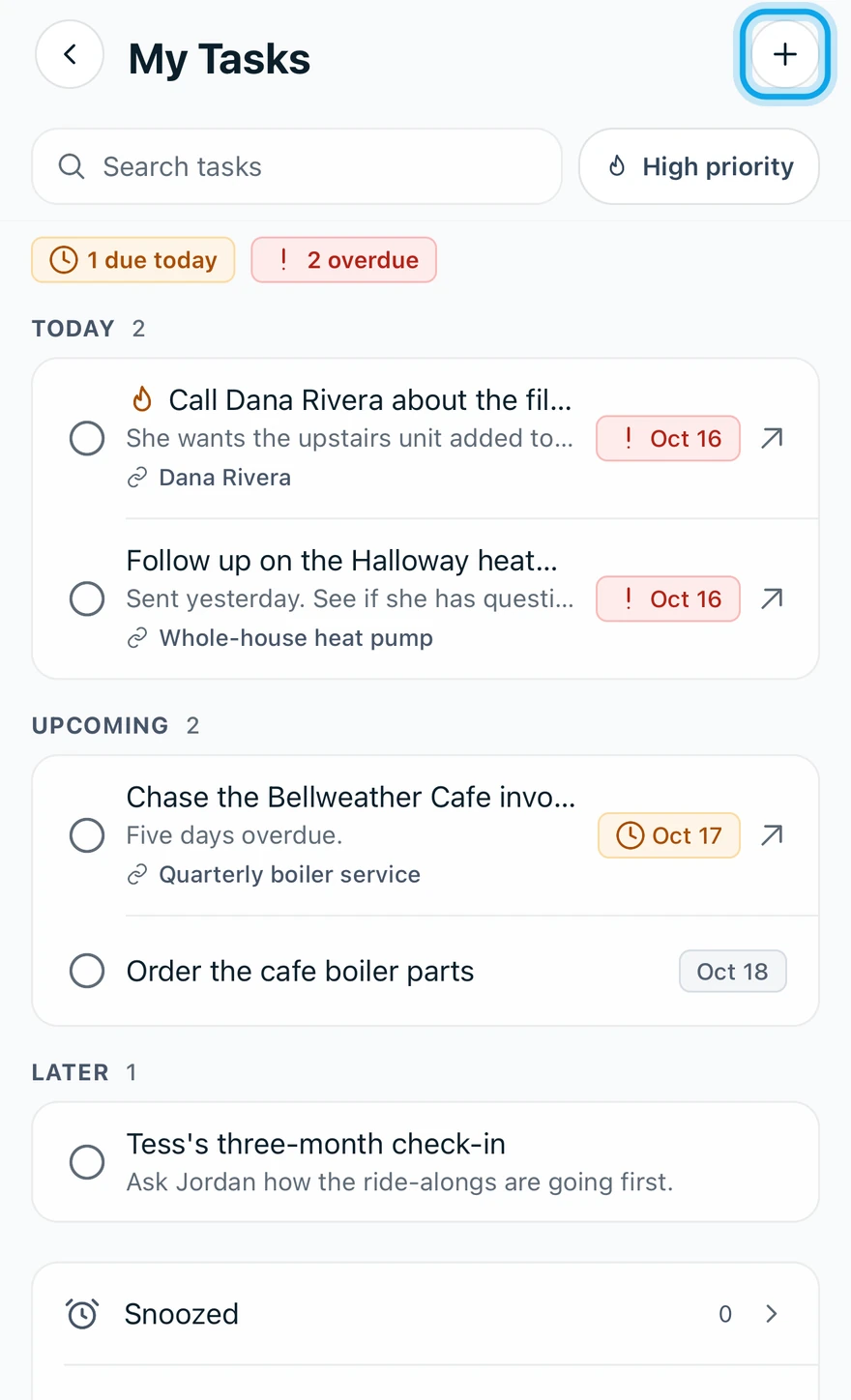
Add a task from My Tasks on the web or in the Zaras app. It lands in Today. Only you see your tasks: they can't be assigned to a teammate.
Add a task
On the web:
- Open My Tasks under Personal in the sidebar.
- Type in Add a task… at the top of the panel.
- Press Enter.
In the Zaras app:
- Tap More, then My Tasks.
- Tap the + button at the top.
- Type the Task title.
- Tap Save task.
Link it to a record
- Open the task.
- Choose Link to….
- Pick a contact, job, estimate or invoice.
A record's Tasks card on the web, or Add task on a contact in the app, makes a linked task straight away.
What you see
The task appears under Today. Home shows your pinned and due-today tasks. On the web, the panel's expand button opens the full page, with search and Select tasks.
Who can do this
Every role has My Tasks. No permission is needed.