Why did my customer decline the estimate?
The reason is in the estimate's timeline, under Estimate marked as declined. To try again, create a revision with new pricing.
Find the reason
- Open the declined estimate.
- Scroll to its Activity card.
- Press View full timeline under the card on the web, or tap View all › in the Zaras app.
- Find Estimate marked as declined.
What you see
The estimate shows Declined by customer with the date. A customer who declines on their page can pick a reason and add a note.
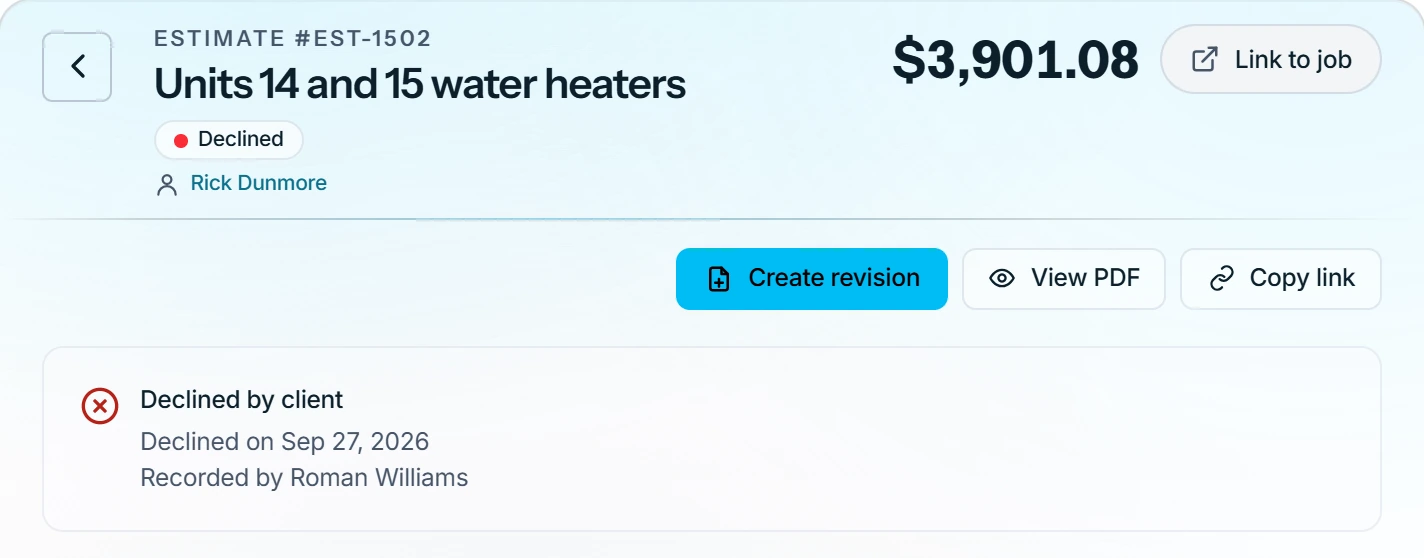
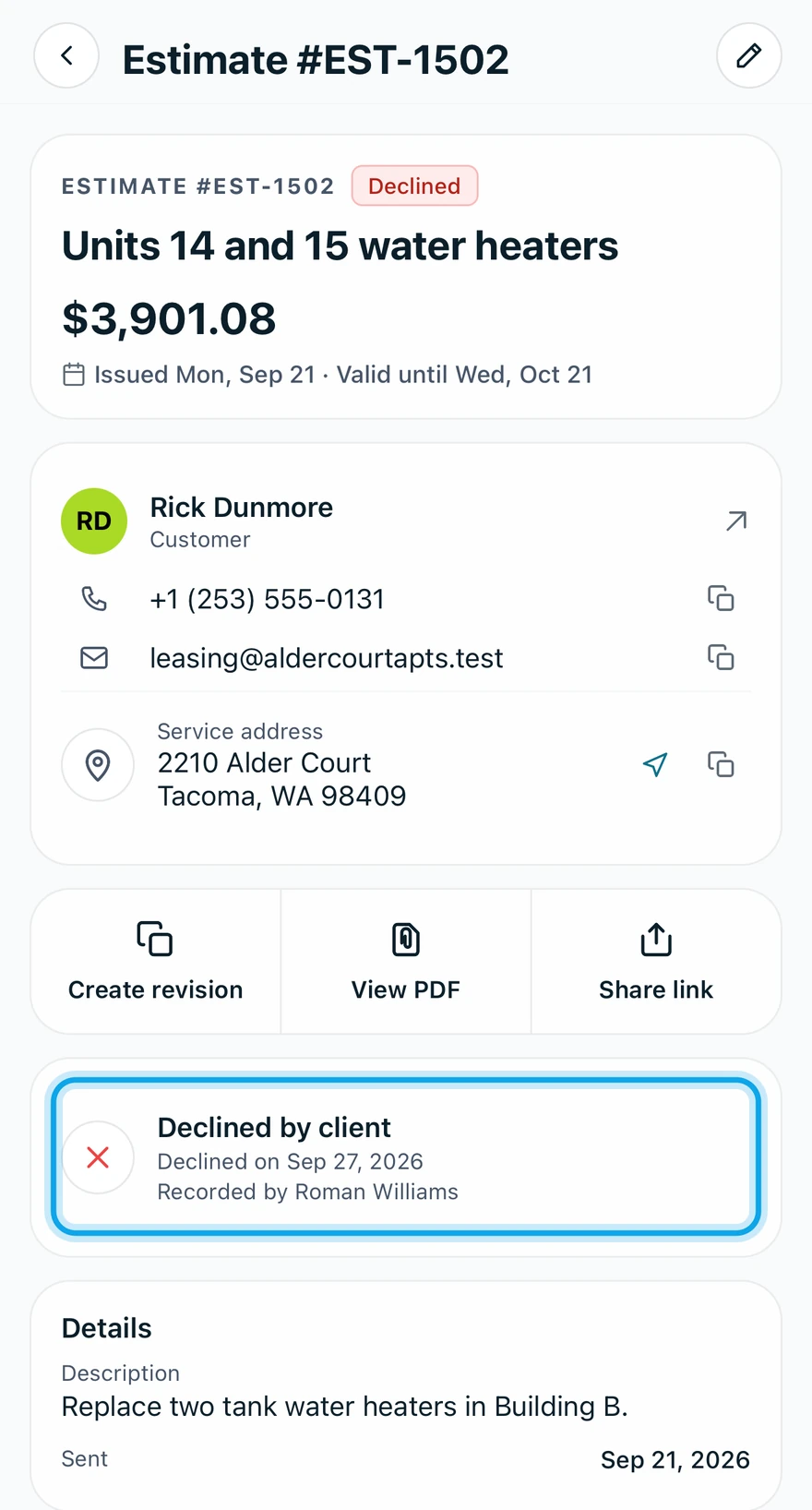
The reasons are Price, Timing, Chose another provider, Scope of work and Other. When you record the decision yourself, your Notes appear there instead.
Who can do this
Anyone who can open the estimate sees its timeline. Revising needs Manage estimates, which owners, admins, office and technicians hold by default.