Delete a job
You can delete a job while it is active and none of its visits has started. Deleting removes the job, its line items and its visits for good. To keep the record, cancel it.
Delete a job
On the web:
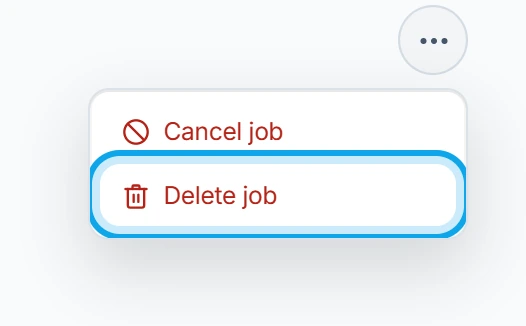
- Open the job and press the three-dot button in its header.
- Choose Delete job.
- Press Delete job in Delete job?.
In the Zaras app:
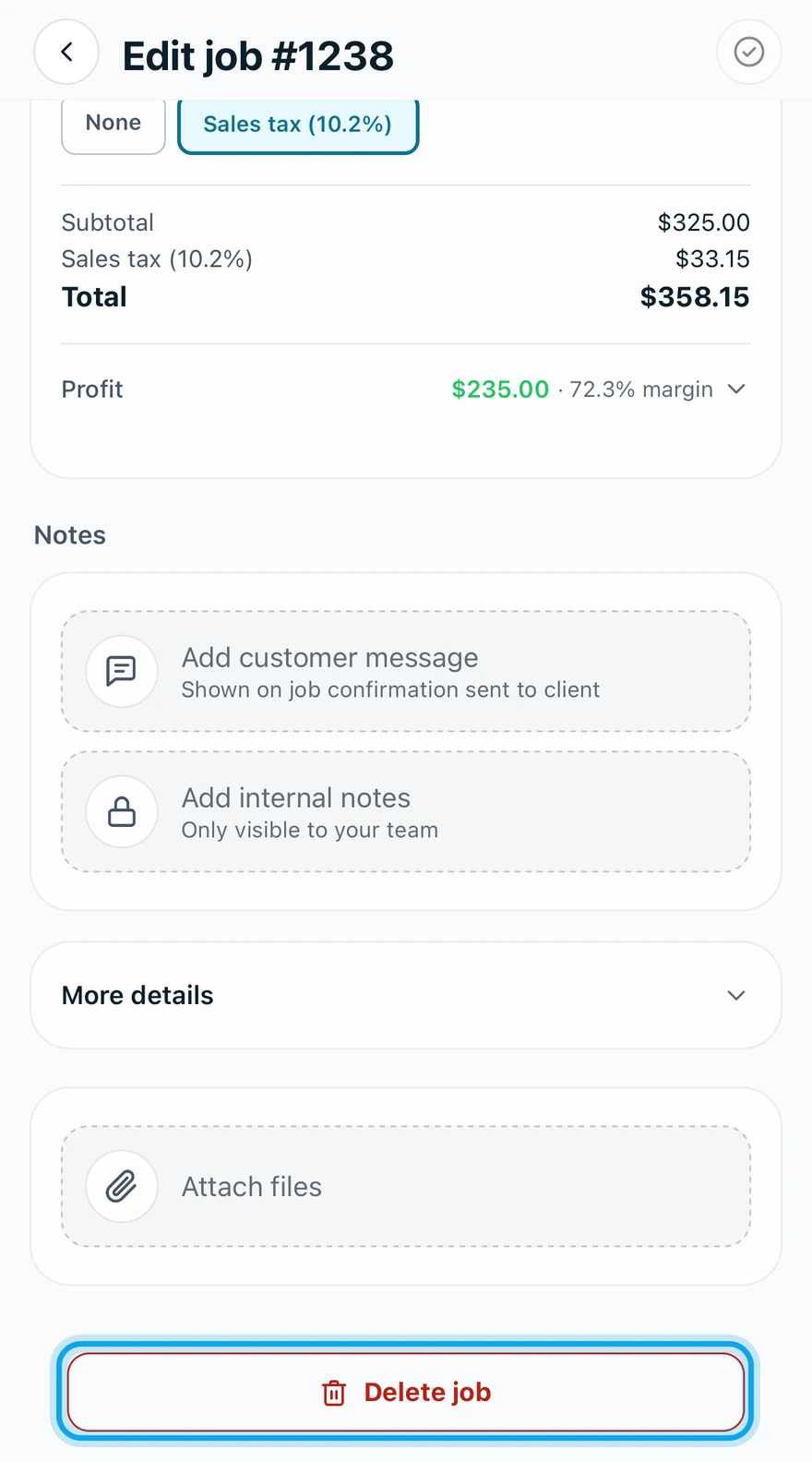
- Open the job and tap the pencil button in its header.
- Scroll to the bottom and tap Delete job.
- Tap Delete in Delete this job?.
The trash-can button on a web jobs list row deletes too.
What you see
Job deleted confirms it, and the job is gone from your jobs list. There is no undo: the prompt says This can't be undone. An invoice linked to the job stays, no longer linked to it.
Delete is greyed out
Only an active job whose visits have not started can be deleted. Otherwise the button says why:
- Cannot delete — this job has completed or in-progress visits on the web.
- This job has a visit that's already started or been completed. in the app.
If the job is still open, cancel the job instead. Started, completed and canceled jobs show no delete at all. They stay as records.
Who can do this
Deleting needs Manage jobs. Owners, admins, office and technicians hold it by default. Others ask an owner or admin under Settings → Team & roles → Roles.