When does my workspace count as just me?
While nobody else is in your team list or invited, your workspace counts as just you. There is no setting for it, and the company size you gave at sign-up does not matter.
It becomes a team when
- You send an invitation, even before your teammate accepts.
- A second member joins.
It goes back to just you when
- You revoke the last pending invitation, or it expires.
- The other members leave and no one else is invited.
What you see
Each change shows a notice once. Your workspace, simplified means you are on your own. Your team tools are ready means you are not. Your records stay either way.
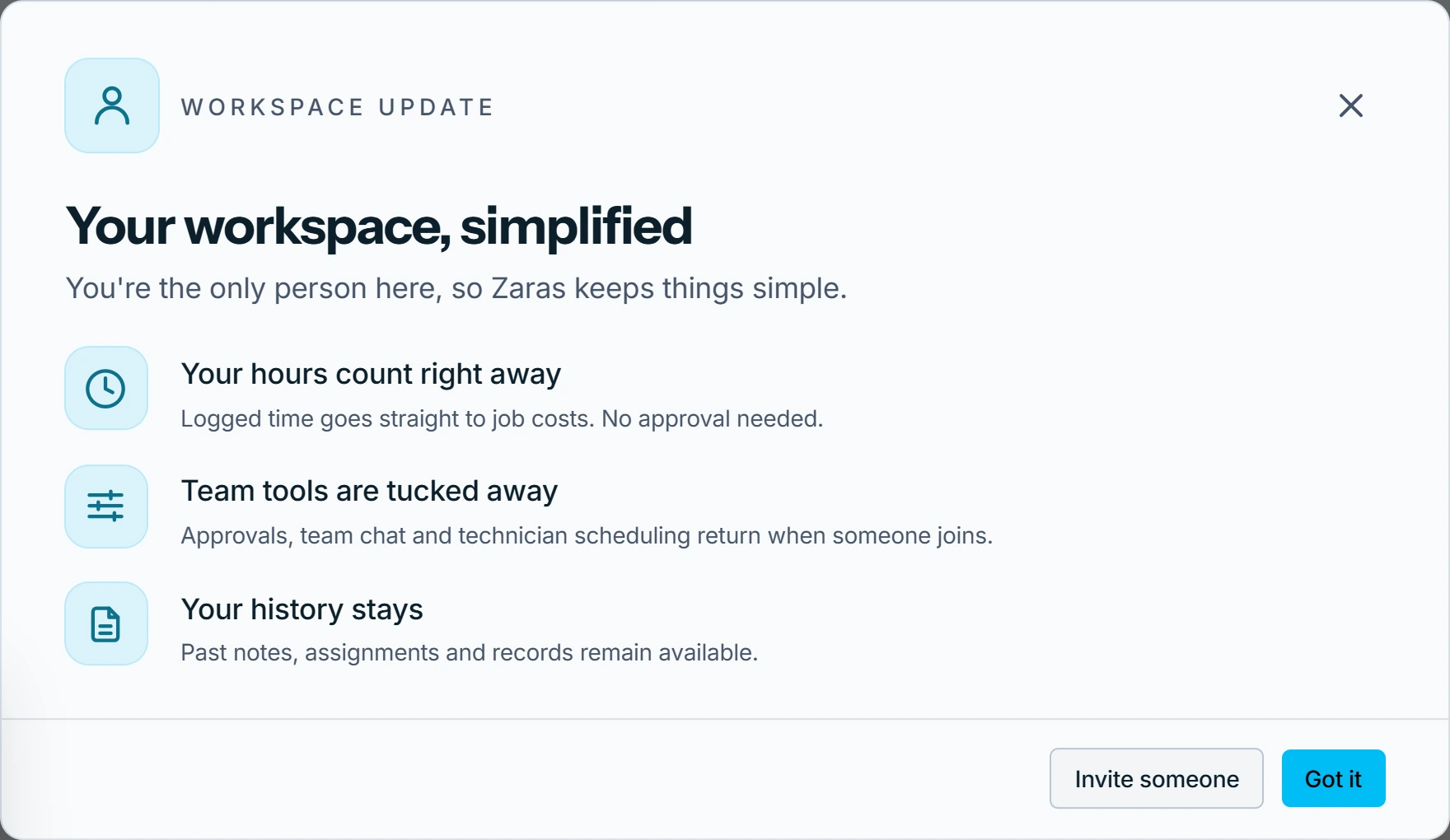
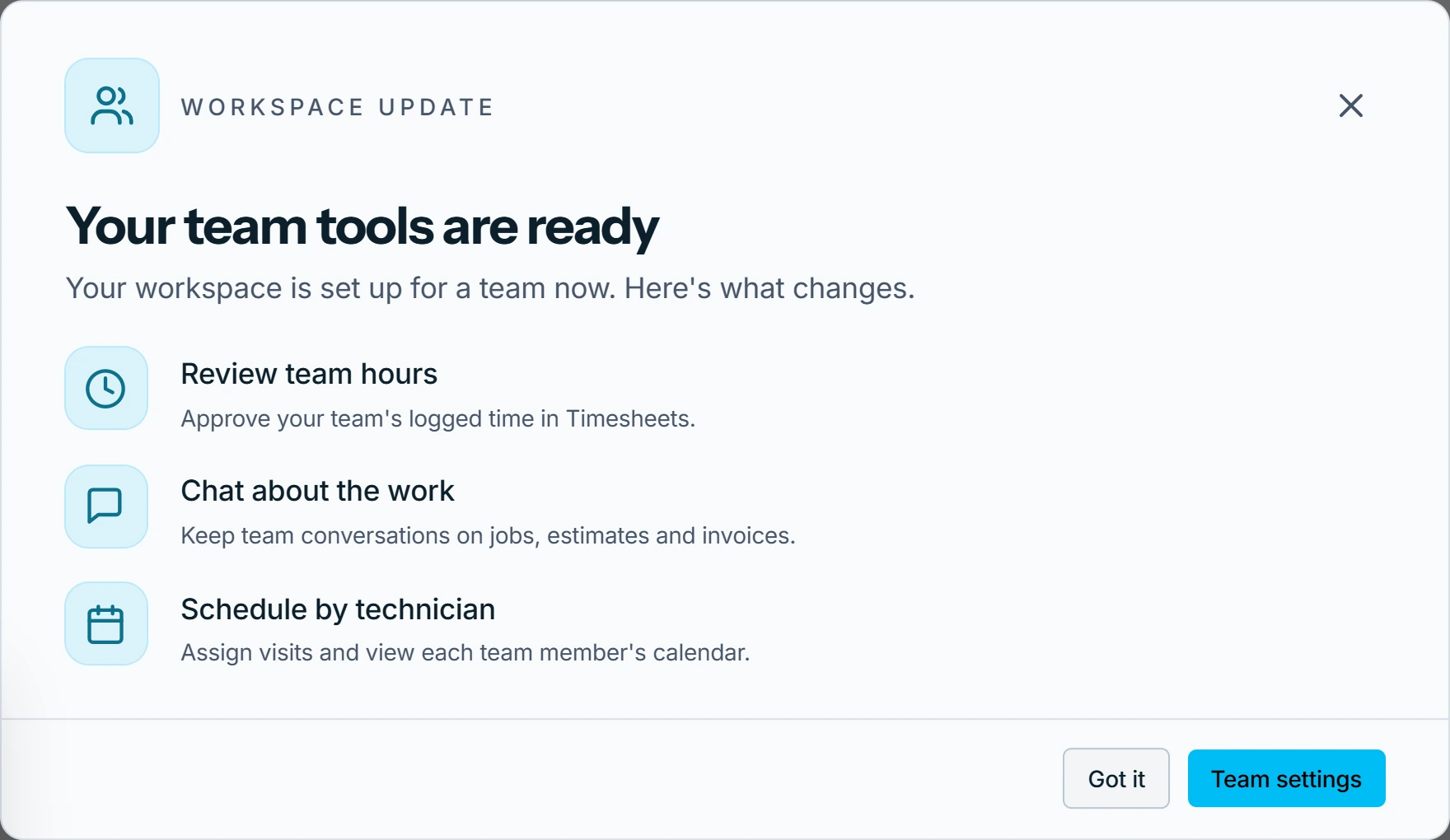
What the one-person screens look like is in What changes when I work on my own?
Who can do this
The team list decides it for every workspace. Inviting needs Invite team members, held by owners and admins.