Start a new estimate
Press New Estimate on the web Estimates page, or tap New estimate under Estimates on the app's Work tab. The customer can't change once the estimate exists, so pick it with care.
Start an estimate
- Press New Estimate on the web, or tap New estimate in the app.
- Pick the customer under Customer & location, or tap Choose or add customer.
- Type a Title under Estimate details, or Details in the app.
- Add a Description, or press Write with AI to draft one.
In the app it reads Rewrite with AI once a description exists. Edit what it writes.
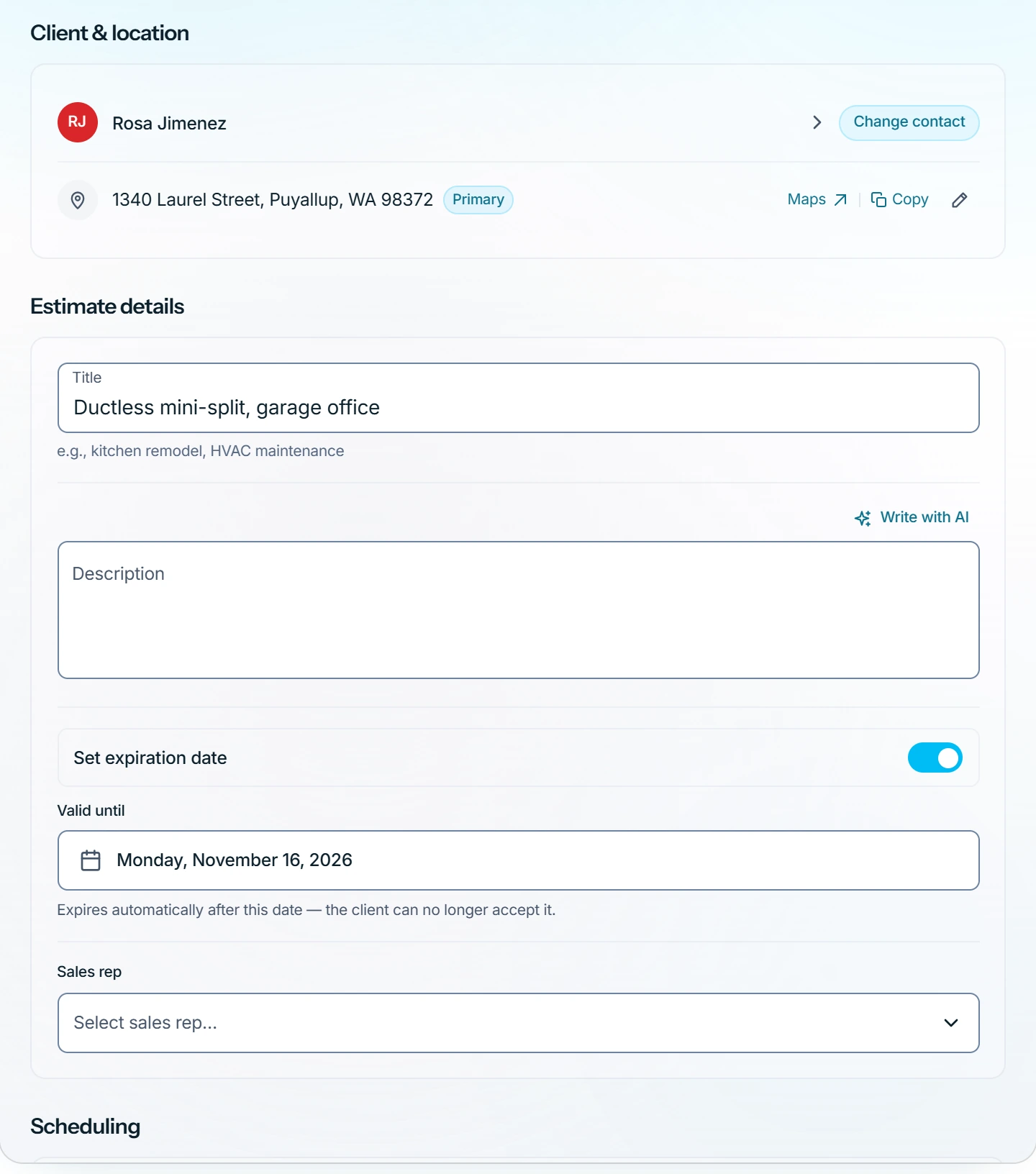
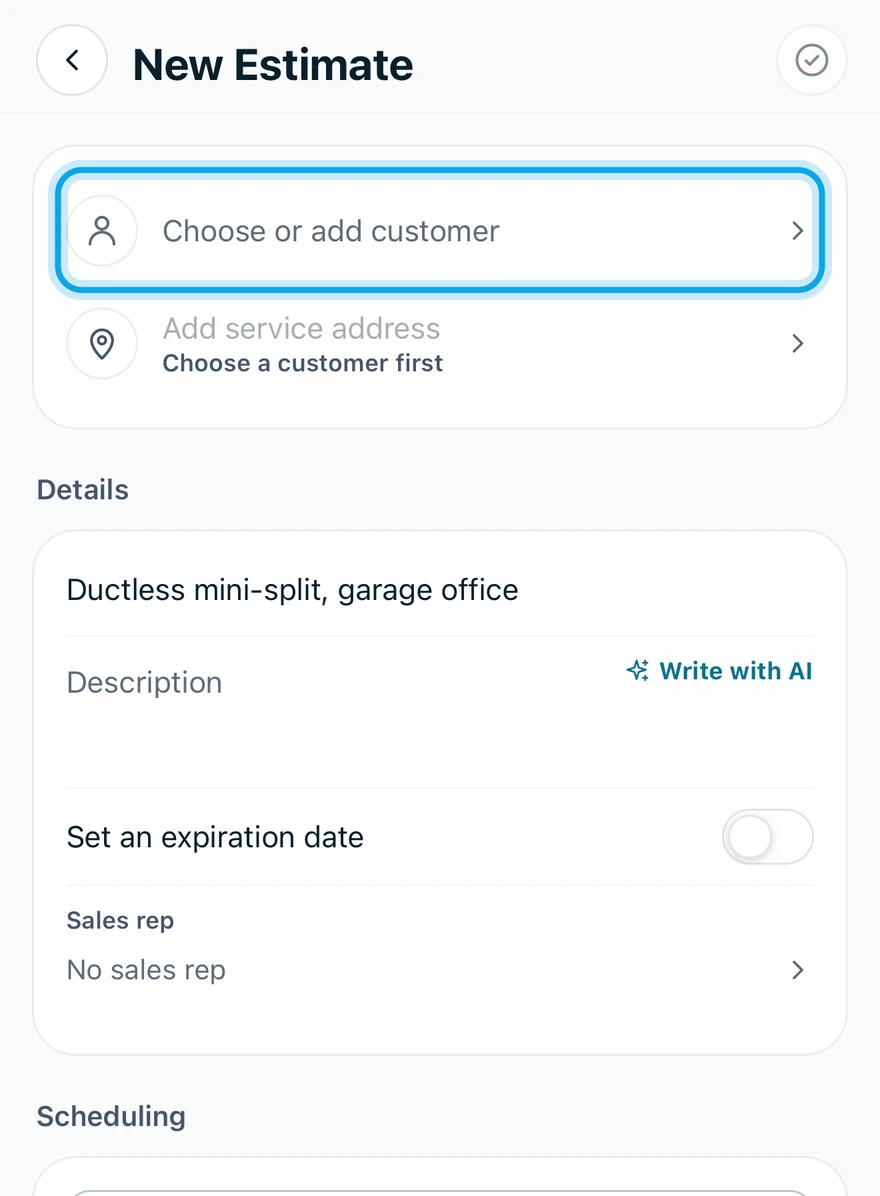
What you see
Nothing is sent to the customer. Next, add the line items. To keep it now, press Save draft at the top on the web, or tap Create estimate in the app. The address can still change until you send it.
New Estimate is missing
Your role lacks Manage estimates, so the button is not shown.
Who can do this
Starting an estimate needs Manage estimates. Owners, admins, office and technicians hold it by default. Others ask an owner or admin under Settings → Team & roles → Roles.