See the records behind a report figure
Click or tap a figure to open the records behind it, for the same date range. Reports have no export: open each record from the list.
Open the records
- Click the figure on the web, or tap it in the Zaras app.
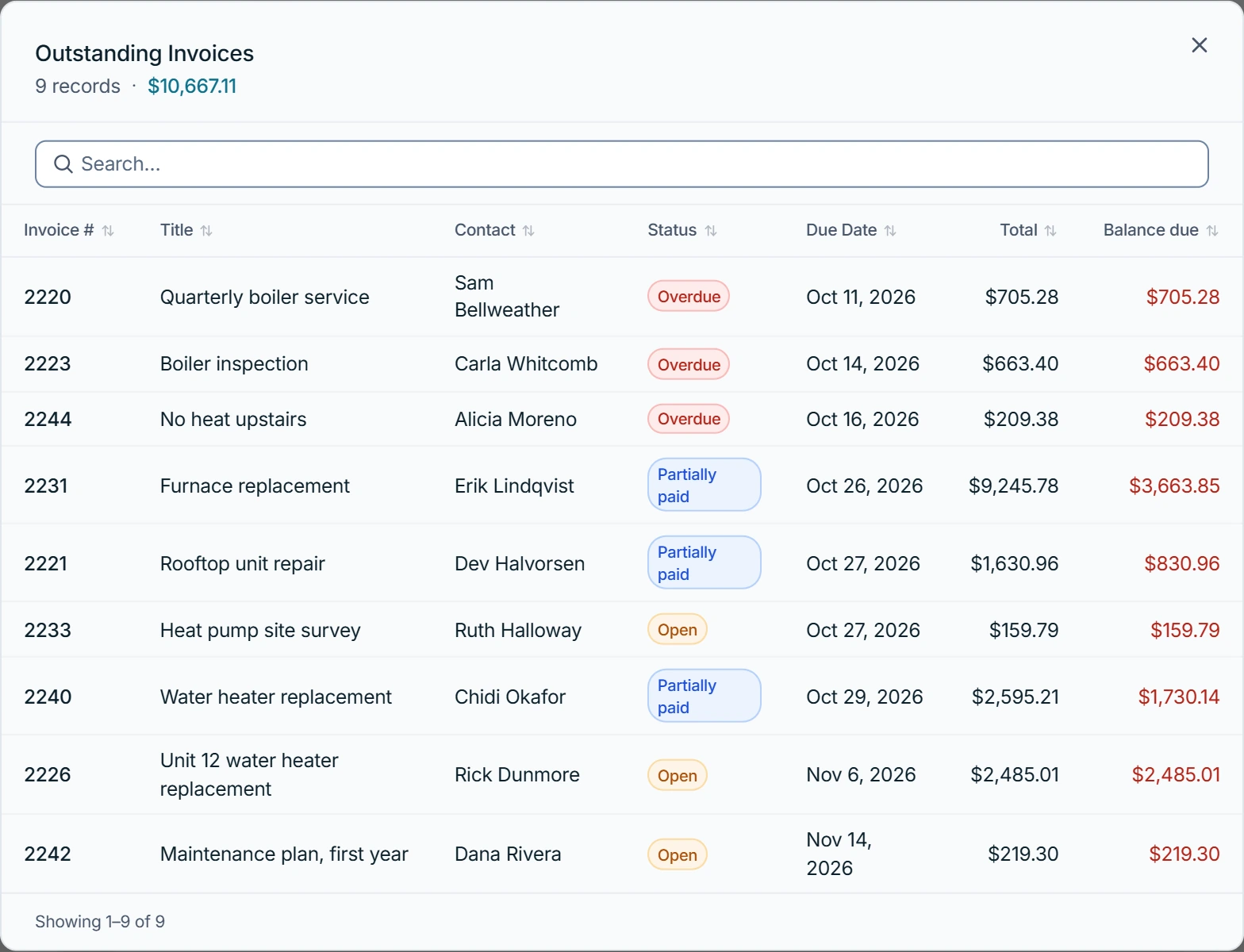
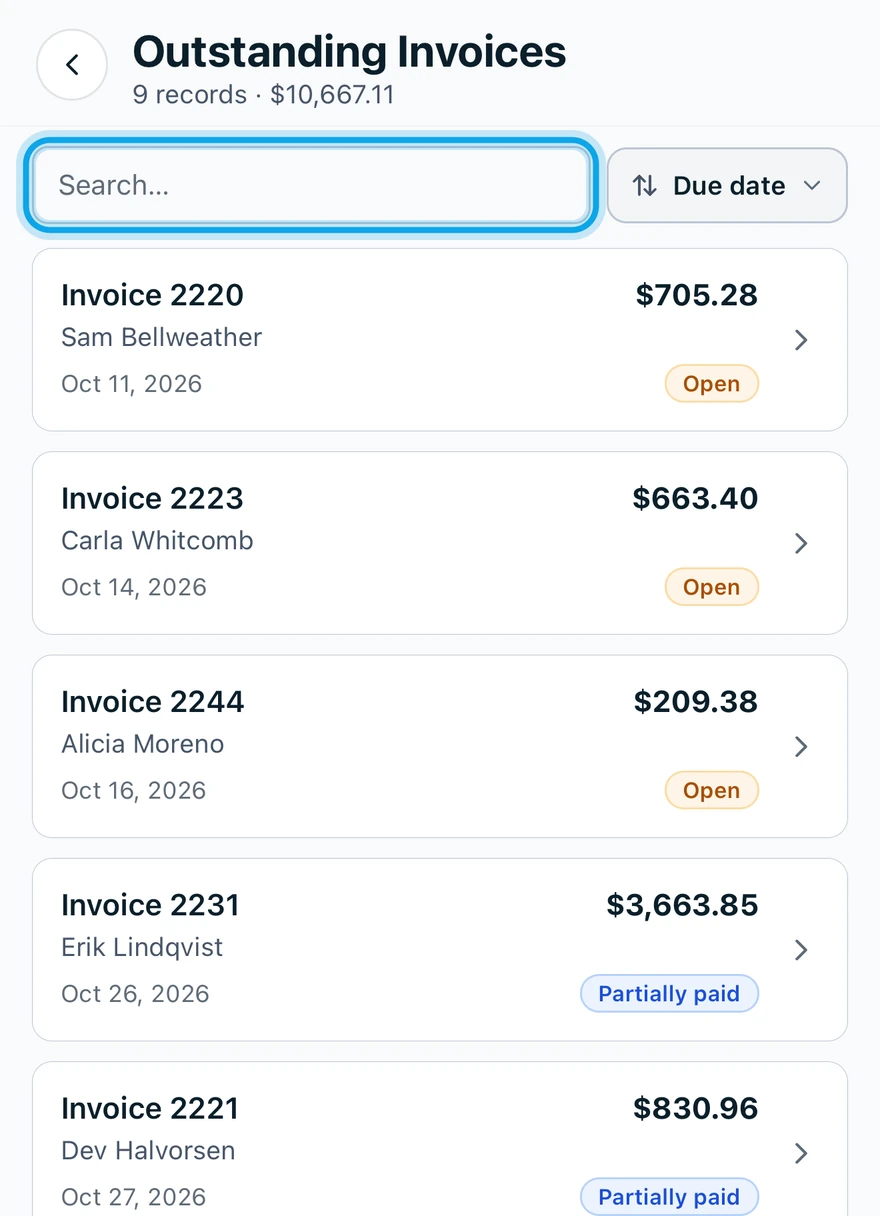
- Search or sort the list.
- Open any record from it.
What you see
The list holds the payments, invoices, jobs, visits, estimates, expenses or time entries behind the figure. Outstanding opens Outstanding Invoices, for example.
Pending approval goes straight to the timesheet approval queue instead.
The list is empty
Nothing in this range matches, so the list says so, for example No jobs were completed in this period. Try a wider date range.
Who can do this
It needs View reports: owners, admins and office by default.