Change your name, photo or phone number
Change your name, photo and phone on Your profile in Settings. They belong to you, not the business. Company details live in Business info.
Change your photo
- Open Settings → Your profile.
- Press Add photo or Change photo.
- Pick a JPG, PNG or WebP file of up to 5 MB.
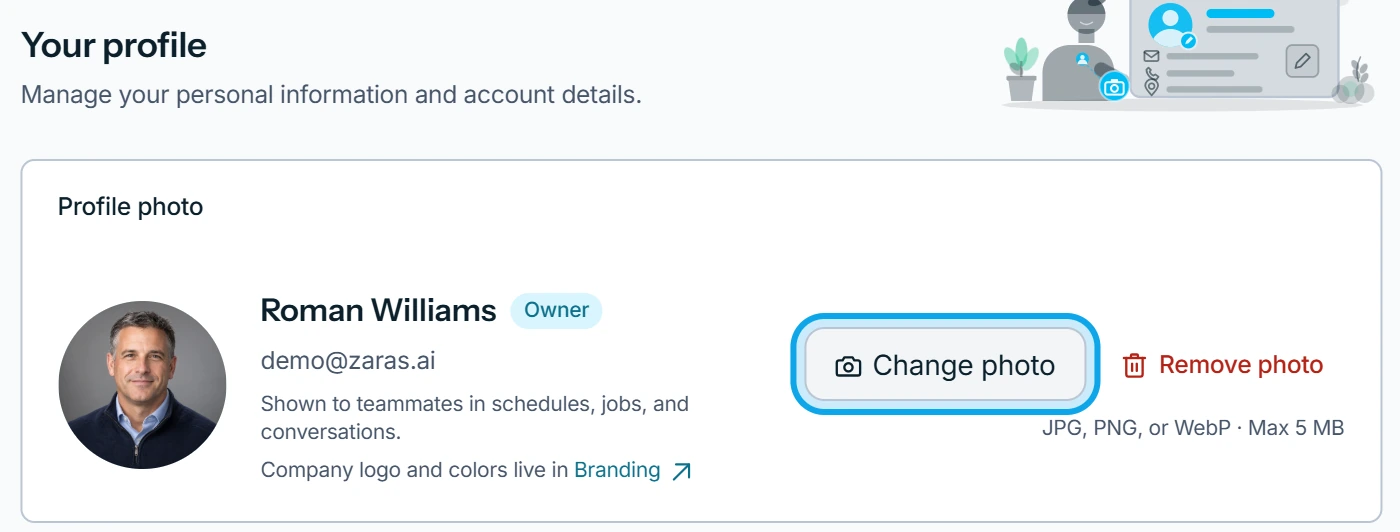
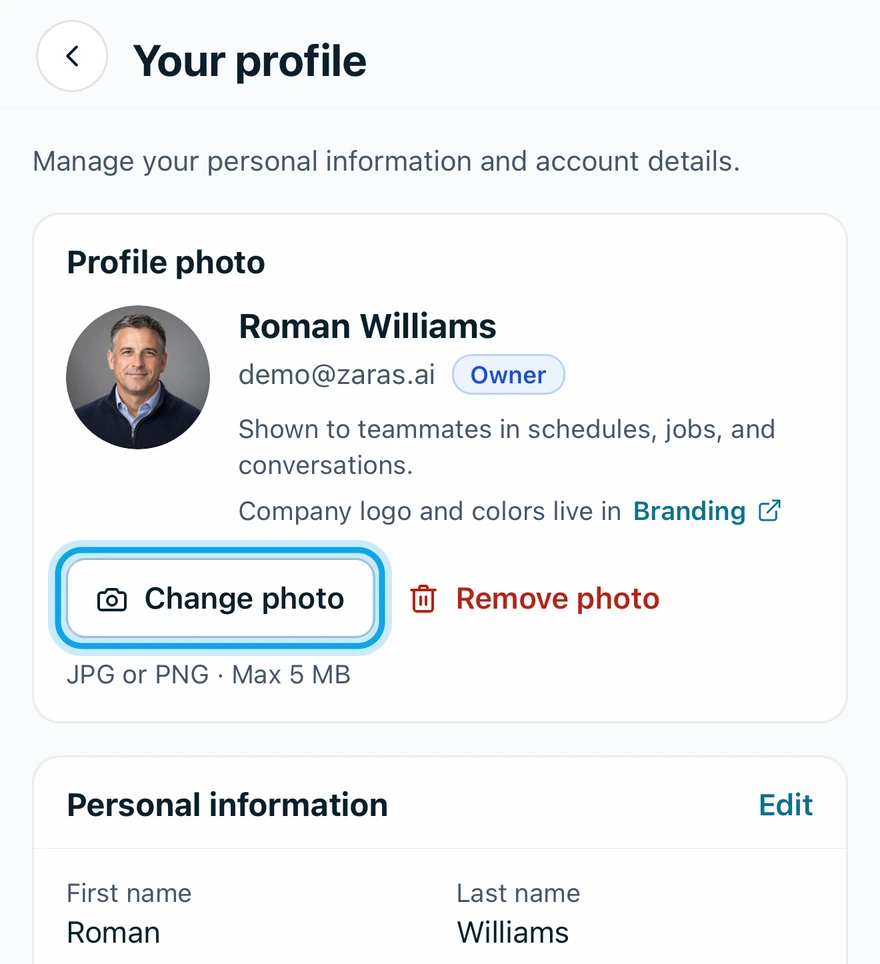
To take it off, press Remove photo, then Remove photo in Remove profile photo?.
Change your name or phone
- Press Edit information on the web, or tap Edit in the app.
- Change your First name, Last name or Phone number.
- Press Save changes on the web, or tap Save in the app.
What you see
Your new details show on the card at once. Teammates see your photo in schedules, jobs and conversations.
It says the phone is in use
This number is already on another Zaras account. Use a different number, or leave it blank: it's optional. A number can belong to one account only. To change your email instead, see Change your email address.
Who can do this
Every member edits their own profile. No permission is needed.