Invite your first teammate
Choose Invite your team in the Set up your workspace checklist on Home. It opens the same form as Settings. The steps are in Invite a teammate.
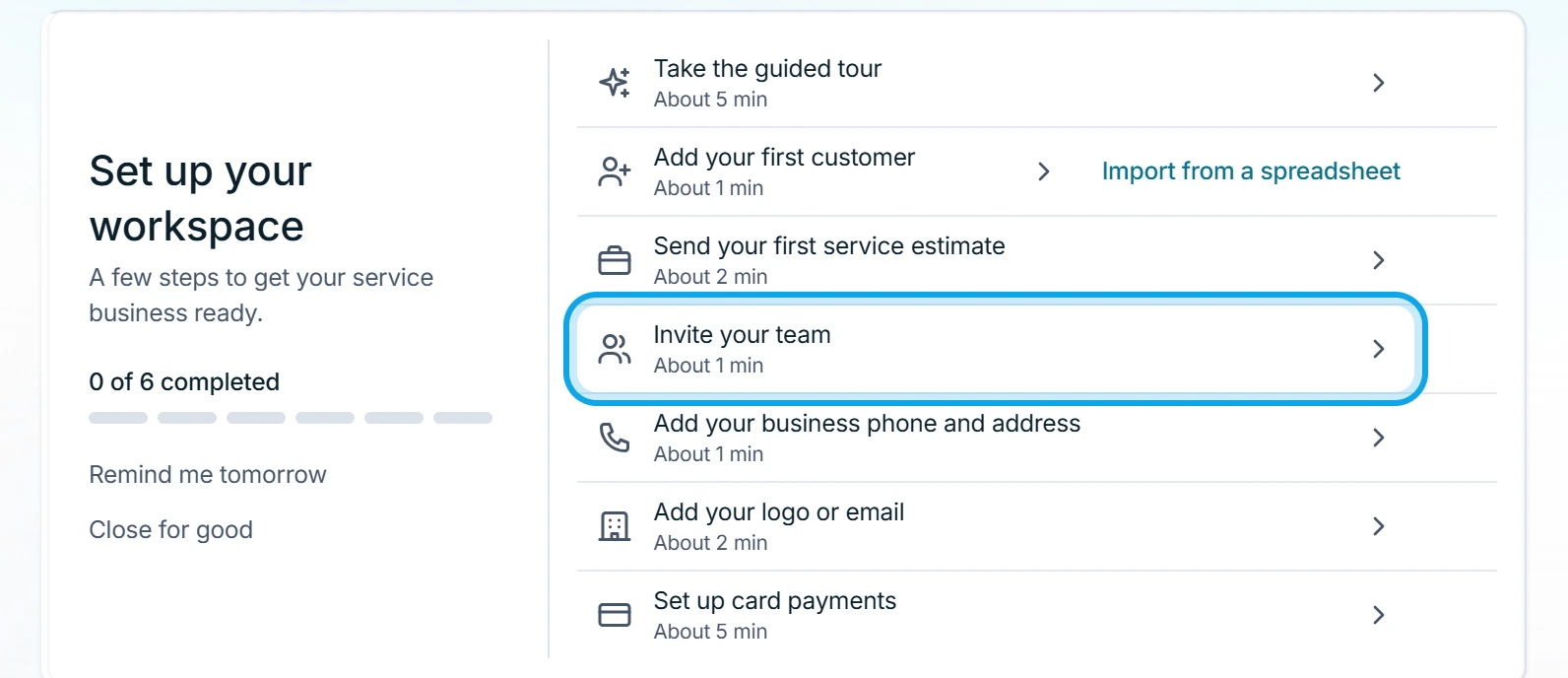
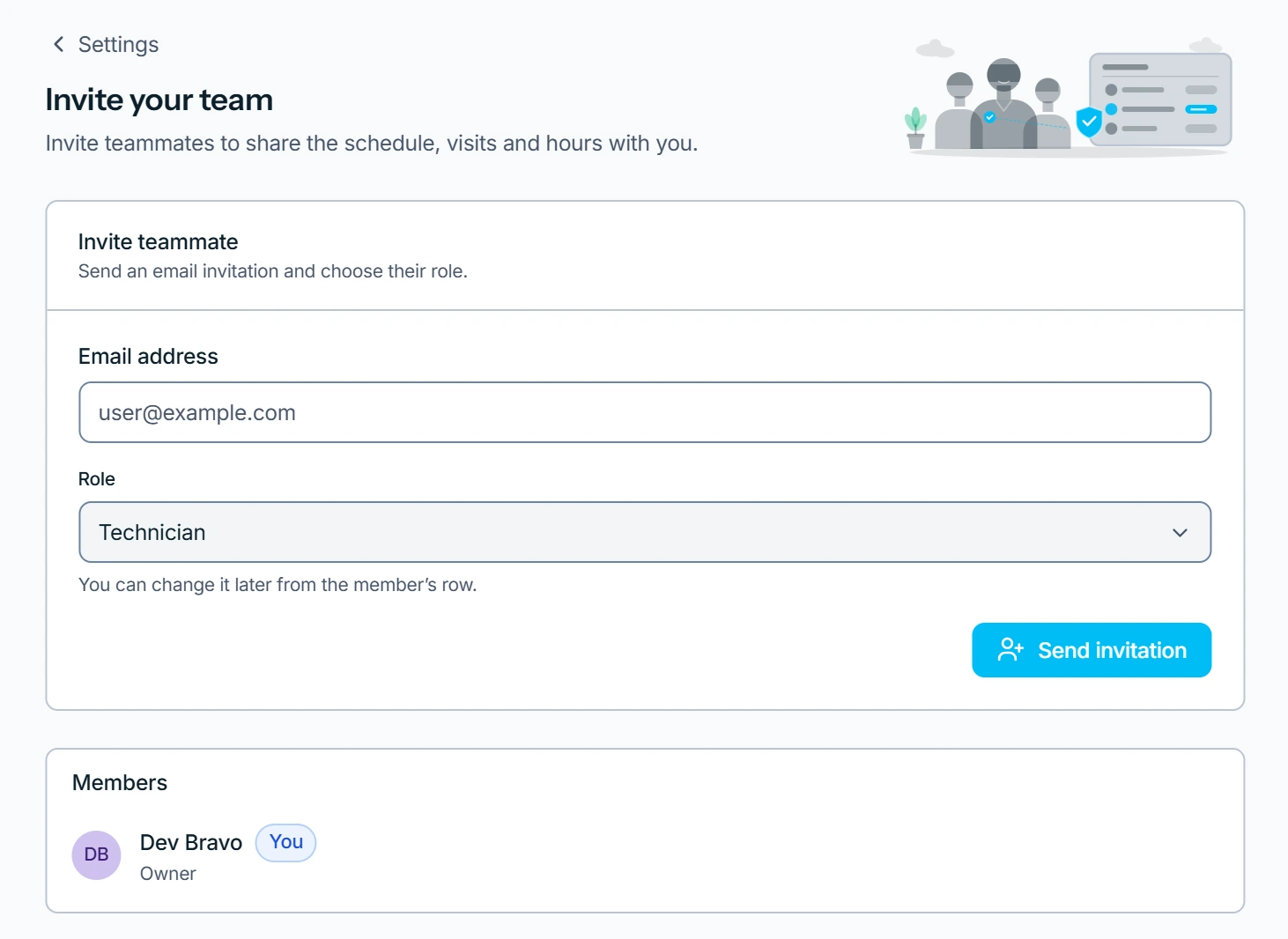
What you see
Your team tools are ready shows once, the moment the invitation is sent. Team chat, timesheet approval and technician scheduling come back.
Where your notes go
Notes you wrote on your own move under Archived notes in Team Chat. Only you can see them.
Who can do this
It needs Invite team members, which owners and admins hold by default.