Choose where customer replies go
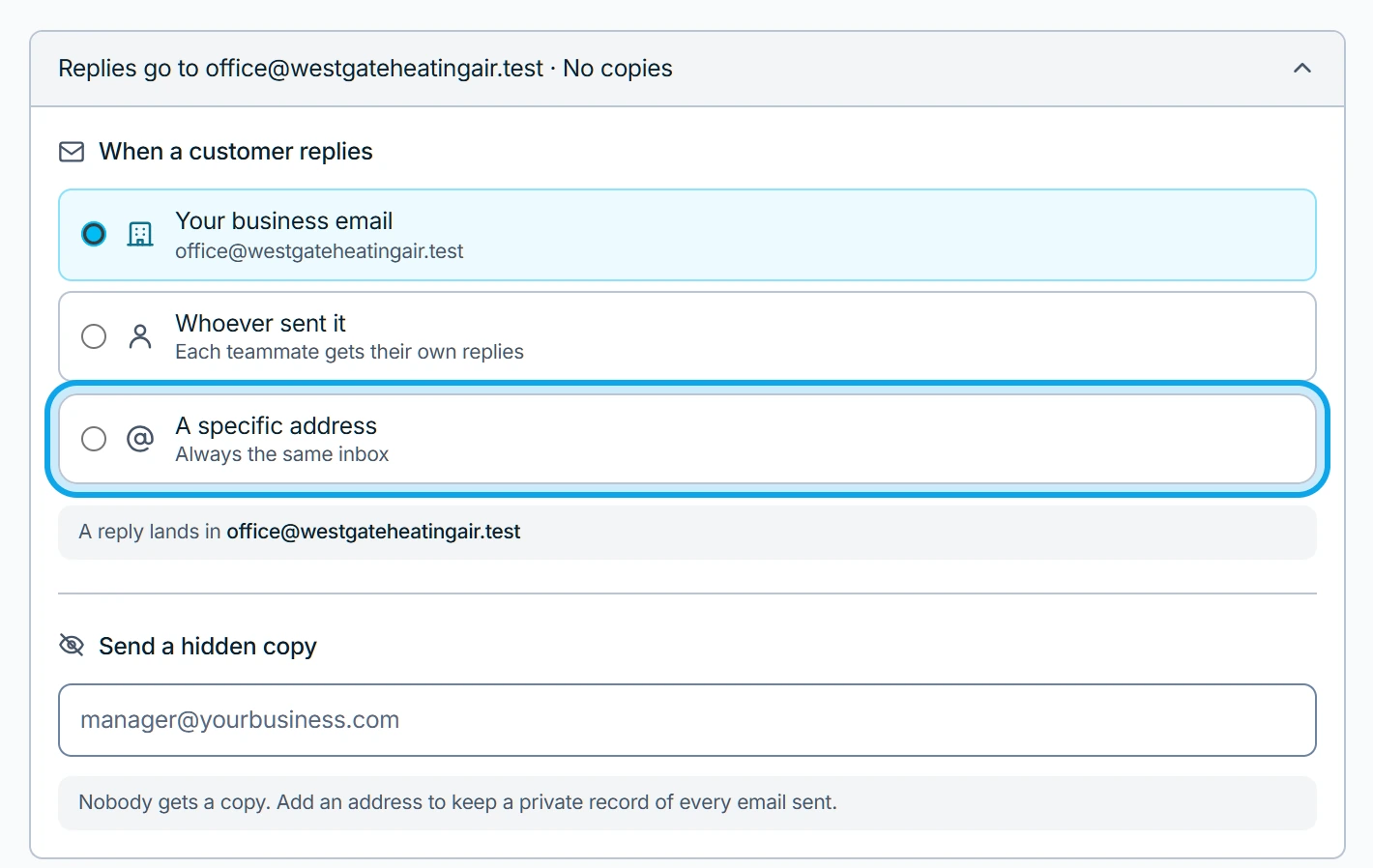
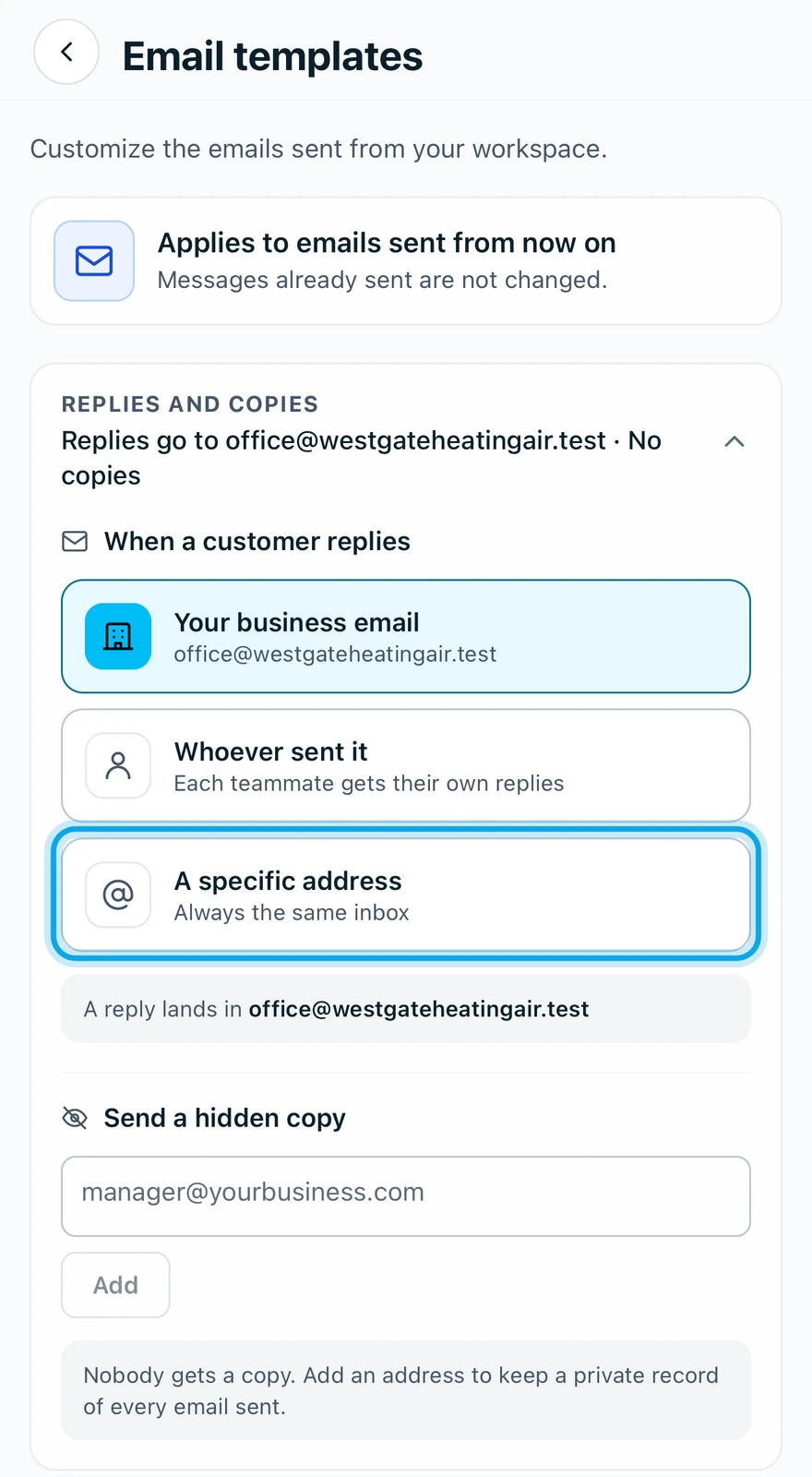
Customer replies go to The business email unless you choose otherwise. With no business email set, they go to whoever sent the email.
Choose where replies go
- Open Settings → Communications → Email templates on the web, or More → Settings → Email templates in the app.
- Find When a customer replies on the web, or Replies and copies in the app.
- Pick The business email, Whoever sent it or A specific address.
- For a specific address, type it in Custom reply-to address.
What you see
The row sums it up, for example "Replies go to hello@acme.com" or Replies go to whoever sends.
With Whoever sent it, an automatic email has no sender, so its replies go to the workspace owner. On my way replies go to the technician who tapped it.
Copy every email to yourself
Under Send a hidden copy, add the addresses to copy. Every email your workspace sends is quietly copied to those addresses, and customers never see it.
Who can do this
It needs Manage templates, held by owners, admins and office.