How do I open Zaras Assistant?
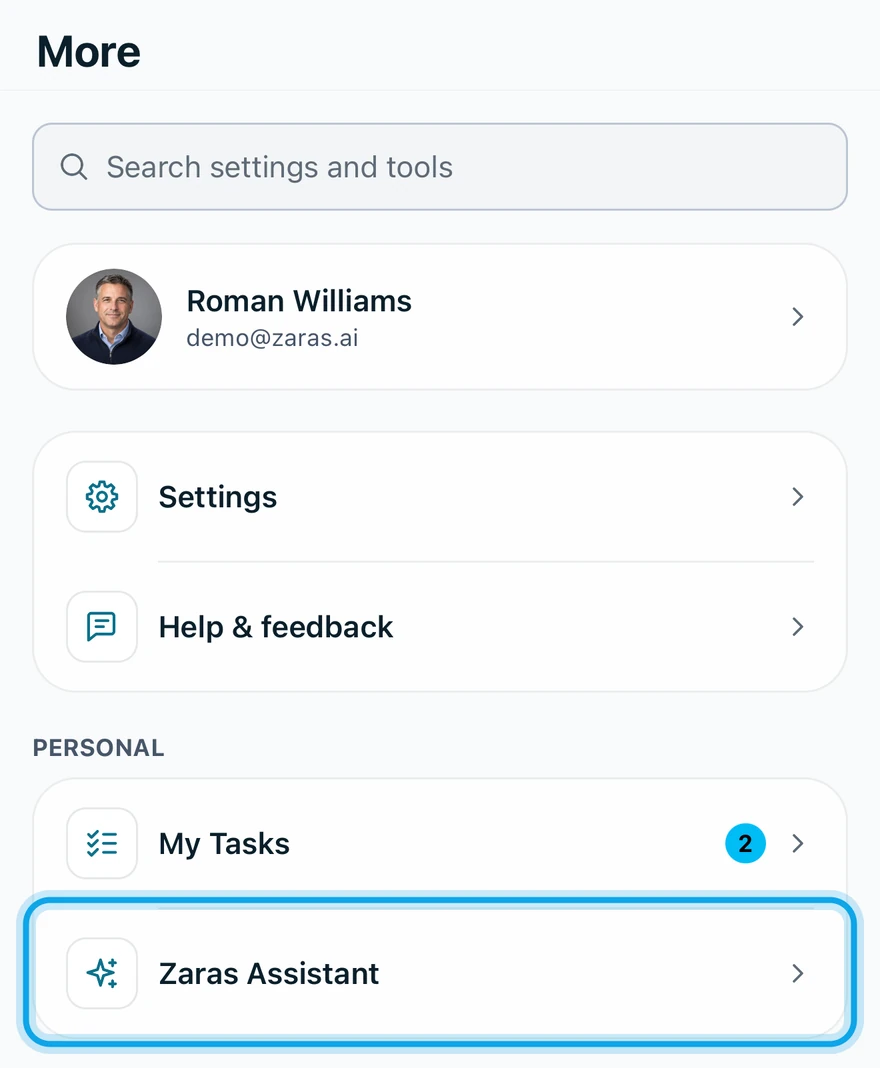
Choose Zaras Assistant under Personal in the sidebar on the web, or tap More, then Zaras Assistant in the app. It opens beside whatever you are looking at.
Open it on the web
- Choose Zaras Assistant under Personal in the sidebar.
- To make it a full page, press the expand arrow at the top of the panel.
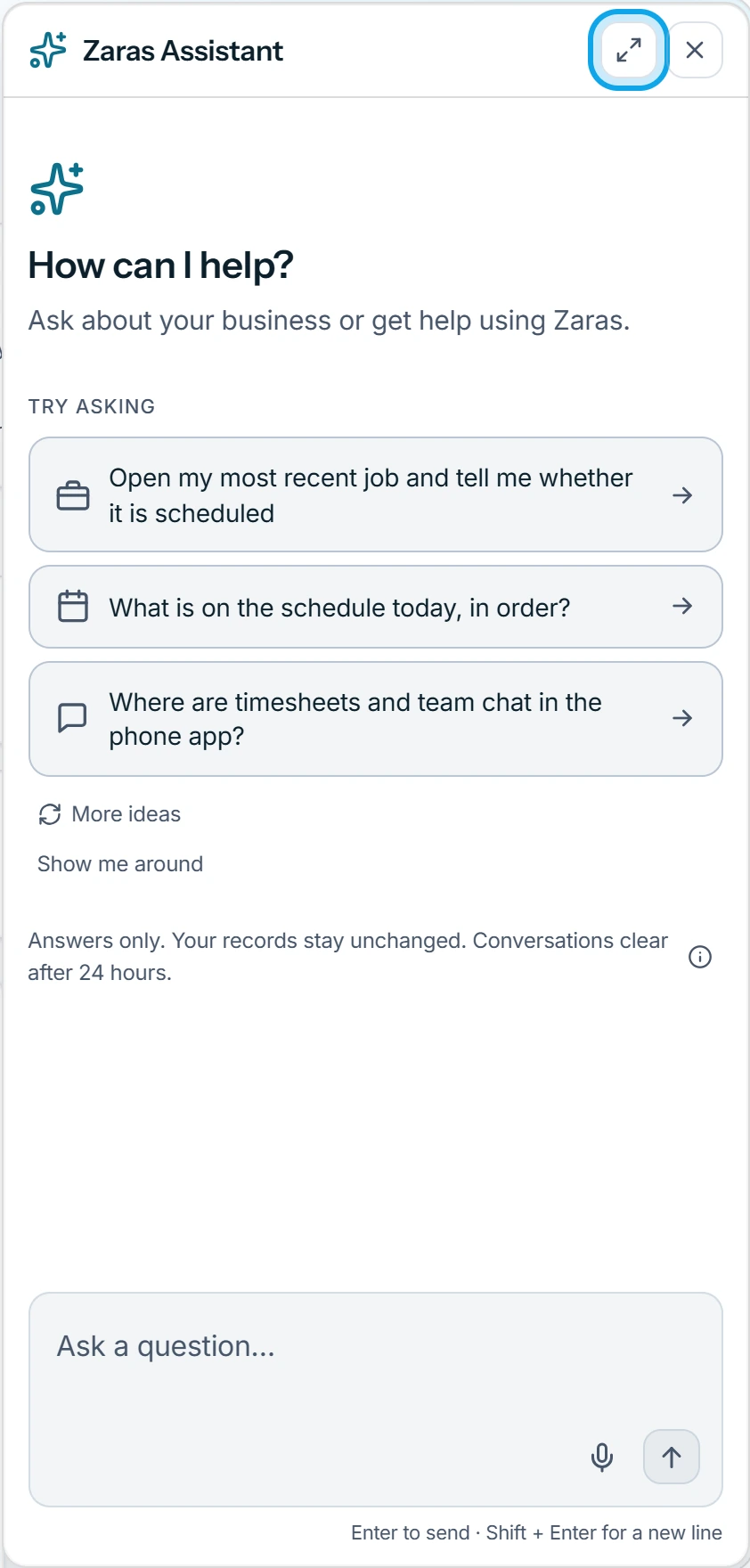
Or press ? anywhere outside a text field. It does nothing while a dialog or menu is open.
Open it in the Zaras app
- Tap More.
- Tap Zaras Assistant, under Personal.
What you see
Suggested questions under Try asking, and the question box at the bottom. Your last conversation on this device is still there. What to ask is in What can Zaras Assistant answer?
Who can do this
Every member can use Zaras Assistant. No permission is needed.