Why does my job say Needs invoice?
A completed job with no invoice stays flagged until you invoice it or say none is needed. It shows Job completed but not invoiced, and the Needs invoice filter on the jobs list collects it.
Clear the flag
Pick one of the three ways out on the job:
- Create invoice makes a draft invoice from the job's line items and opens it.
- Link invoice picks an existing invoice for the same customer.
- No invoice needed is for warranty work or work billed elsewhere.
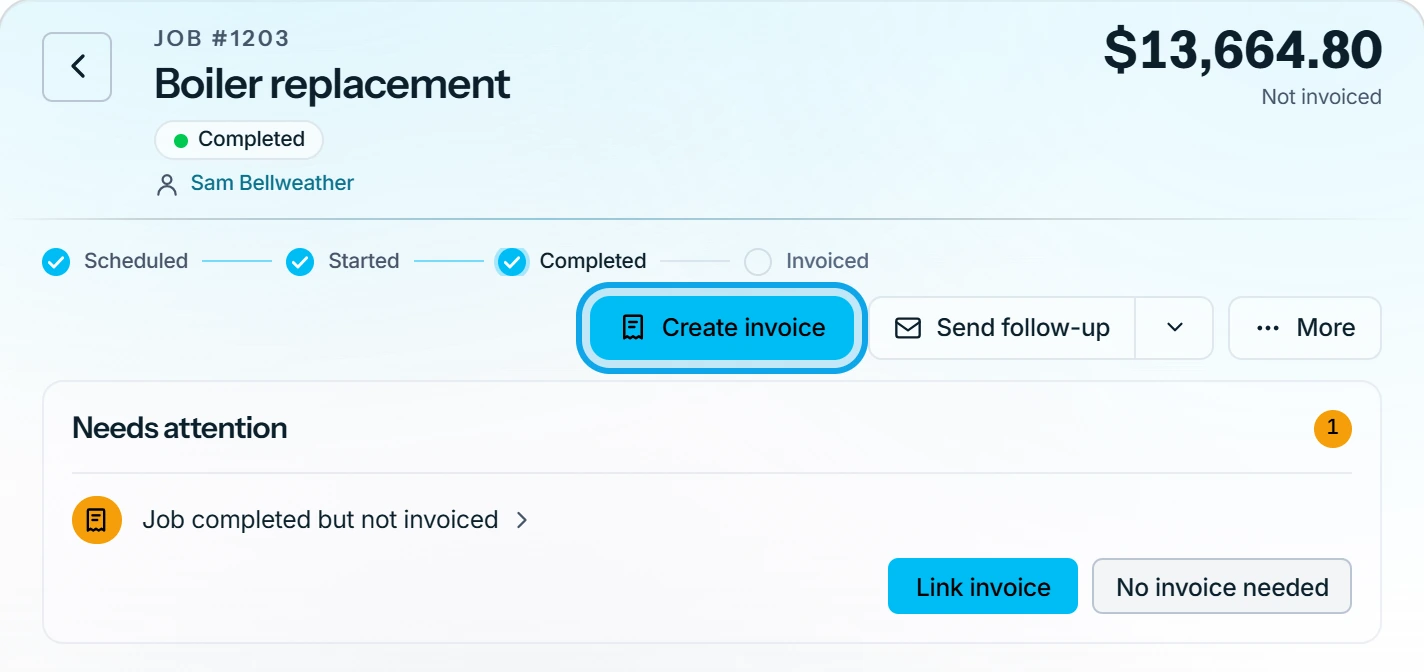
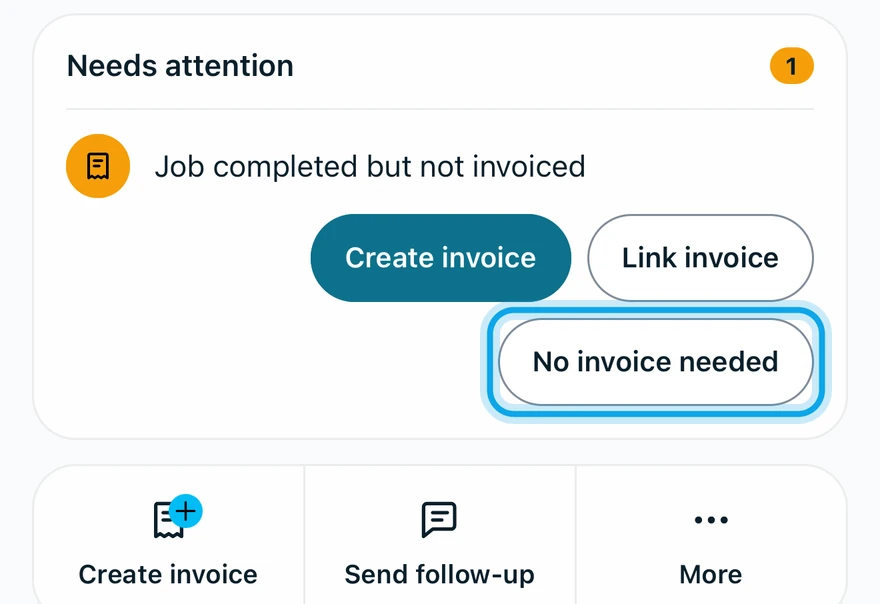
For No invoice needed, add an optional reason, then press Mark as no invoice needed.
What you see
The flag clears. Invoice linked to job or Marked as no invoice needed confirms it. The job then shows who marked it and when. Undo reverses the mark.
Unlinking the invoice later flags the job again: This job needs an invoice again.
Create invoice asks first
A zero total asks Create invoice? before making a $0 draft. A job with no customer needs one added. Voided invoices can't be linked.
Who can do this
Creating or linking an invoice needs Manage invoices. No invoice needed needs Manage jobs. Owners, admins, office and technicians hold both by default.