Take the tour again
Choose Show me around under Getting started on Preferences. The tour runs in a sample workspace, apart from your own.
Take the tour
- Open Settings. In the app, tap More, then Settings.
- Open Preferences.
- Under Getting started, choose Show me around or Replay the tour.
With a tour in progress, Resume tour and Restart tour take their place.

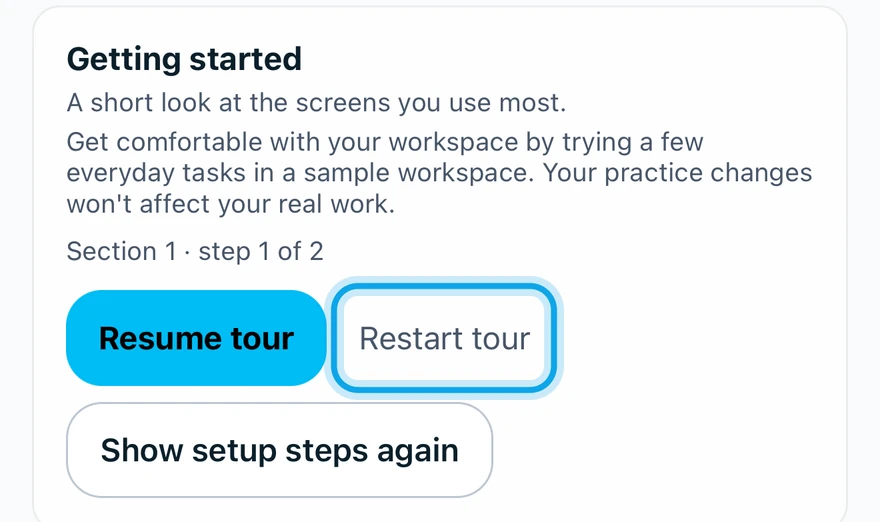
What you see
The guided tour starts in the sample workspace. You can also ask Zaras Assistant to show you around.
Bring back the setup checklist
Home shows a Set up your workspace checklist, with the steps your role can do. Remind me tomorrow hides it for the day. Hide checklist hides it until you bring it back.
- Open Preferences under Settings.
- Choose Show the setup checklist again on the web, or tap Show setup steps again in the app.
Who can do this
Every member can take the tour. No permission is needed.