What can each team role do?
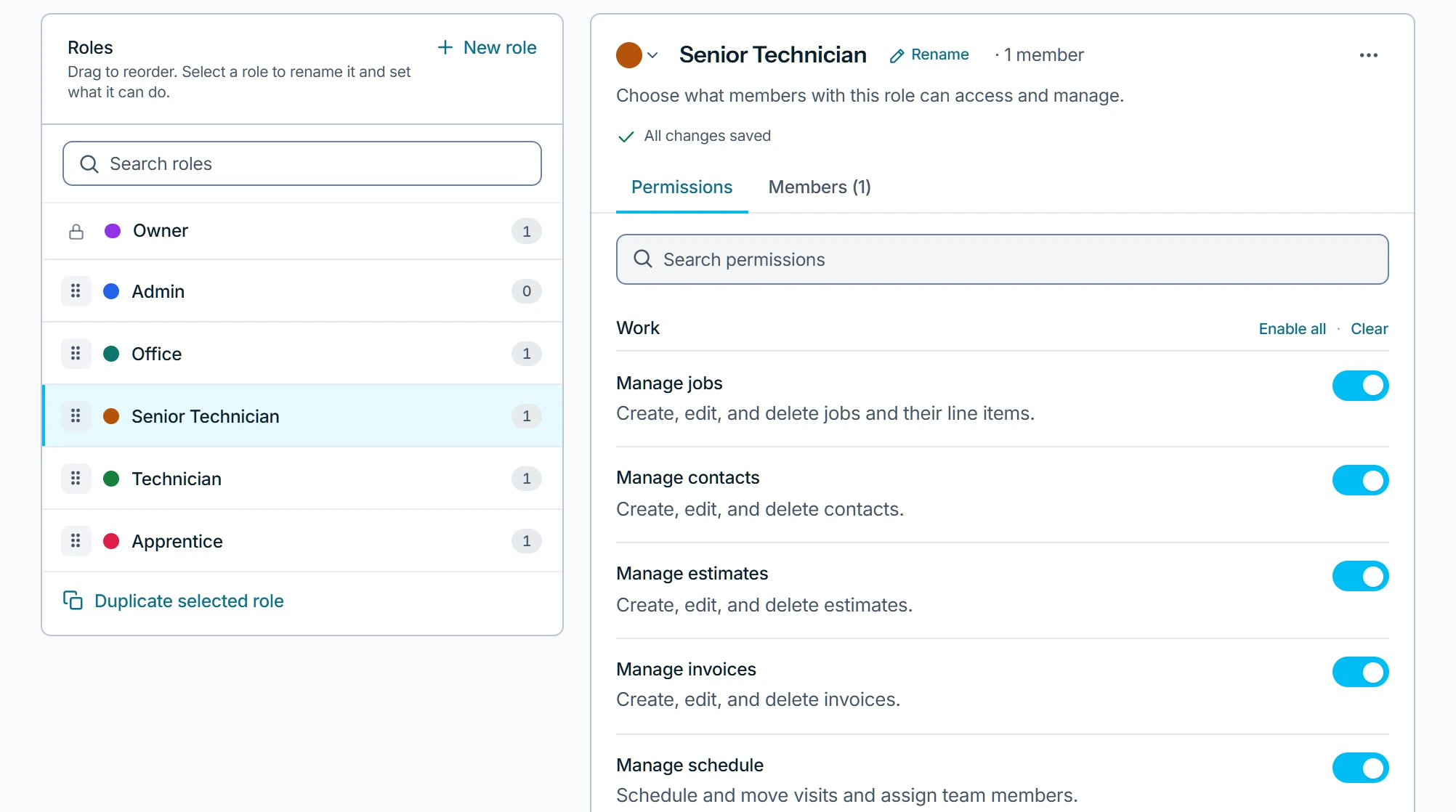
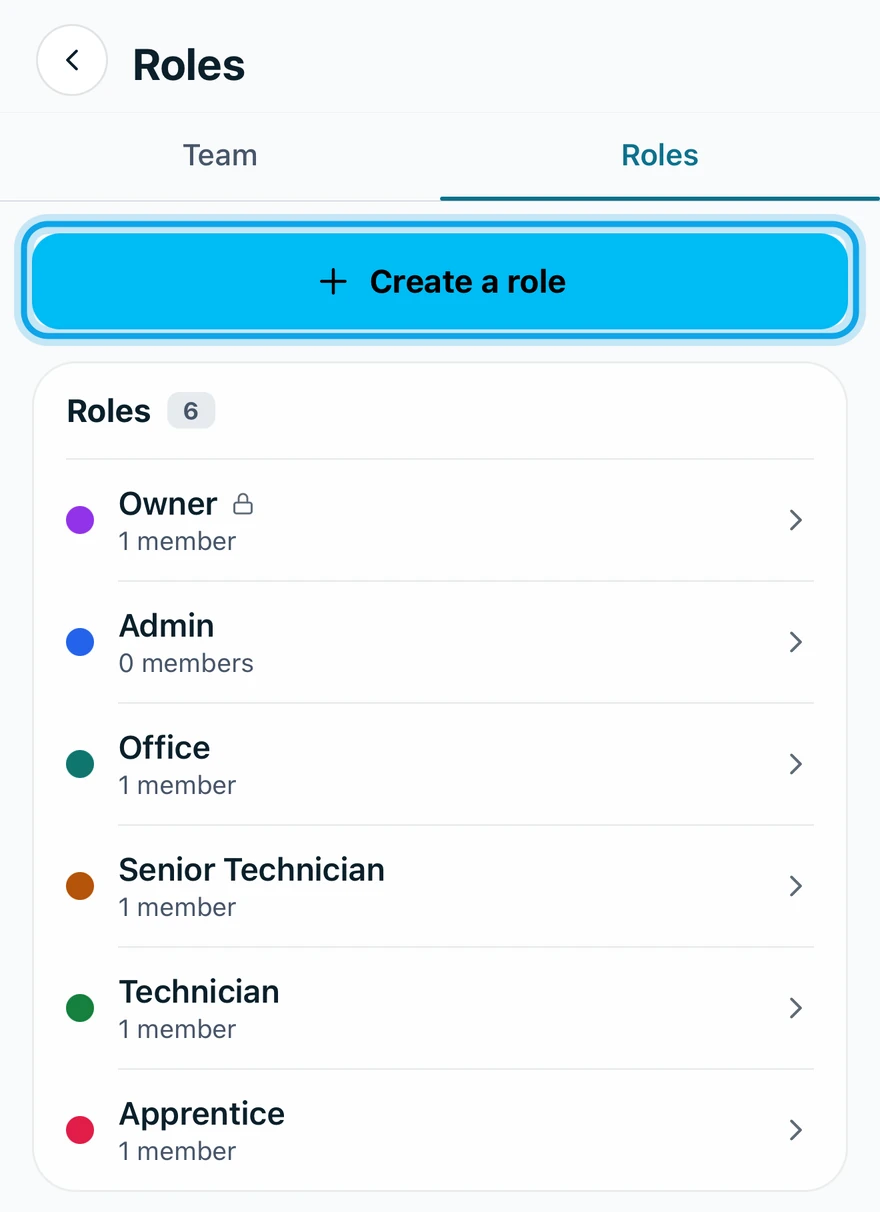
Each member's role sets what they can see and do. Zaras has four built-in roles, and you can create your own.
The built-in roles
- Owner: every capability. The role can't be given to someone else. Ownership moves only by transferring it.
- Admin: every capability.
- Office: the five work capabilities, plus Send & read messages, Manage templates, Approve timesheets and View reports.
- Technician: jobs, contacts, estimates, invoices and the calendar only.
Office can't manage the team, roles or settings, see cost and profit, or set up SMS.
Can a technician see prices?
Yes. Technicians create and edit estimates and invoices, so they see prices and totals. Unit costs, margins and labor cost need View cost & profit, which only owners and admins hold by default.
What you see
Each member's row shows their role on Team & roles. An older workspace may also show a Dispatcher role: the Technician set plus Send & read messages and Manage templates. Built-in roles can't be deleted.
Who can do this
Changing what a role holds needs Manage roles, held by owners and admins: see Change a team member's role.