Start a chat with your team
Start a channel for a topic, or a record chat about one job, estimate or invoice. Channels are topics, not private groups. Everyone in your workspace can read and reply.
Start a channel
- Open Team Chat in the sidebar on the web, or under More in the app.
- Press New channel on the web, or tap Create channel in the app.
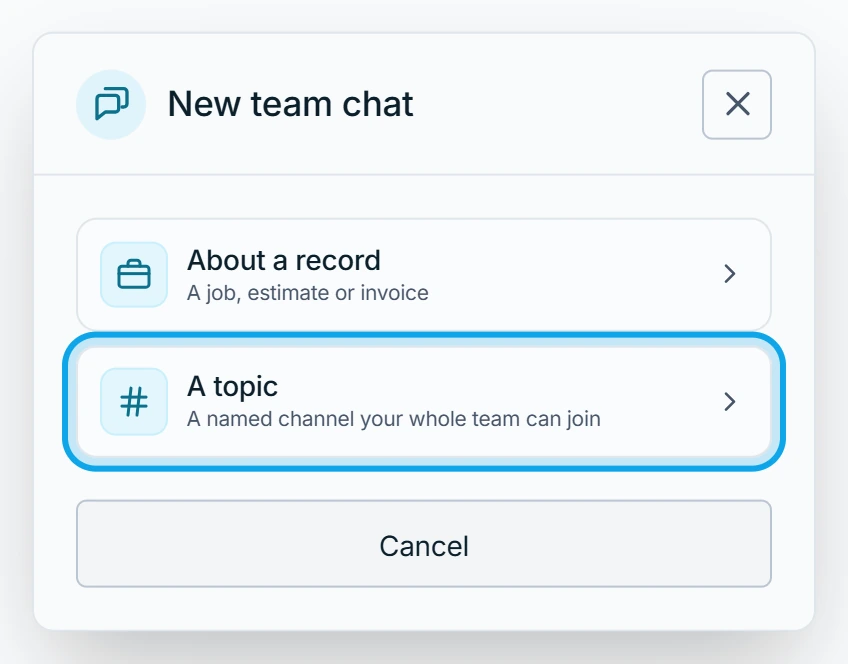
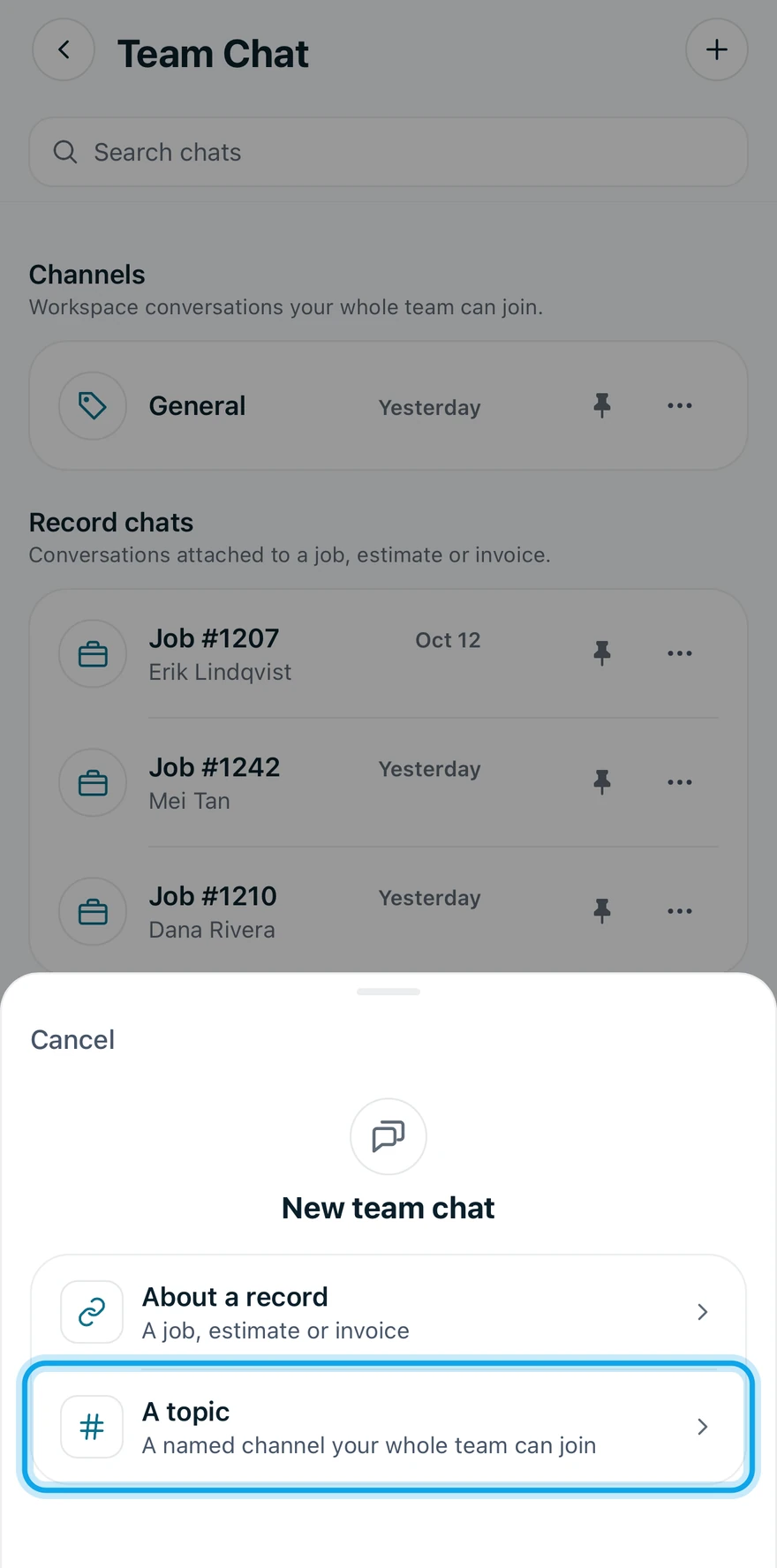
- Choose A topic.
- Type a name under Name your channel.
- Press Create channel.
Start a record chat
- Press New channel on the web, or tap Create channel in the app.
- Choose About a record.
- Pick the job, estimate or invoice from the list.
A record's Team chat card opens its record chat too.
What you see
The chat opens, marked Visible to all workspace members. Public channels (Channels in the app) list named topics. Record chats list one thread per record once someone posts.
Pinned holds the chats you pinned, and only you see it. A dot on Team Chat marks unread messages.
Remove a chat from your list
- Open the actions on the chat's row: the three-dot button on the web.
- Choose Delete conversation.
It leaves your list. Nobody else is affected, and it comes back if anyone posts in it again. A team's channel can't be deleted for everyone.
Who can do this
Every member can start and join chats. There are no invitations or permissions to grant.