Change what the calendar shows
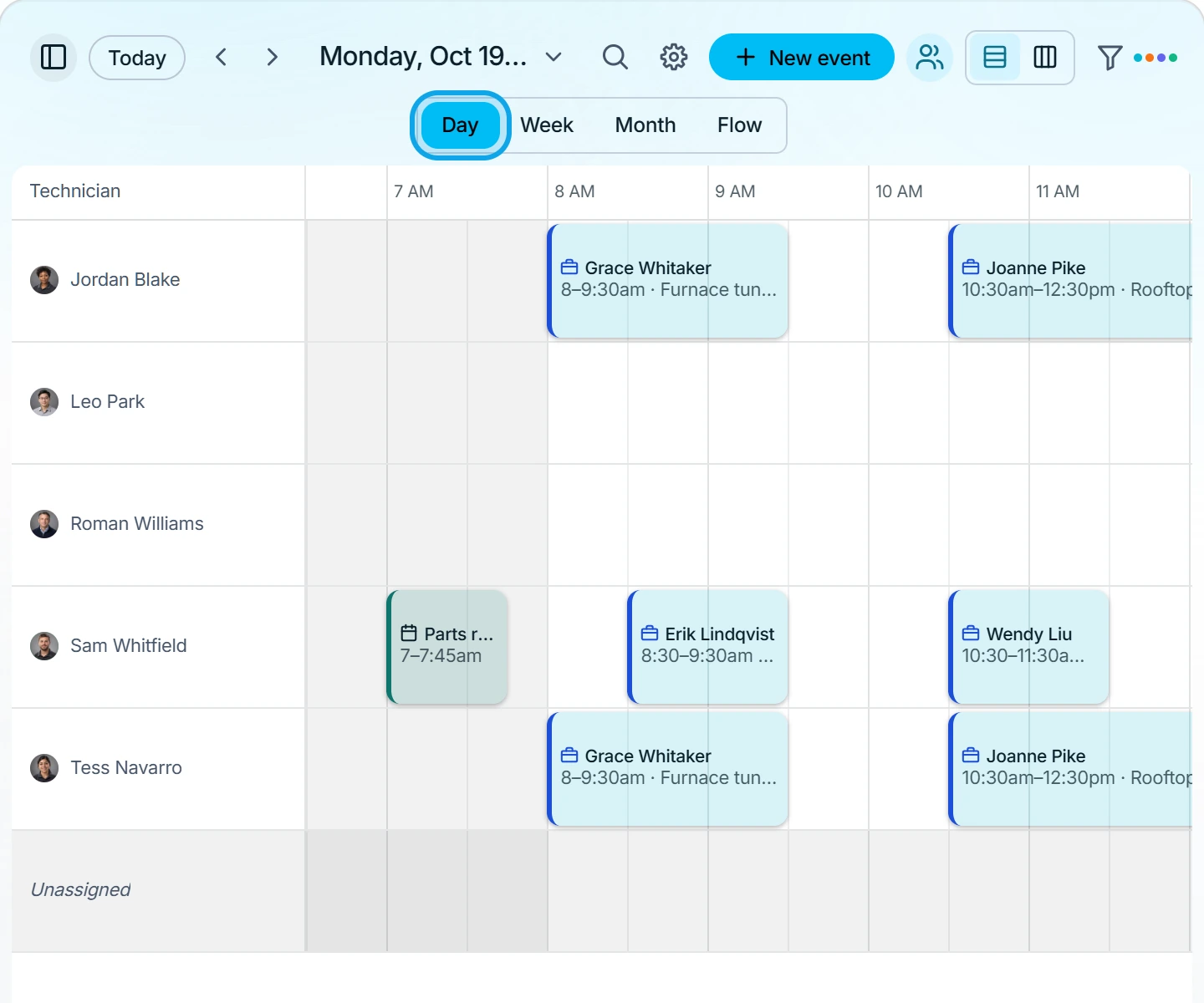
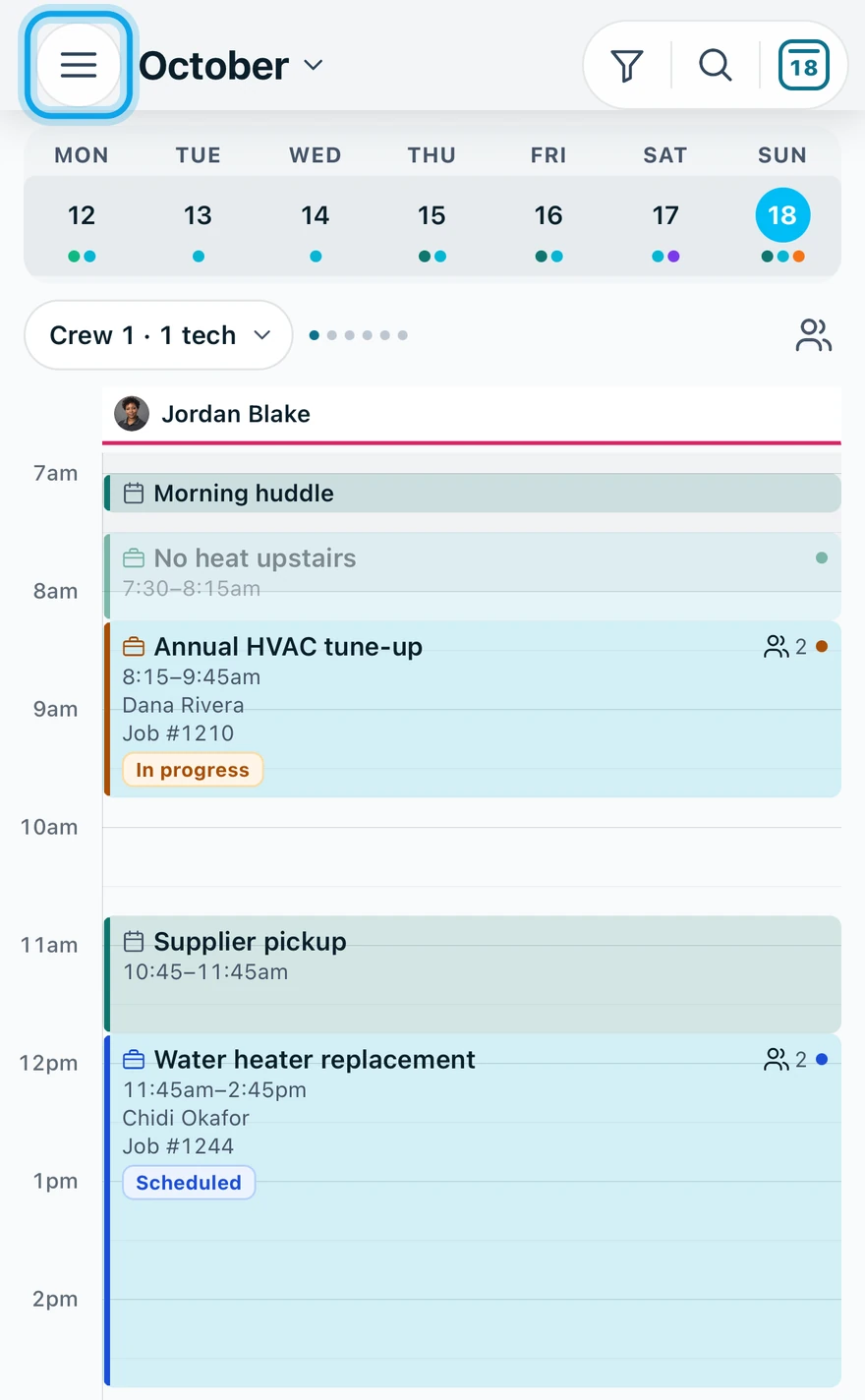
Pick Day, Week, Month or Flow in the web toolbar, or tap the three-line button on Schedule in the Zaras app. The view changes only what you see, never the appointments.
Change the view
On the web:
- Pick Day, Week, Month or Flow in the toolbar.
- Press Today to jump back to the current day.
- Press Show team view for one lane per technician.
In the Zaras app:
- Tap the three-line button on Schedule.
- Tap Flow, Day, Team or Month.
What you see
Flow lists everything coming up. Team view adds an Unassigned lane. In the app, Team shows for non-technicians once the workspace has two or more members.
Filter the calendar
- Calendar layers turns Jobs, Estimates, Events and US holidays on or off.
- Status narrows visits. Team picks the people. Reset filters clears it all.
In the app, tap Filters. Team views arranges technicians into crews, kept with Save layout.
Search the calendar
Press the magnifier, or press / or Cmd+K / Ctrl+K on the web. In the app, tap the magnifier on Schedule. Search by title, number, contact or address.
Who can do this
Anyone who can open the calendar can change the view.