Delete your workspace
The owner deletes the workspace from the foot of Business info. Everyone loses access at once, and you have 30 days to restore it.
Save your records first
Nobody can open them after you delete, and you may have to keep them for tax purposes. Open each invoice or estimate you need and press View PDF to save a copy.
Delete your workspace
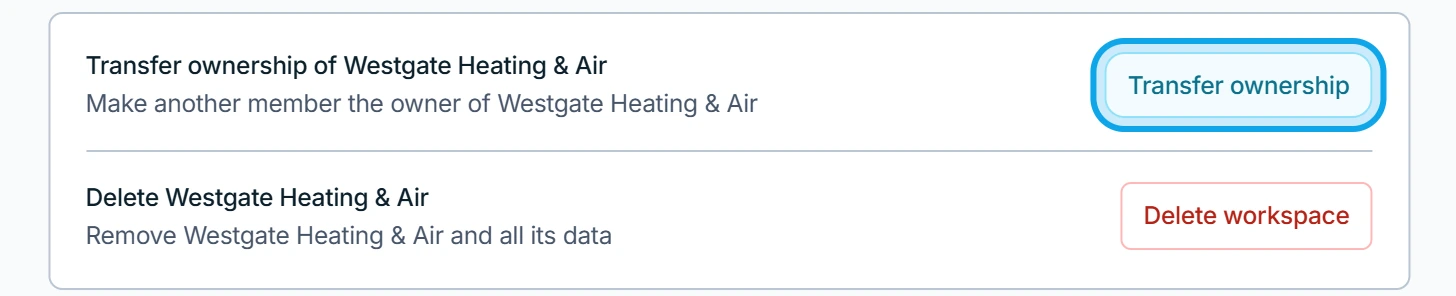
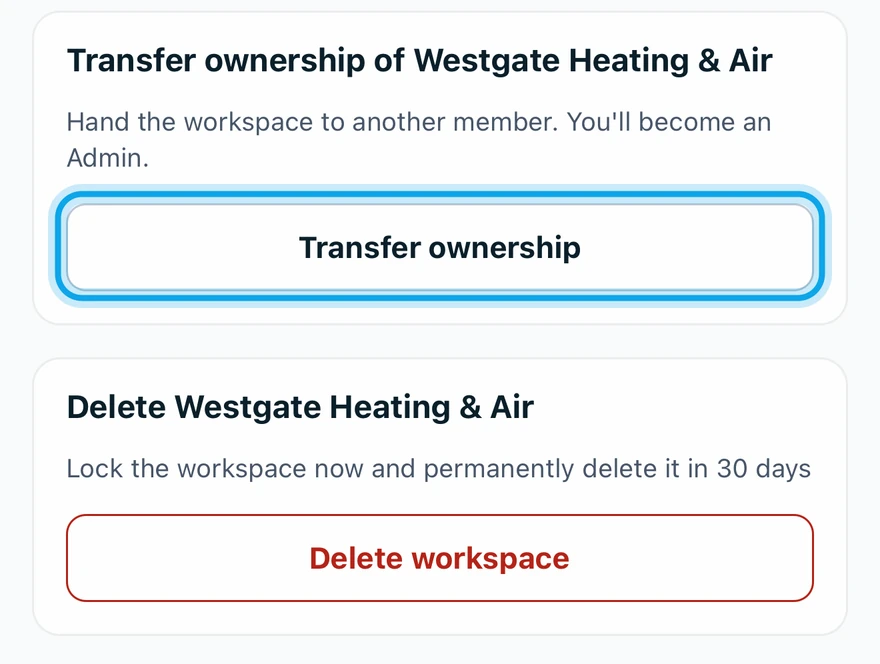
- Press Delete workspace at the foot of Business info.
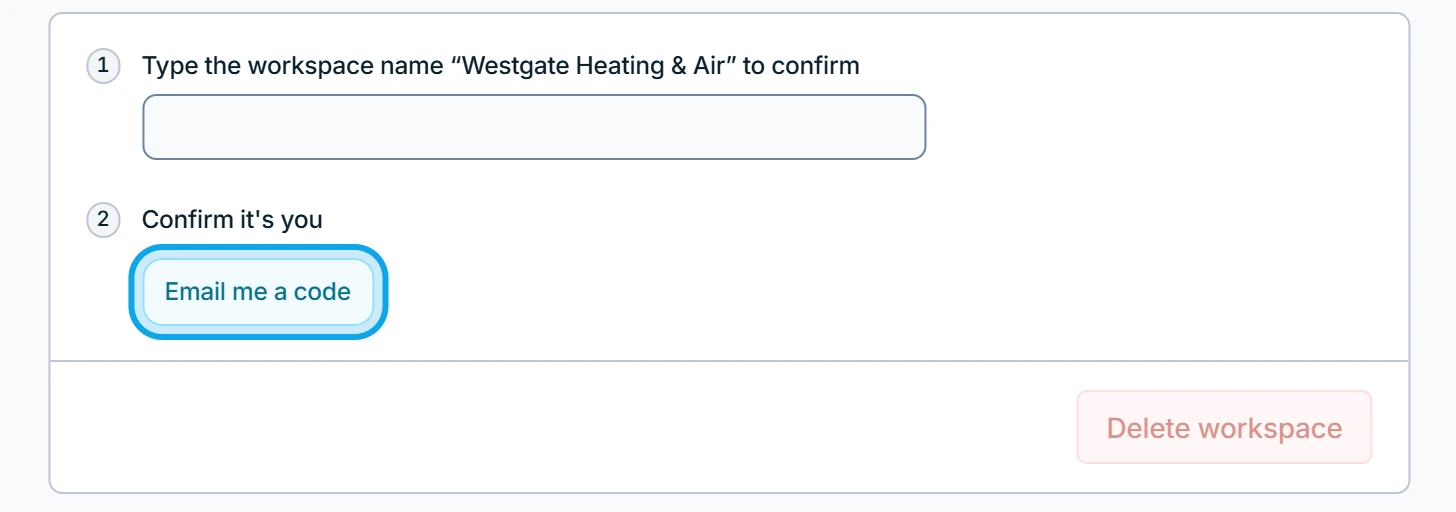
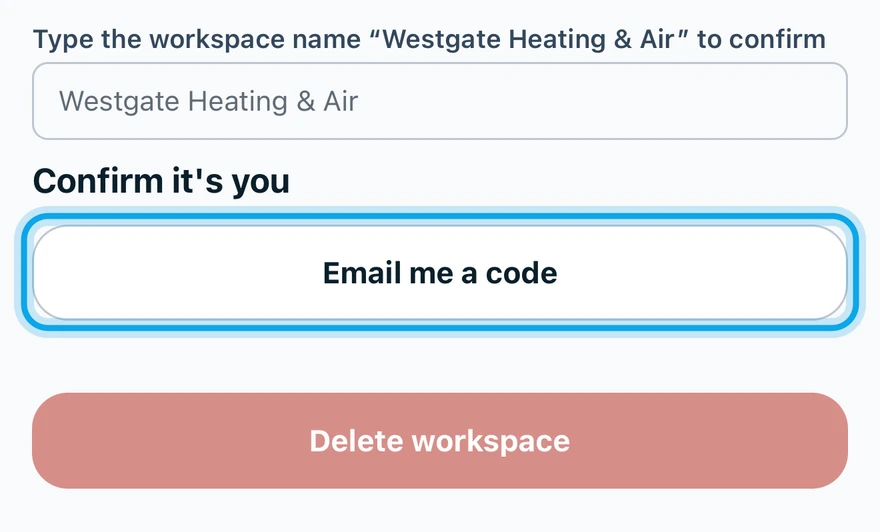
- Press Email me a code and enter the Code.
- Type the workspace name to confirm.
- Press Delete workspace.
What you see
The page shows the date it will be deleted, and Zaras emails you how to restore it. Each member is emailed that the workspace was deleted. Customer links for invoices and estimates stop working, and calendar feeds stop updating.
If you connected Stripe: Your Stripe account stays open. You can manage payouts or close it in Stripe.
Restore it
Sign in within 30 days and press Restore workspace. Members who joined another workspace meanwhile are not added back. After that date, everything is deleted for good.
Who can do this
Only the workspace owner sees Delete workspace. Anyone else sees Only the workspace owner can delete it.