Restore a canceled job
You can restore a canceled job to make it active again, with the visits canceled alongside it. To bring back a completed job, reopen it instead.
Restore a job
On the web:
- Open the canceled job.
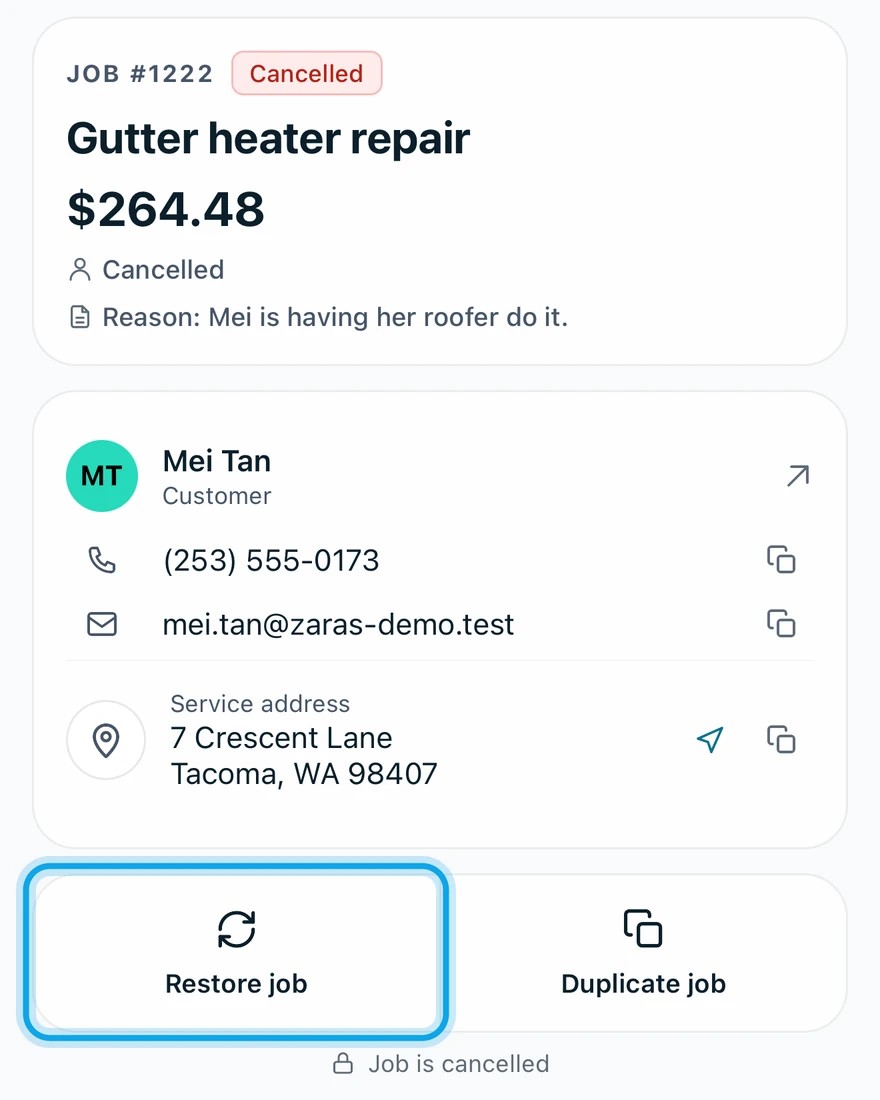
- Press Restore job at the top of the job.
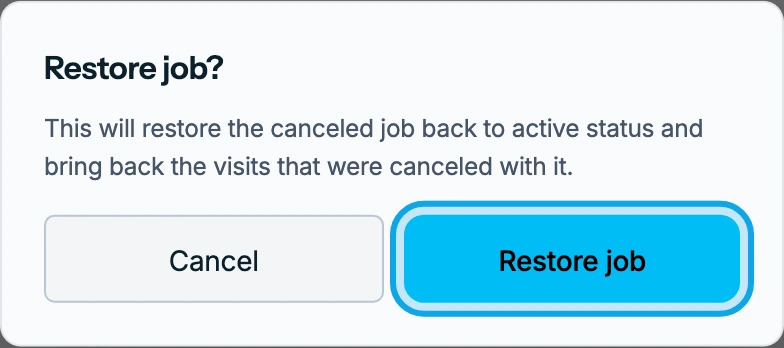
- Press Restore job in Restore job?.
In the Zaras app:
- Open the canceled job.
- Tap Restore job in the bar at the bottom.
- Tap Restore job in Restore this job?.
What you see
Job reopened confirms it, and the job is active again. The visits canceled with the job come back, so you can keep scheduling and logging work.
Visits you canceled one at a time before the job stay canceled. Invoices linked to the job stay linked, and Create invoice returns.
Restore job is missing
Only a canceled job offers it. A completed job shows Reopen job instead.
Who can do this
Restoring needs Manage jobs. Owners, admins, office and technicians hold it by default. Others ask an owner or admin under Settings → Team & roles → Roles.