Reset a forgotten password
Reset a forgotten password from the sign-in screen, with a link or code sent to your email. Your account and work are untouched.
Reset your password
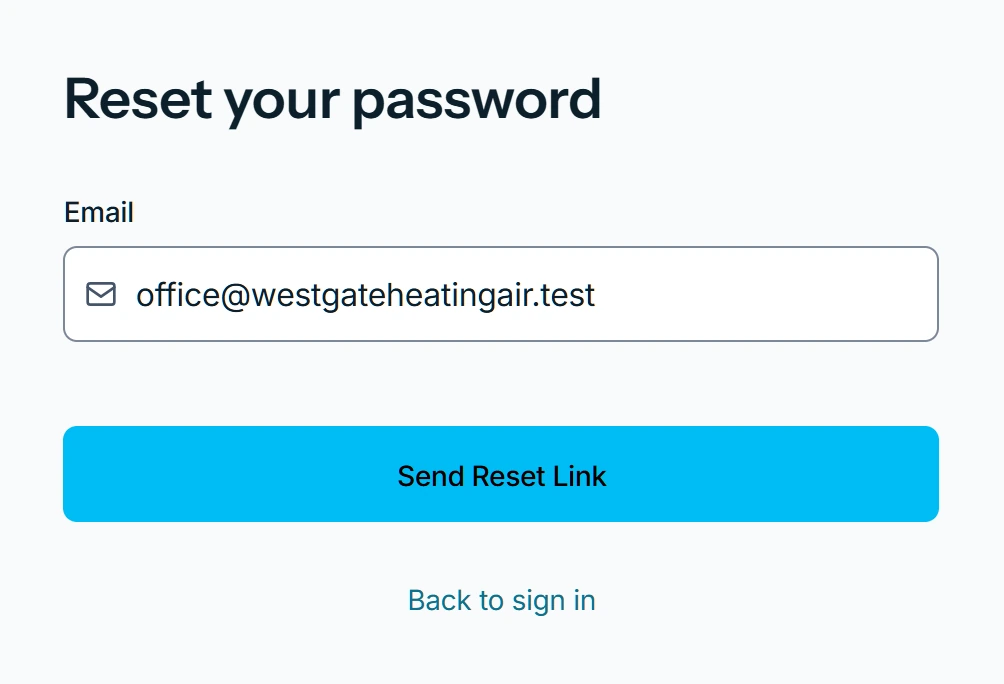
- On the sign-in screen, press Forgot password?.
- Enter your Email.
- Press Send Reset Link on the web, or tap Send code in the app.
- On the web, open the emailed link.
- In the app, enter the emailed code and tap Verify code.
- If two-factor is on, enter your authenticator code.
- Type the new password twice.
- Press Update Password on the web, or tap Update password in the app.
What you see
Password updated confirms it. Sign in with the new password from now on.
The link says Link expired
This password reset link has expired or is invalid. Please request a new one. Start again from Forgot password?.
Still locked out
Email support@zaras.ai from the address you sign in with.
Who can do this
Anyone with a Zaras account. No permission is needed.