What changes when I work on my own?
Team screens step aside or take new names, and every record you made stays. They come back when you invite your first teammate.
Names that change
Team Chat reads Notes, the Time & Team section reads Hours, and Timesheets reads My Hours.
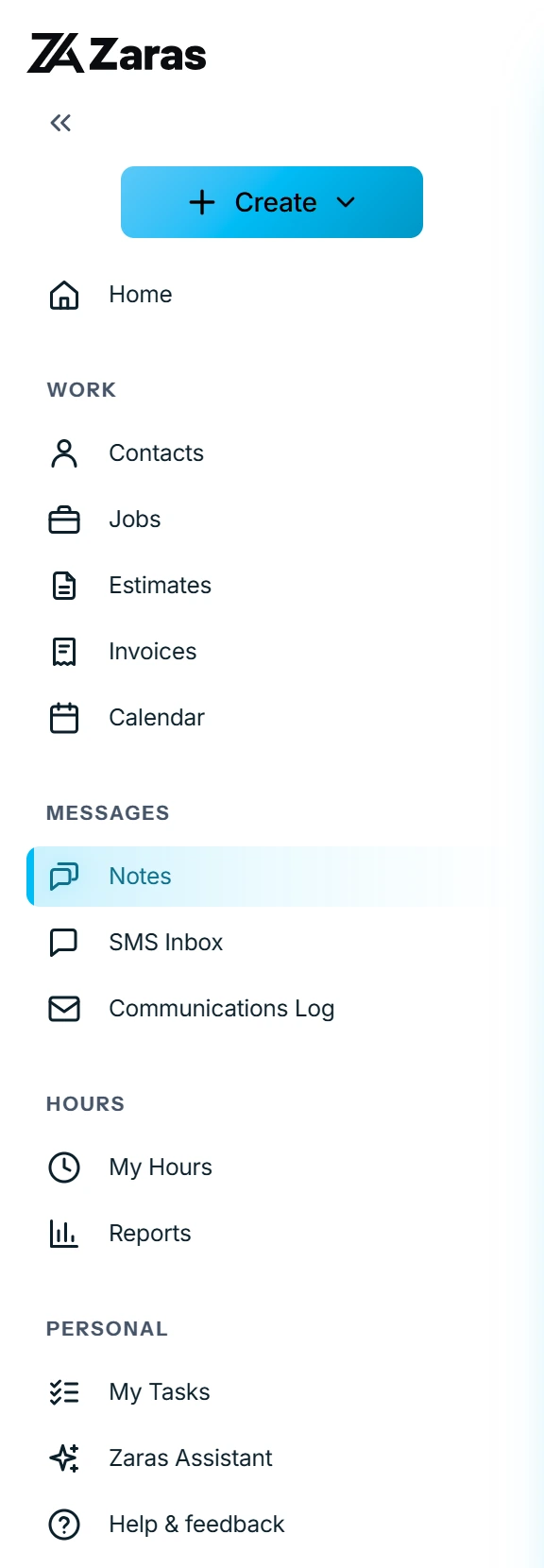
Notes
Notes on your jobs, estimates, invoices and contacts stay. Notes stay in your workspace and are never shown to the customer.
- Go to Notes.
- Press Add a note.
- Pick the job, estimate or invoice, and write.
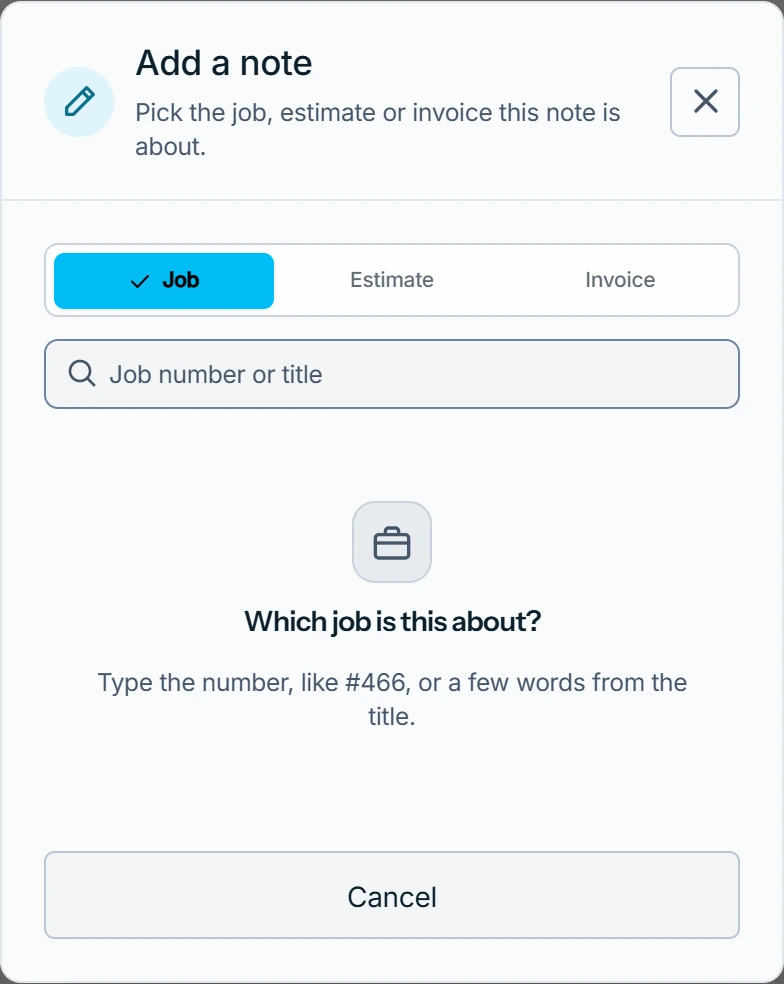
What you see
The record's notes open. A job with none yet reads Add a note to this job. Press Save and your note joins that record's notes.
Hours
Your time is approved as you record it and goes straight into job costs. There is no approval queue and no Team Hours.
Everything else
- New visits and records are assigned to you. There is no technician picker.
- The team report is not shown.
- Team settings reads Invite your team, with the form already open.
- Your rate is on your profile, under Your hourly rate.
Who can do this
It applies to every one-person workspace. No setting turns it on or off.