Stop notifications at night with quiet hours
Quiet hours stop push notifications on your phone during the times you choose. Alerts that fall inside them are dropped, not saved for later.
Set quiet hours
- In the Zaras app, open Settings → Notifications.
- Turn on Quiet hours.
- Set From and Until.
- Pick the days under Quiet on these days.
- Pick any whole days off under Quiet all day on.
- Tap Save changes.
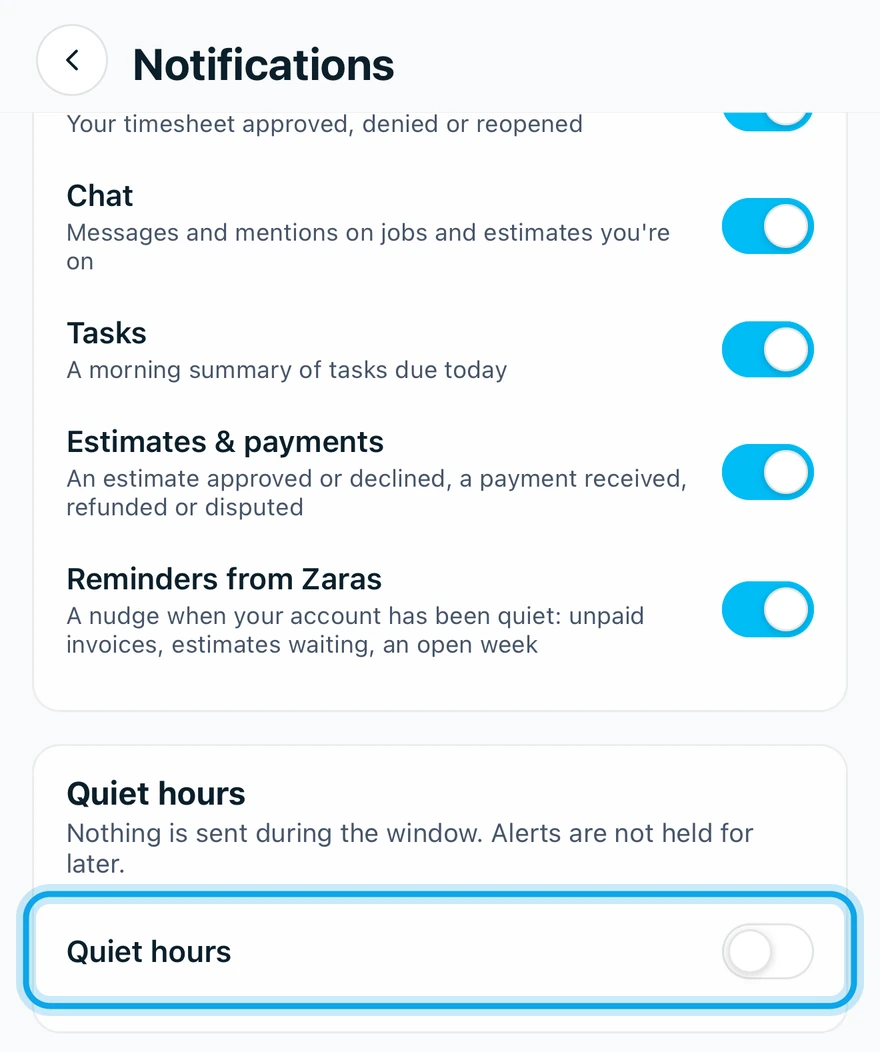
What you see
Notification settings saved confirms it. Nothing is sent during the window. Alerts are not held for later.
The times follow the workspace time zone, not the phone's.
Quiet hours don't work on my other phone
Like everything on Notifications, quiet hours apply only to this phone. Set them on each phone you use.
Who can do this
Every member sets their own, with no permission needed.