What does my customer see on their estimate page?
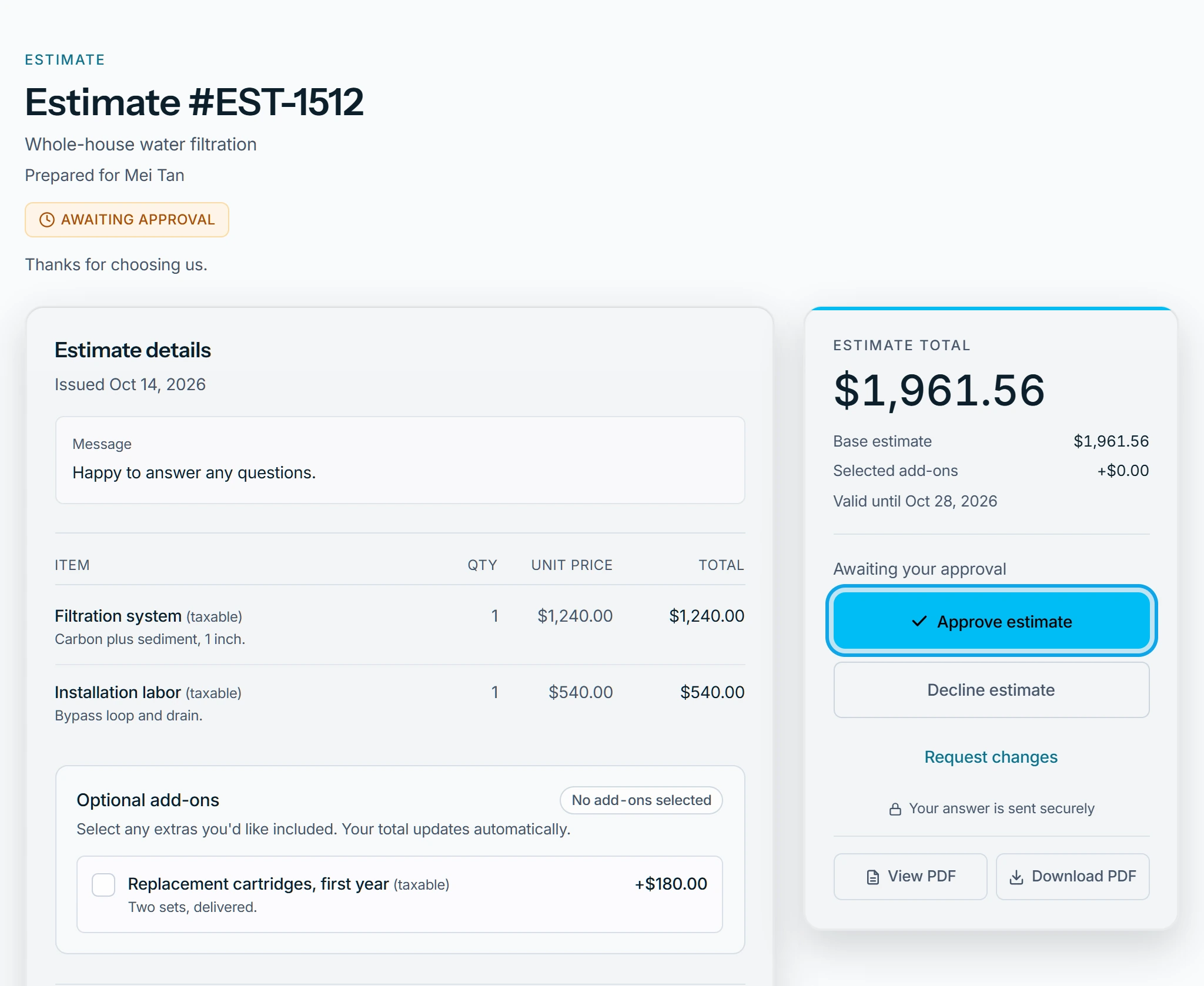
Your customer opens the estimate from your email, with no account. A waiting estimate reads "Awaiting your approval", with "Approve estimate" and "Decline estimate".
What the customer can do
- Tick optional add-ons. The total updates as they choose.
- Approve: they give their full name, a signature and their agreement to sign electronically.
- Decline: they answer "What changed your mind?", add an optional note, then press "Confirm decline".
- "Request changes" sends you their note, and the estimate stays open.
What they see after deciding
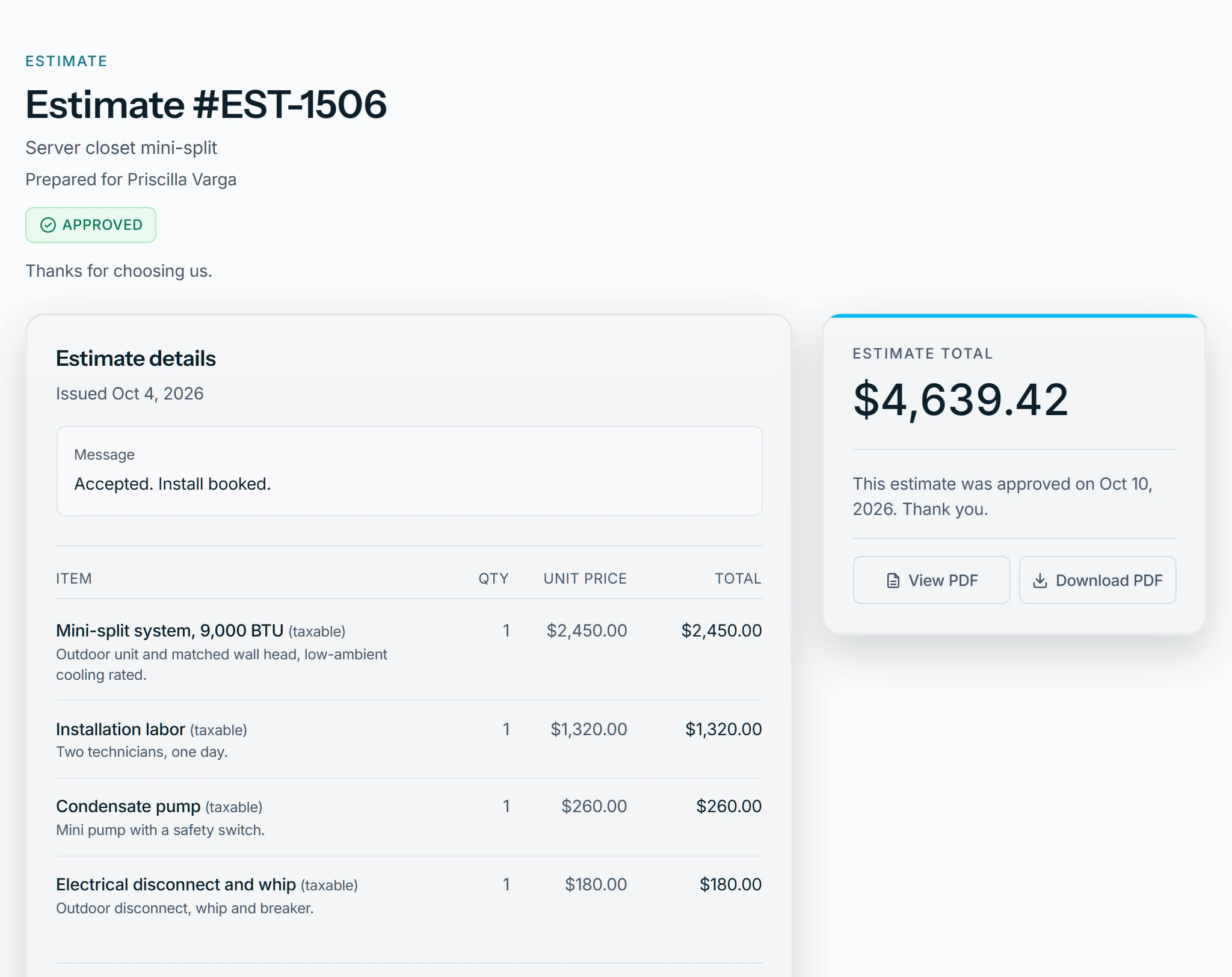
The buttons go, and the page says when it was approved or declined. They can't change their mind on the page, so they contact you. You are told as set in your notifications.
When the buttons are missing
- Past its valid-until date, the page asks them to contact you for an updated estimate. See Extend an expired estimate.
- A replaced estimate asks them to check their email for the updated version.
Who can do this
The customer needs only the link. What the page shows is set on Client portal.