Why did Zaras Assistant stop answering?
Zaras Assistant stops when a question limit is reached, an answer takes too long, or the connection fails. Your question and draft are kept.
You're sending questions too quickly
You're sending questions too quickly. Try again in a moment. means wait. If the wait is longer, the message says when to try again.
A daily limit reads You've reached today's Zaras Assistant limit. Try again tomorrow. Three within 24 hours bring Zaras Assistant is paused on this account for 24 hours because it reached its limit several times.
You just asked that. The answer above is the latest one. means you repeated a question within a minute.
It took too long
Zaras Assistant didn't answer. Try again. means no answer began in time. That took too long. Try a narrower question. means the answer ran long.
Ask "overdue invoices for Acme", not "tell me everything". A cut-short answer keeps what arrived, marked Answer interrupted.
It can't connect
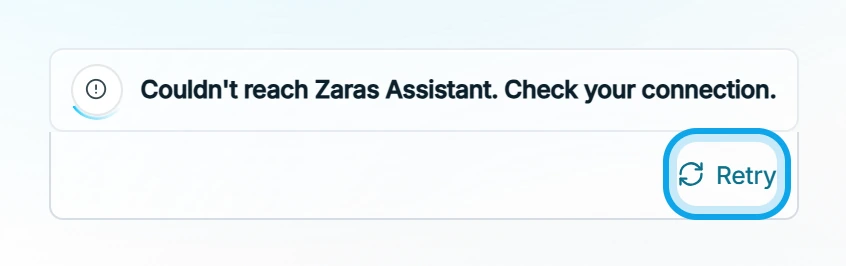
Couldn't reach Zaras Assistant. Check your connection. or Zaras Assistant is unavailable right now. Try again in a minute. Press Retry when you are back online.
You don't have access
You don't have access to Zaras Assistant in this workspace. is not about your role. If it persists, ask an owner or admin to check Settings → Team & roles.
Your session expired. Sign in again. is not an error in Zaras Assistant. Sign in again to carry on.
Who can do this
Every member can use Zaras Assistant. No permission is needed.