Snooze a task
Snooze a task to hide it until a time you pick. It comes back to its bucket on its own.
Snooze a task
- Open the task on the web, or tap it in the Zaras app.
- Under Snooze, pick Later today, Tomorrow or Next week.

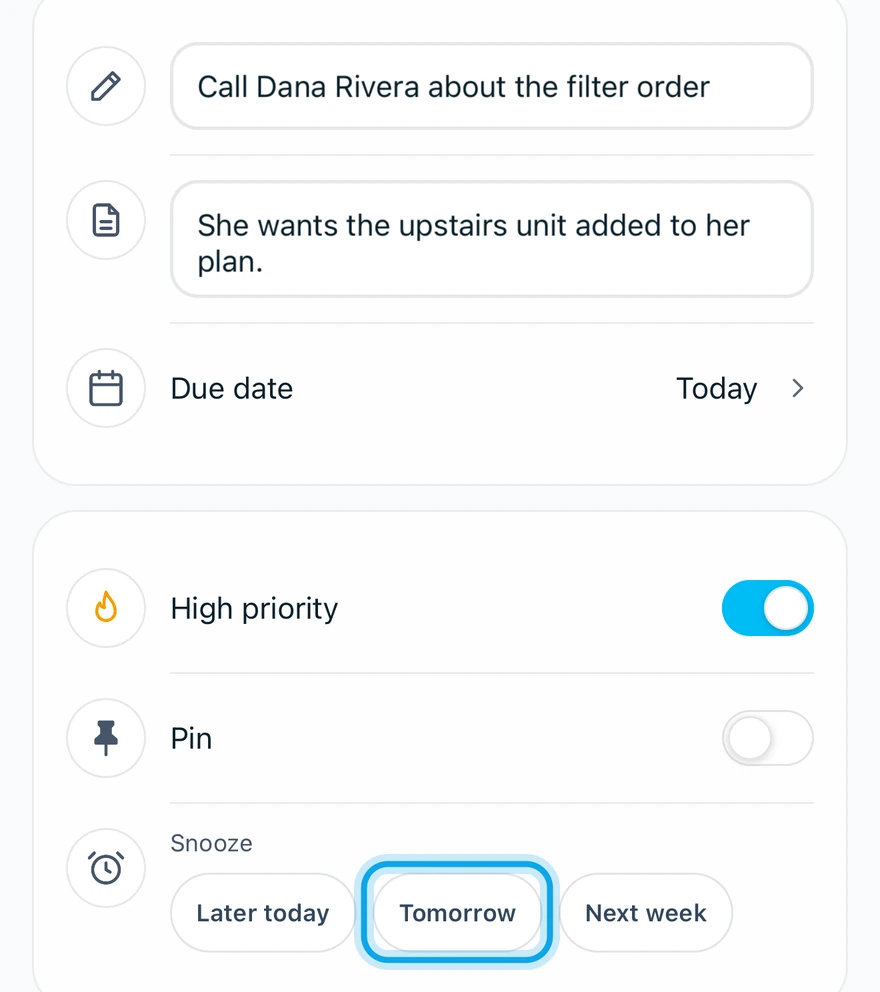
What you see
A message such as Snoozed tomorrow confirms it, with Undo beside it for a moment. The task waits under Snoozed.
On the web, Snoozed is a section of the full page, linked from the panel's footer. In the Zaras app, it is a screen at the bottom of My Tasks.
Bring it back early
- Open the task from Snoozed.
- Choose Un-snooze on the web, or Unsnooze in the app.
A snoozed task can't be pinned. Unsnooze it first.
Who can do this
Every role has My Tasks. No permission is needed.