Change your language and display preferences
Change your language, theme and time format on Preferences in Settings. Only your own view changes: emails to customers go out in your template's language.
Change your preferences
- Open Settings → Preferences.
- Under Language, choose English (US) or Spanish.
- Under Theme, choose Light, Dark or System.
- Under Time format, choose 12-hour or 24-hour.
Automatic (browser language) on the web, or Automatic (device language) in the app, follows your device.
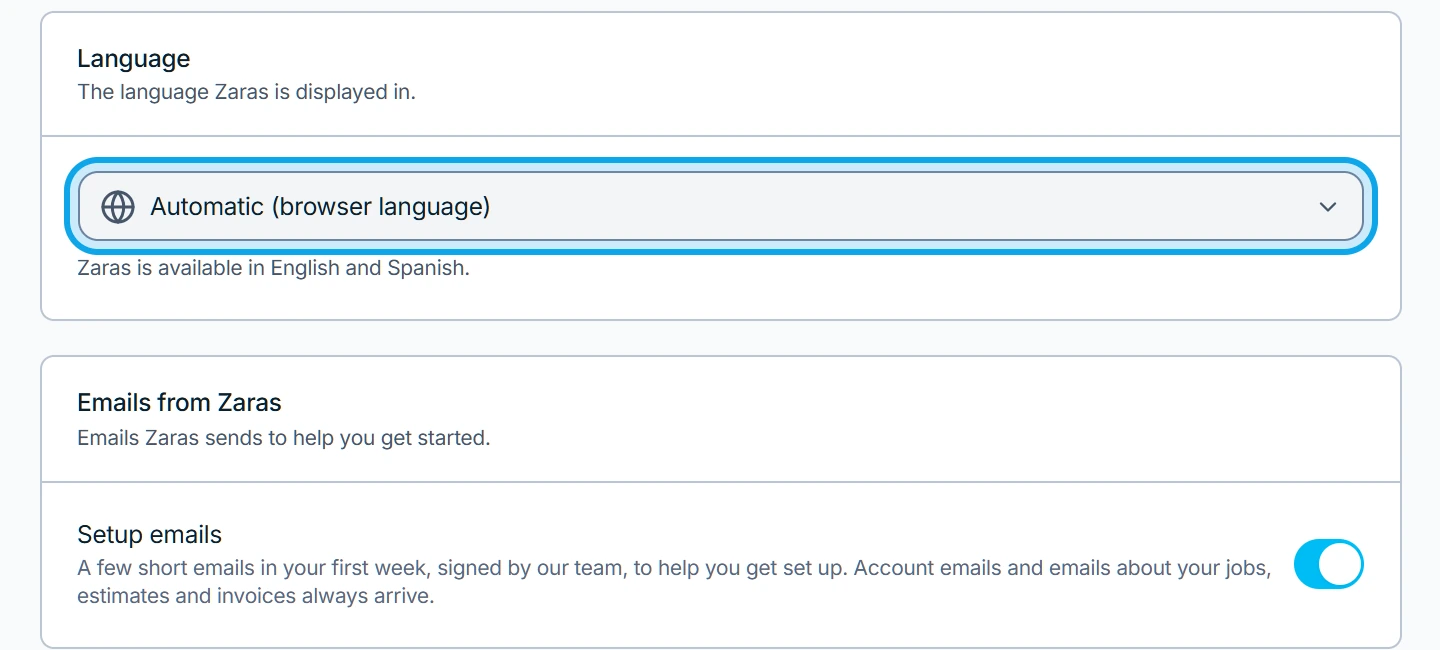
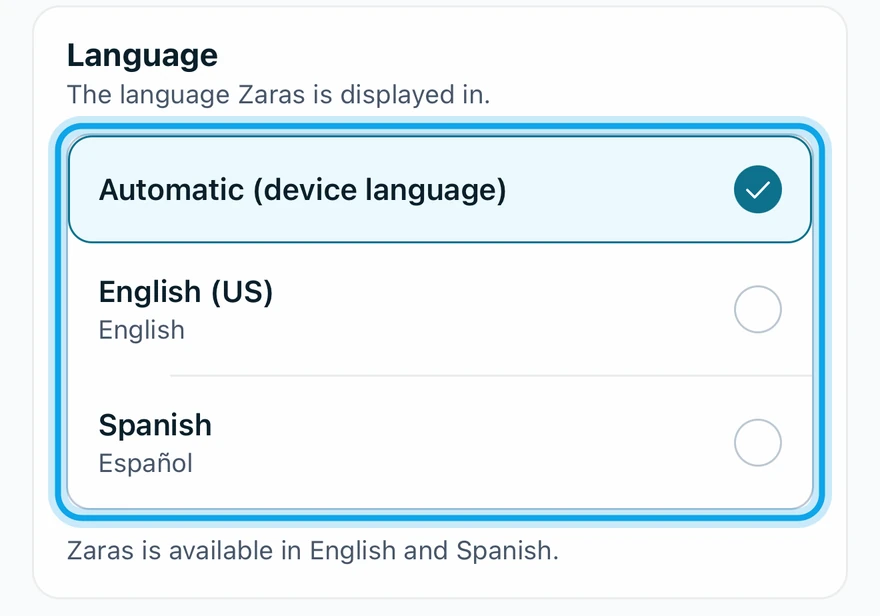
What you see
Zaras switches as soon as you choose. Changes save automatically means there is no save button. The theme applies to this device only: Theme is saved per device and browser.
The guided tour starts from this page too: see Take the tour again.
Who can do this
Every member sets their own preferences. No permission is needed.