Why does my estimate say Expired?
Its valid-until date passed before the customer decided, so they can no longer approve it. Extend the date and resend it, record a late decision, or send a revision.
Extend and resend it
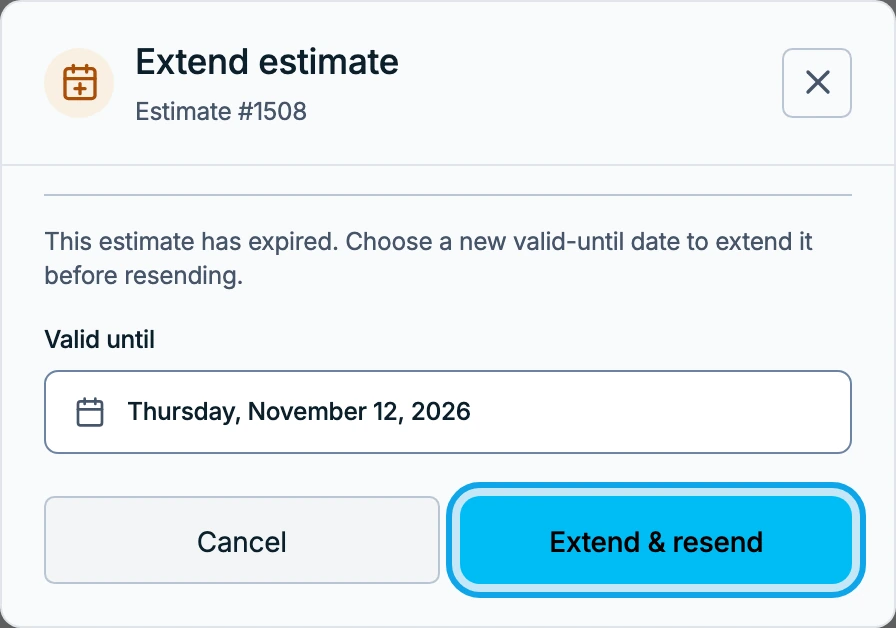
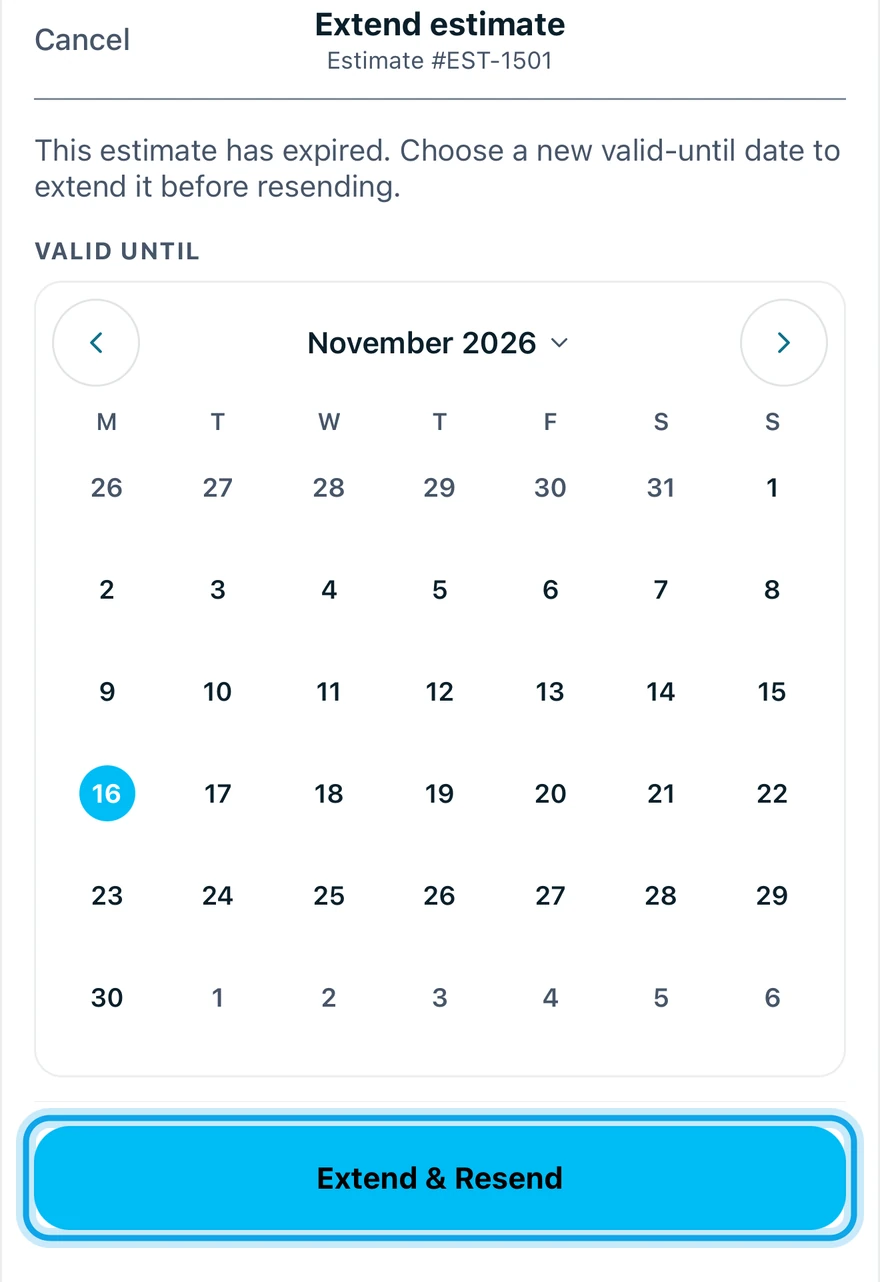
- Press Extend & resend on the web, or tap Extend & Resend in the Zaras app.
- In Extend estimate, pick a new Valid until date.
- Press Extend & resend, or tap Extend & Resend in the app.
What you see
The estimate goes to the customer again with the new date, and they can approve it.
Other ways out
- Record decision logs a late answer, marked Decision recorded after the estimate expired.
- Create revision starts a fresh draft with new pricing.
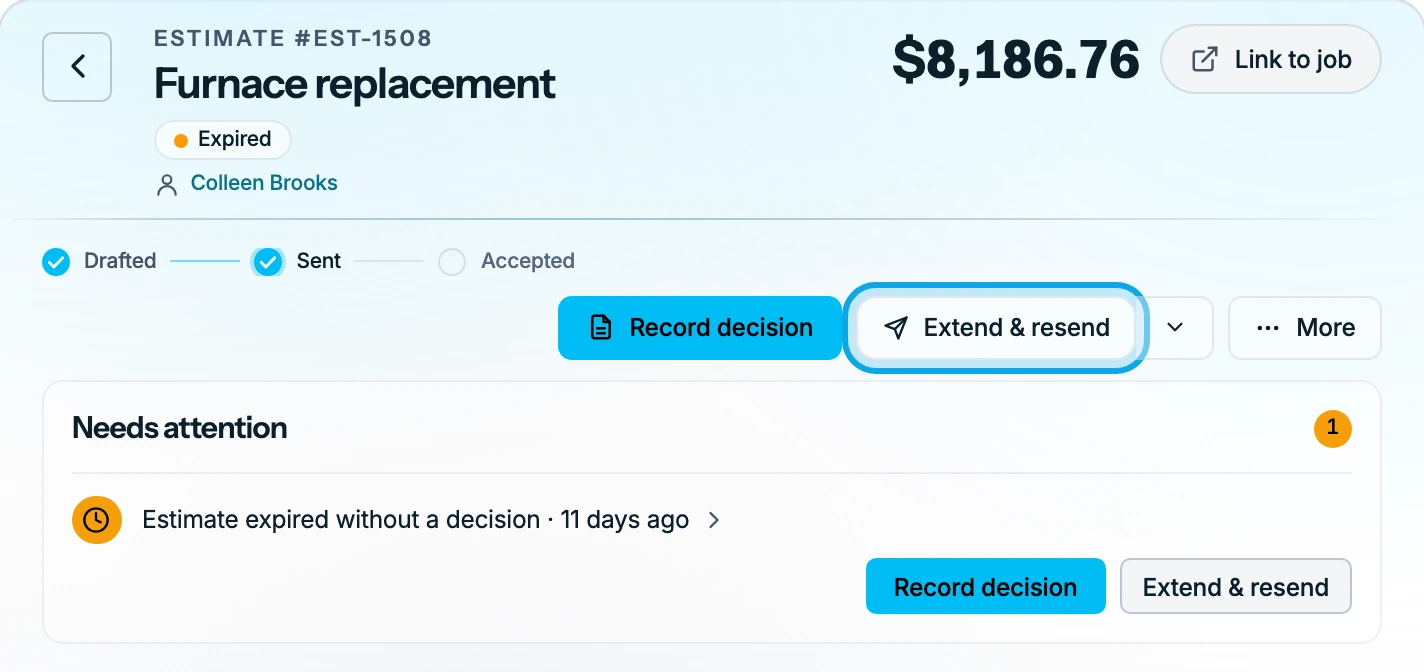
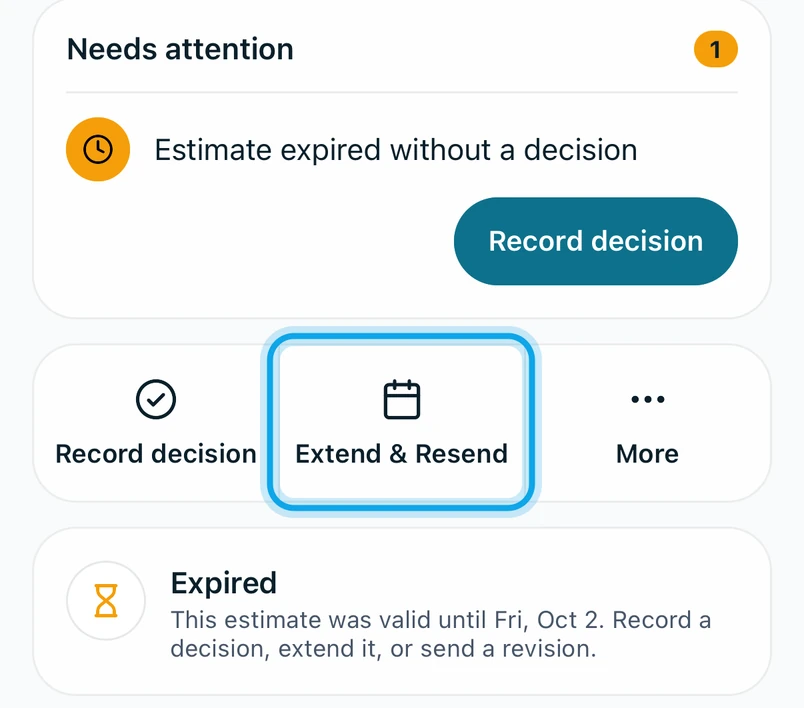
If Record decision isn't offered, extend the estimate or send a revision instead.
The date is refused
It says Date must be today or later. Pick today or a later day.
Who can do this
Extending needs Manage estimates. Owners, admins, office and technicians hold it by default. Others ask an owner or admin under Settings → Team & roles → Roles.