Get directions to a job
In the Zaras app, tap the arrow button beside the job's address to open it in your maps app. On the web, press Open in Maps under the job's address.
Get directions
- Open the job in the Zaras app.
- Tap the arrow button beside the service address.
- If Get directions with opens, tap an app.
Turn on Remember my choice to skip that question next time. To use another app once, touch and hold the arrow button.
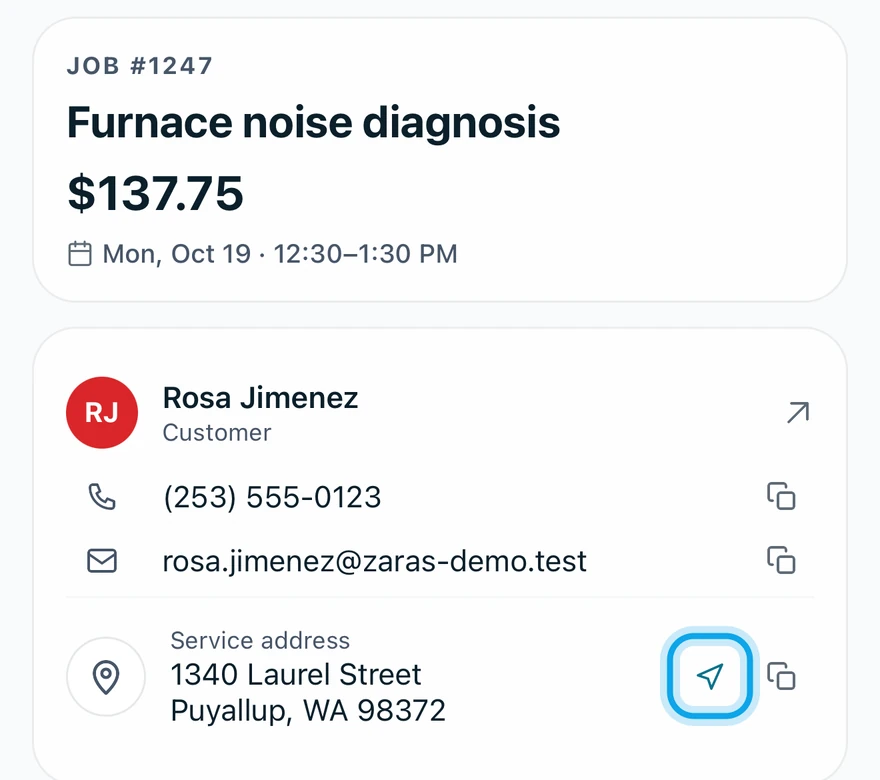
What you see
Your maps app opens with driving directions to the job's address.
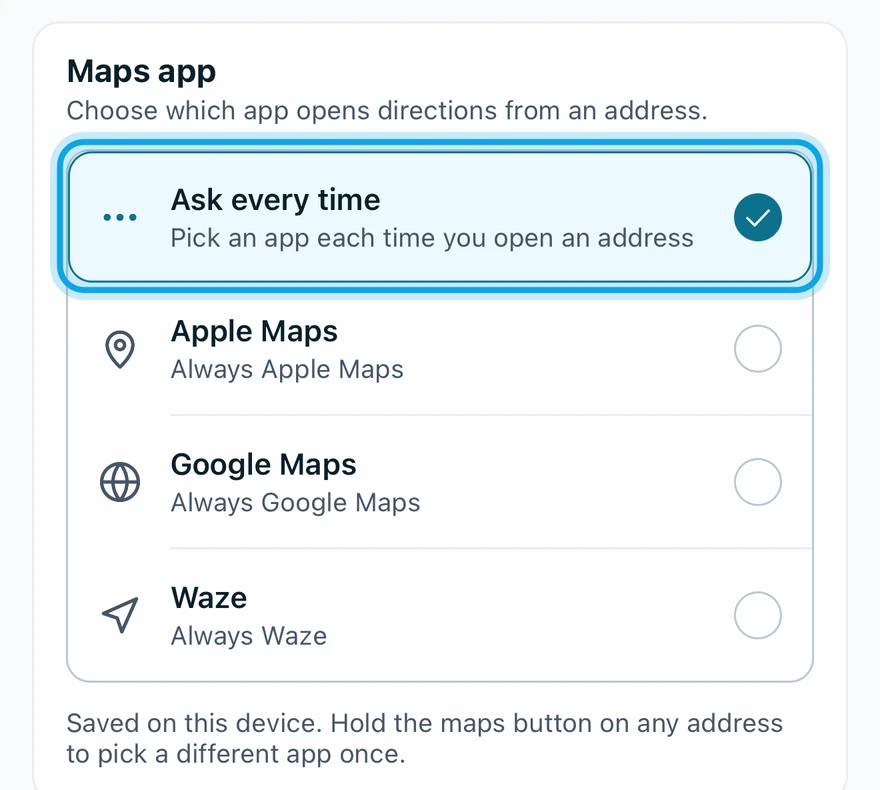
Choose your maps app
- Open More → Settings → Preferences.
- Under Maps app, tap an app or Ask every time.
Maps app saved confirms it. The choice applies to this phone only.
The maps app doesn't open
It says Couldn't open a maps app. Touch and hold the arrow button, then pick another app.
Who can do this
Every member can get directions. No permission is needed.