Invite someone to your team
Invite a teammate by email from Team & roles in Settings. They get an email with a link to join, and the invite lasts 30 days.
Send an invitation
- Open Settings → Team & roles.
- On the Team tab, press Invite teammate.
- Enter their Email address and pick a Role.
- Press Send invitation.
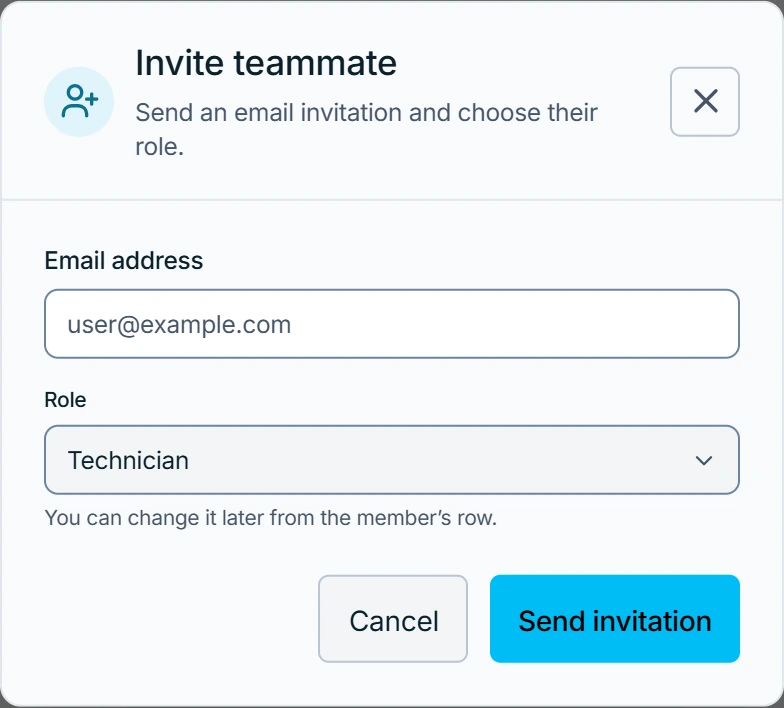
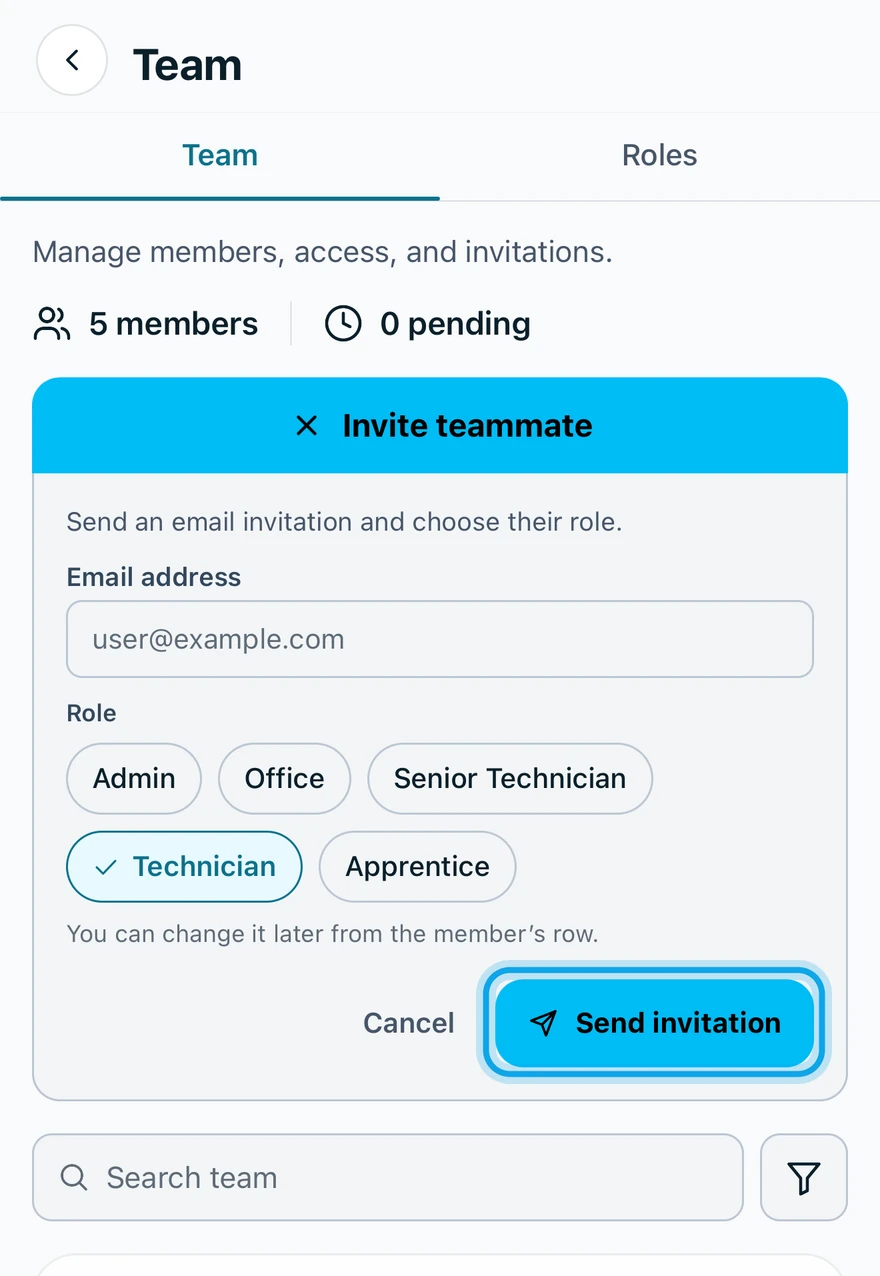
Working alone? The page reads Invite your team and the form is already open, so start at step 3. More in Working on your own.
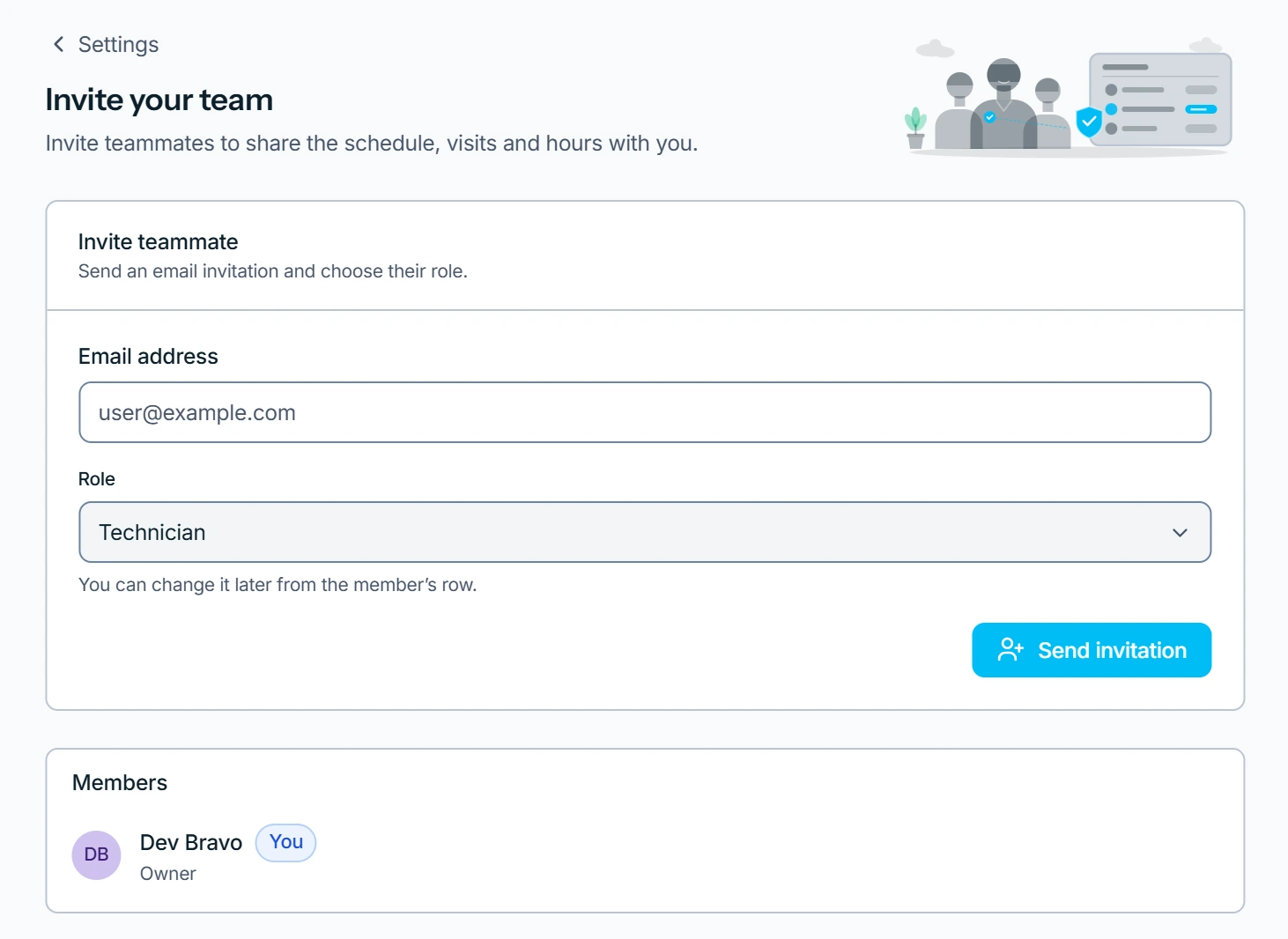
What you see
The invite sits under Pending invitations, marked Pending, until they accept. They join from the email and take the role you picked.
If the email did not go out, press Resend. Revoke withdraws an invite.
Resend says the invite expired
This invitation expired — revoke it and invite again. Press Revoke, then send a new invitation.
Who can do this
Inviting needs Invite team members, held by owners and admins. Others see one line on the Team page instead: You can see the team. Only an owner or admin can invite people, change roles or remove someone.