Finish and save an estimate
Set when the offer expires, add notes, then save. The estimate saves as a Draft, and nothing is sent to the customer.
Save the estimate
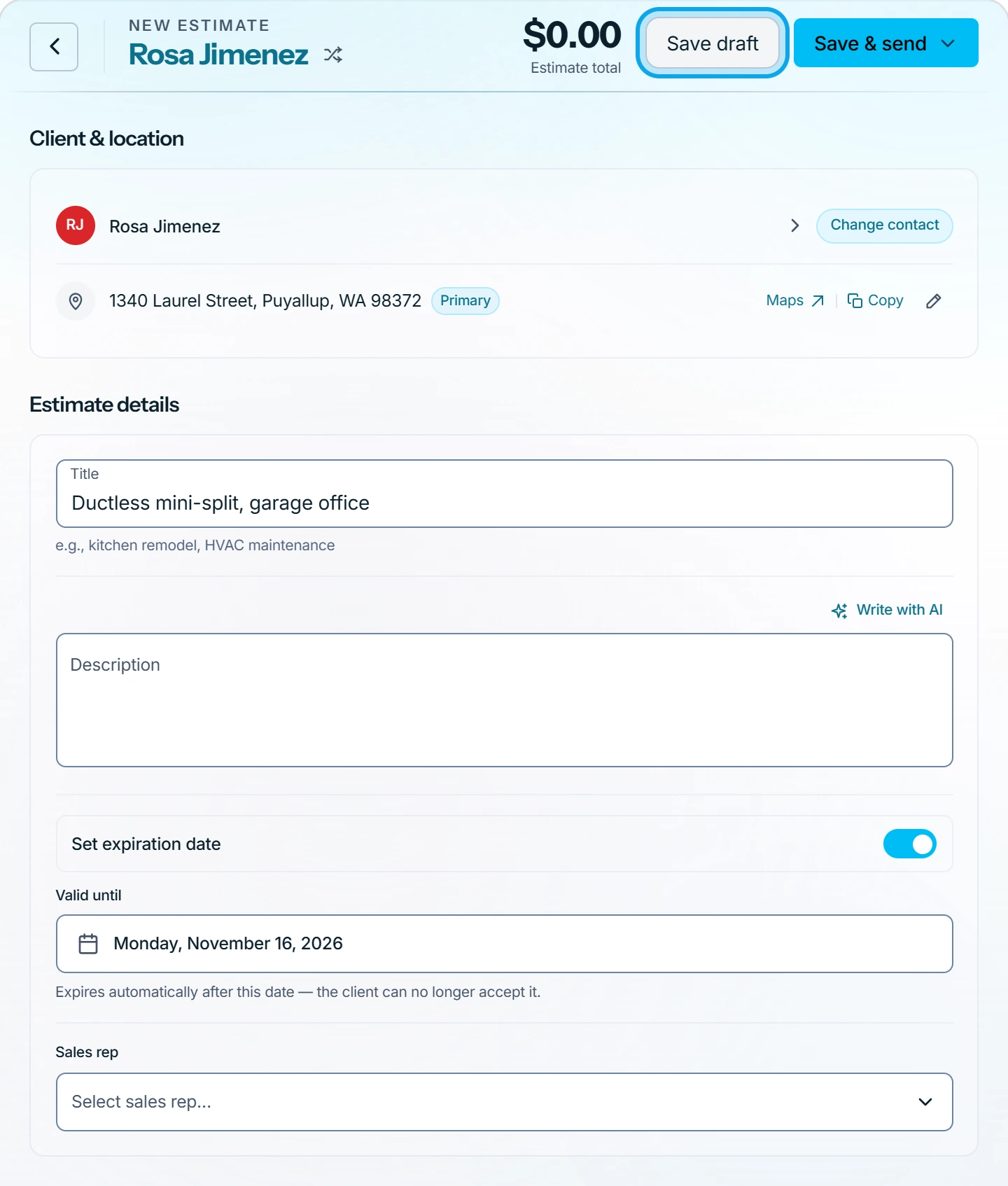
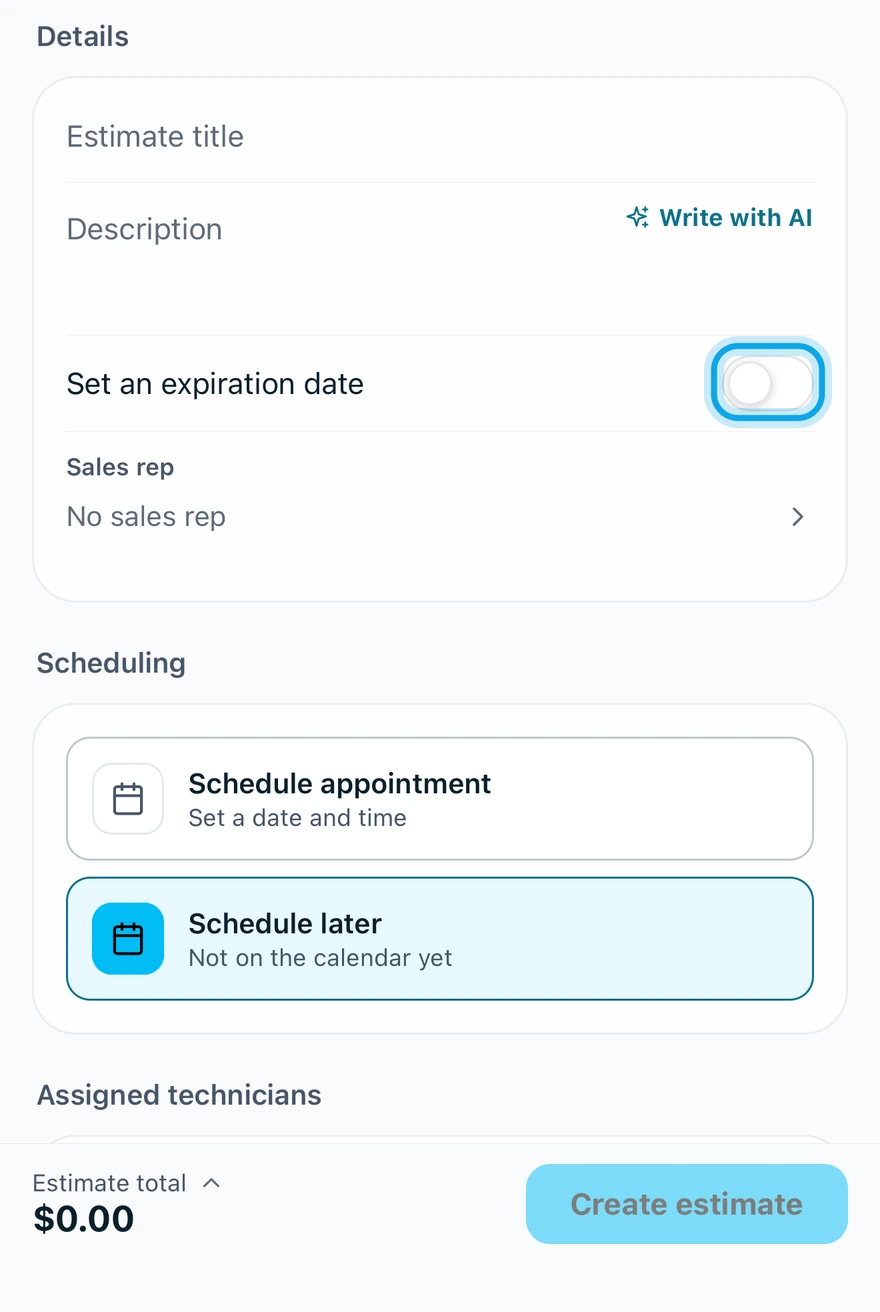
- Switch on Set expiration date on the web, or Set an expiration date in the app.
- Pick the Valid until date. The web starts it 30 days out.
- Under Notes, add what each reader should see.
- Press Save draft on the web, or tap Create estimate in the app.
The notes:
- Add message to customer is shown to the customer.
- Add contract / disclaimer prints on the document.
- Add internal notes stays with your team.
What you see
The estimate opens as a Draft, still fully editable. After the valid-until date, the customer can no longer approve it.
On the web, Save & send saves it and opens the email in one step.
To book an on-site visit first, see Schedule a visit to price the work. Then send it.
Who can do this
Saving needs Manage estimates. Owners, admins, office and technicians hold it by default. Others ask an owner or admin under Settings → Team & roles → Roles.