Open an appointment from the calendar
Click an appointment on the web calendar, or tap it on Schedule in the Zaras app. Its details open over the calendar. Nothing changes until you pick an action.
Open it
- Click the appointment, or tap it in the app.
- Pick an action from its details.
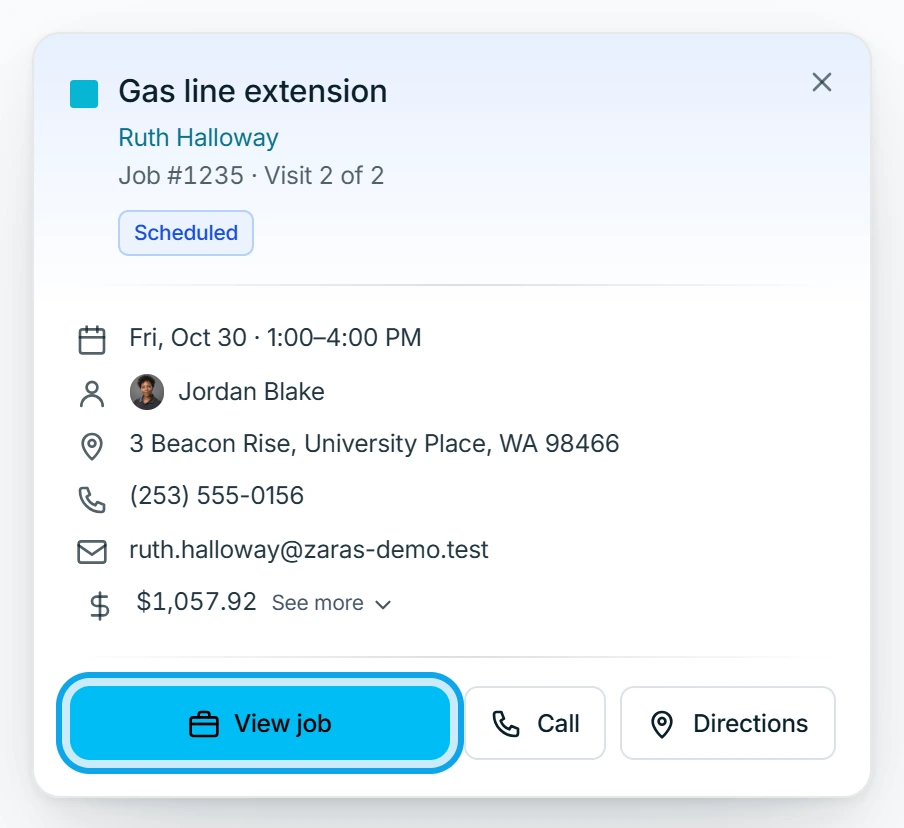
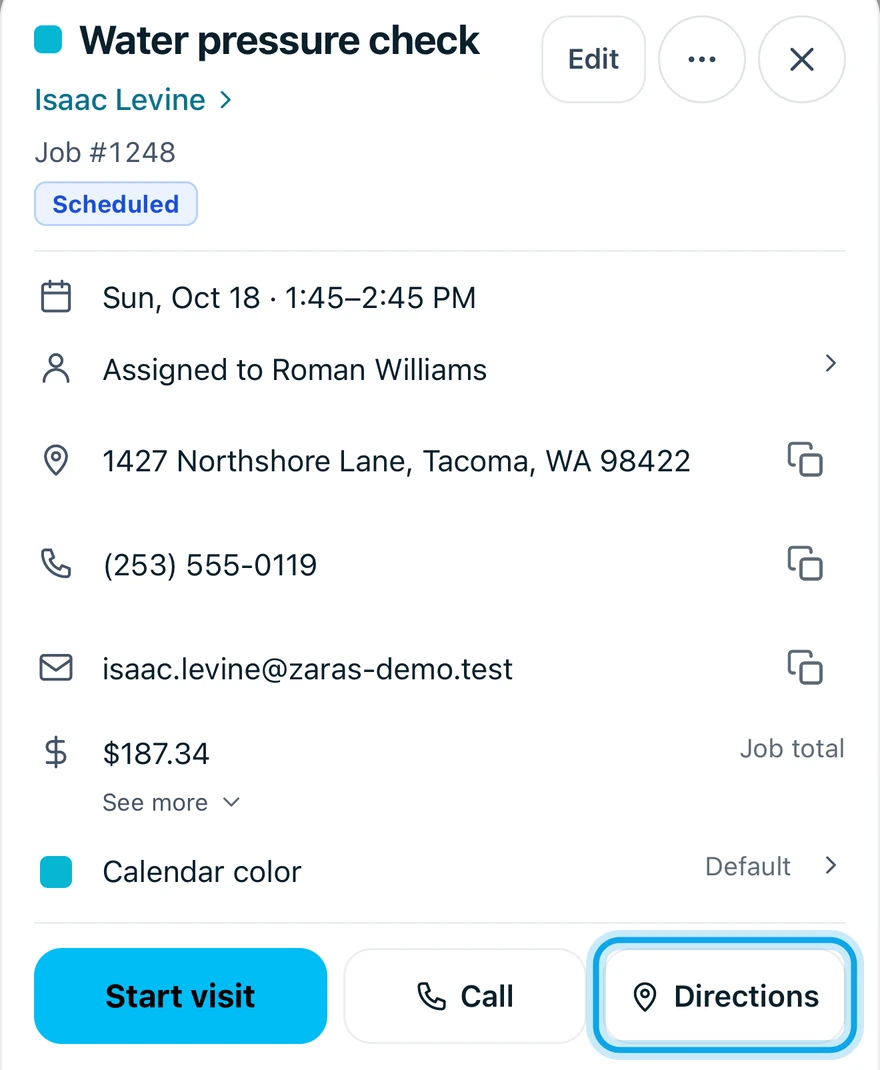
What you see
The customer, address, phone, assignees and total. On the web: View job or View estimate, Start visit, Complete visit or Edit event. In the app: Call, Directions, Start visit or Resume visit.
Starting a visit here works as it does on the job: run a visit.
Delete an event
Events can be deleted from their details. Delete event asks Delete event? and warns This cannot be undone.
Who can do this
Anyone who can open the calendar can open appointments. Editing or deleting an event needs Manage schedule, which owners, admins, office and technicians hold by default.