Cancel a job
You can cancel any job that is not completed. Its open visits are canceled with it, its invoices are kept, and the customer is not emailed.
Cancel a job
On the web:
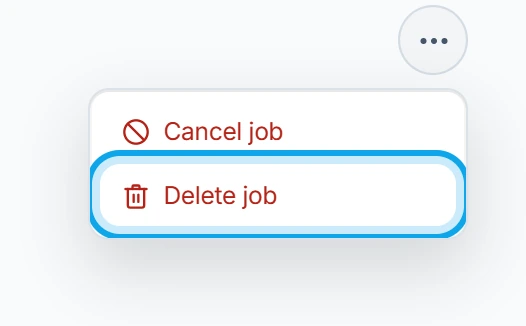
- Open the job and press the three-dot button in its header.
- Choose Cancel job.
- Add a reason if you like, then press Cancel job in Cancel job?.
In the Zaras app:
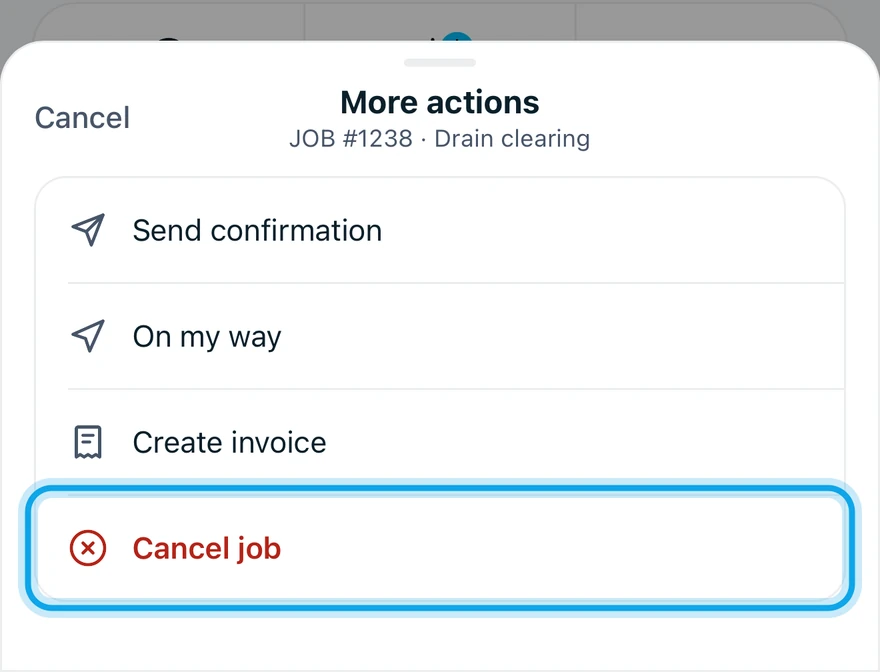
- Open the job and tap More in the action bar.
- Tap Cancel job, then confirm.
Press Keep job to back out. On a job in progress, the prompt suggests completing it instead.
What you see
Job canceled confirms it, and the job reads Canceled. Restore job returns it to active and brings back the visits canceled with it.
Clocked in by mistake?
Use Mark not started instead of canceling. It returns the job to active, and planned visits stay scheduled.
Cancel job is missing
A completed job can't be canceled. Reopen it first.
Who can do this
Canceling needs Manage jobs. Owners, admins, office and technicians hold it by default. Others ask an owner or admin under Settings → Team & roles → Roles.