Why is a timesheet entry flagged?
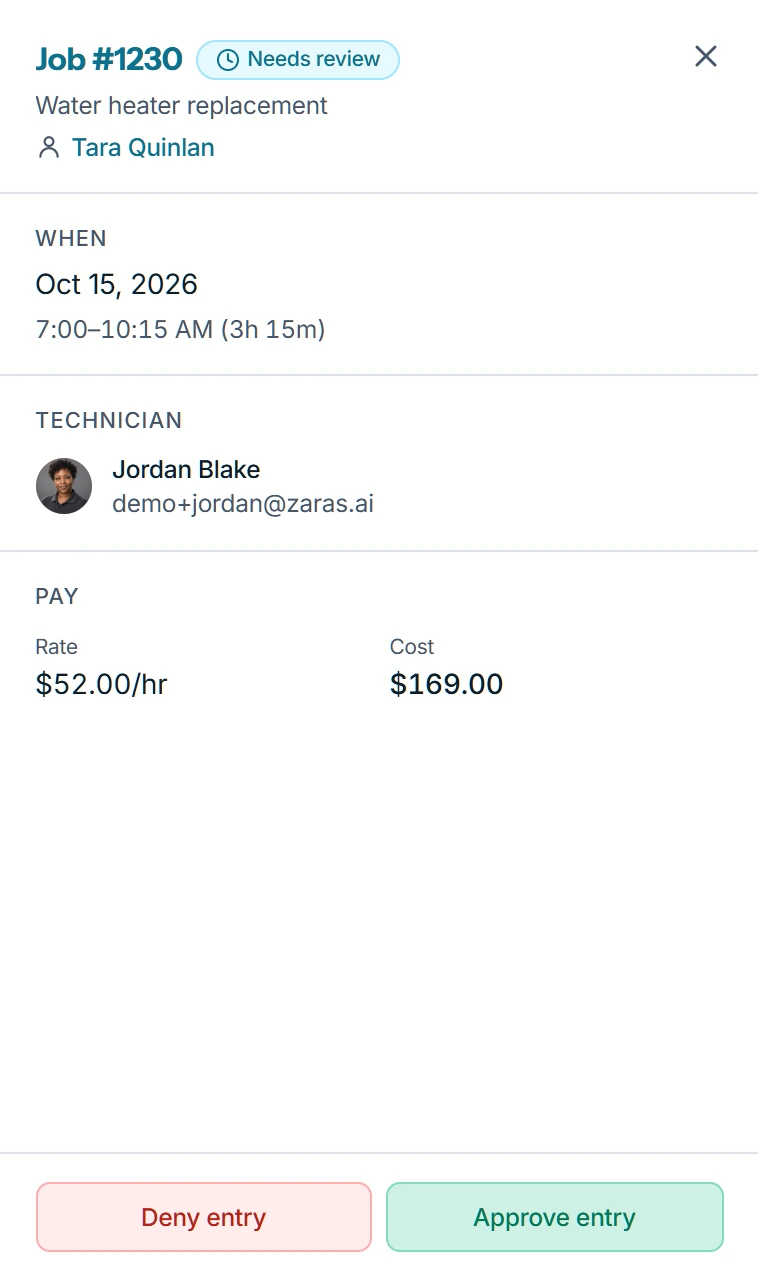
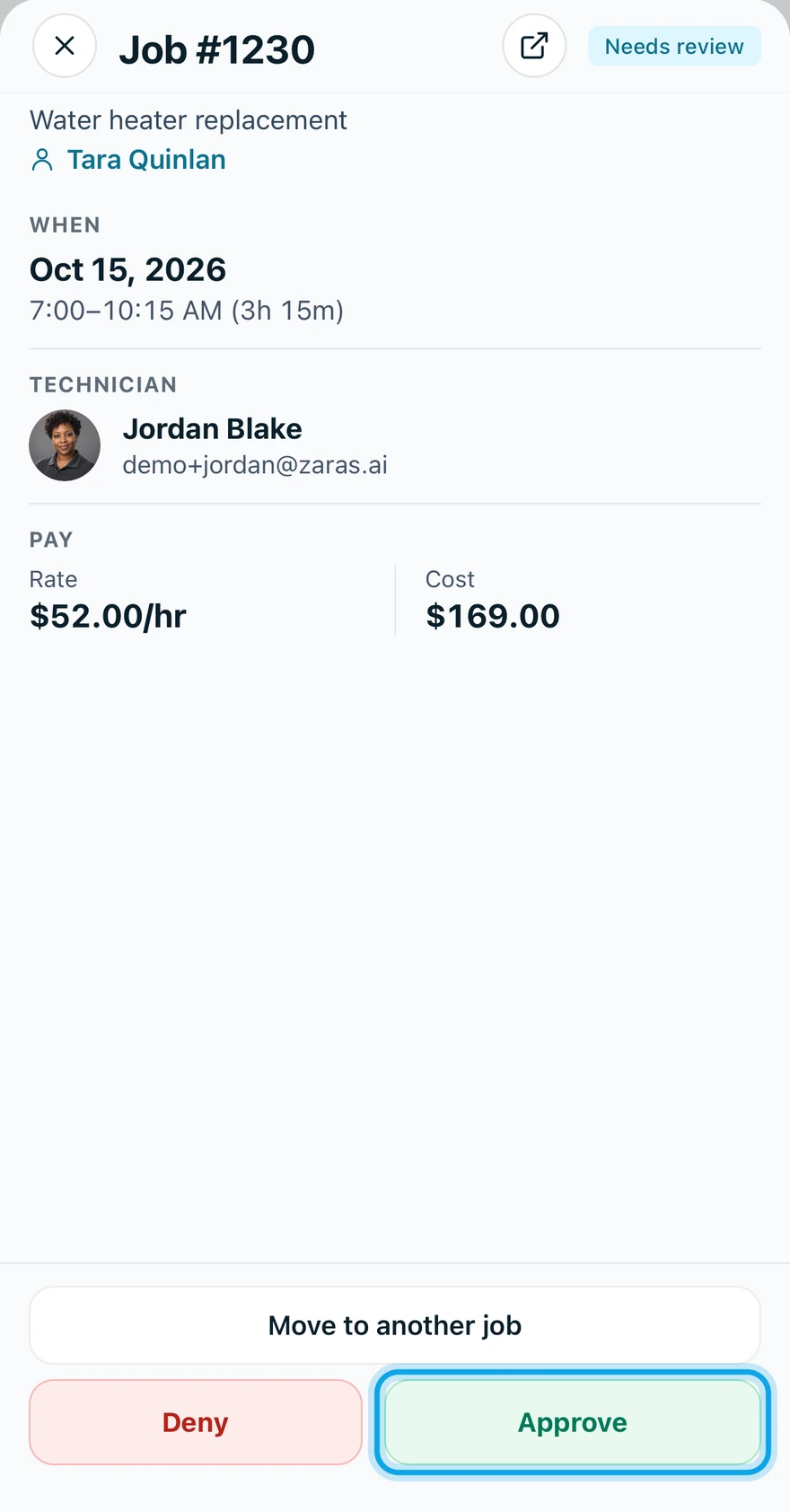
Zaras flags an entry when something needs a second look before you approve it. Open the entry from the Approval Queue to read why under Exceptions.
Read the flag
- Open Timesheets, then Approval Queue.
- Open the flagged entry.
- Read its Exceptions. With more than one, Explain reads them together.
What each flag means
- Overlaps another labor entry: two entries cover the same time. Deny the extra one as Duplicate entry.
- "Duration 26h exceeds the 24h cap", or "Duration 14h is over the 12h soft limit": check the times. Deny it as Incorrect hours if they are wrong.
- No pay rate on file for this entry: set the technician's hourly rate, or tap Override rate in the app.
- The linked job was deleted: tap Move to another job in the app, or deny it as Wrong job/estimate.
- The visit was reverted after this entry: check the visit, then approve or deny.
Move to another job and Override rate are in the app only.
What you see
A bulk approve warns while any selected entry still has an unresolved exception.
Who can do this
Flags show to holders of Approve timesheets: owners, admins and office by default.