What do the estimate statuses mean?
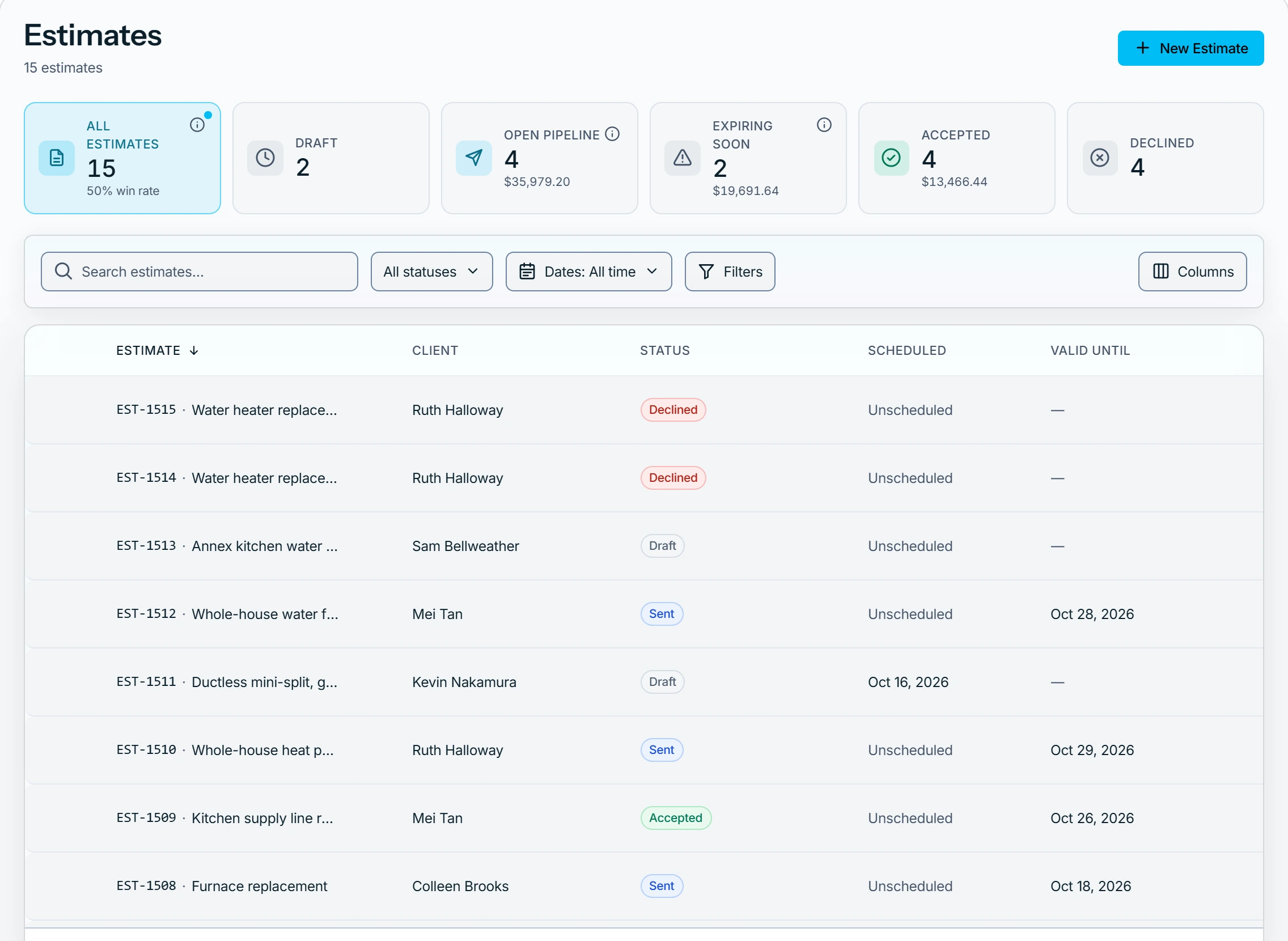
An estimate is a Draft until you send it, then Sent while the customer decides. It ends Accepted, Declined or Expired, and a replaced one reads Superseded.
The statuses
- Draft: not sent yet, and the only status where the money and the address can change. Send it.
- Sent: with the customer, who approves with a signature or declines. Create a revision to change the money.
- Accepted: the customer approved it, or you recorded it. Turn it into a job or an invoice.
- Declined: the customer said no, or you recorded it. See why it was declined.
- Expired: sent and past its valid-until date in your workspace time zone, with no decision. Extend it to give the customer more time.
- Superseded: you sent a newer revision. It can't be edited or sent again.
The customer is set when the estimate is created and never changes.
What can show beside a status
- Viewed: the customer opened their estimate page. On the web, hold the pointer over it for the date.
- Customer requested changes: under Needs attention. The estimate stays Sent. See Respond when a customer asks for changes.
Record the decision yourself
Record decision offers Mark as accepted or Mark as declined. Once decided, the money is fixed and only the wording can change.
Who can do this
Anyone who can open an estimate sees its status. Changing one needs Manage estimates, which owners, admins, office and technicians hold by default. Others ask an owner or admin under Settings → Team & roles → Roles.