What happens to Team Chat when I work alone?
Team Chat becomes Notes: private notes on your jobs, estimates and invoices. Notes stay in your workspace and are never shown to the customer.
Write a note
- Open the job, estimate or invoice.
- Open its Notes card.
- Type in Write a note….
- Press send.
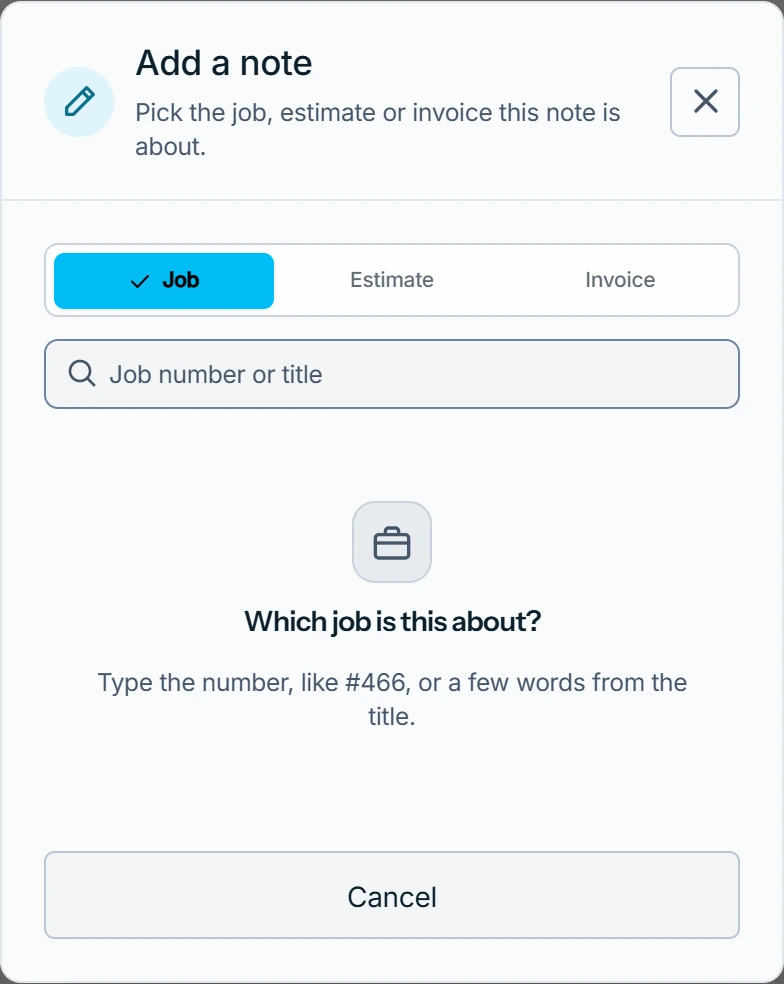
On the web you can also open Notes in the sidebar, press Add a note and pick the record.
A note's menu offers Edit note, Delete note and Make this a task, which adds it to My Tasks.
What you see
Make this a task shows Task created in My Tasks. A deleted note is gone for good: It is deleted for good. Photos and files stay with the record.
Your team's old chats
They stay Read-only under Archived channels and Archived team chat. They come back when someone joins.
Delete channel or Delete team chat removes one for good, for everyone.
When a team joins, notes you wrote alone move to Archived notes in Team Chat, for you alone. More in Working on your own.
Who can do this
While you are the only member, you can write, edit and delete notes, and delete archived chats.