See all recent activity in the workspace
Open the activity feed from home to see every event across the workspace, newest first. It needs View reports, so technicians don't see it.
Open the activity feed
- On the web, press View all activity under Recent activity on home.
- In the Zaras app, tap View all under Recent Activity on home.
- Tap Filters to narrow it by Date, Categories or Team member.
The categories are Jobs, Estimates, Invoices, Visits, Timesheets, Expenses and Contacts.
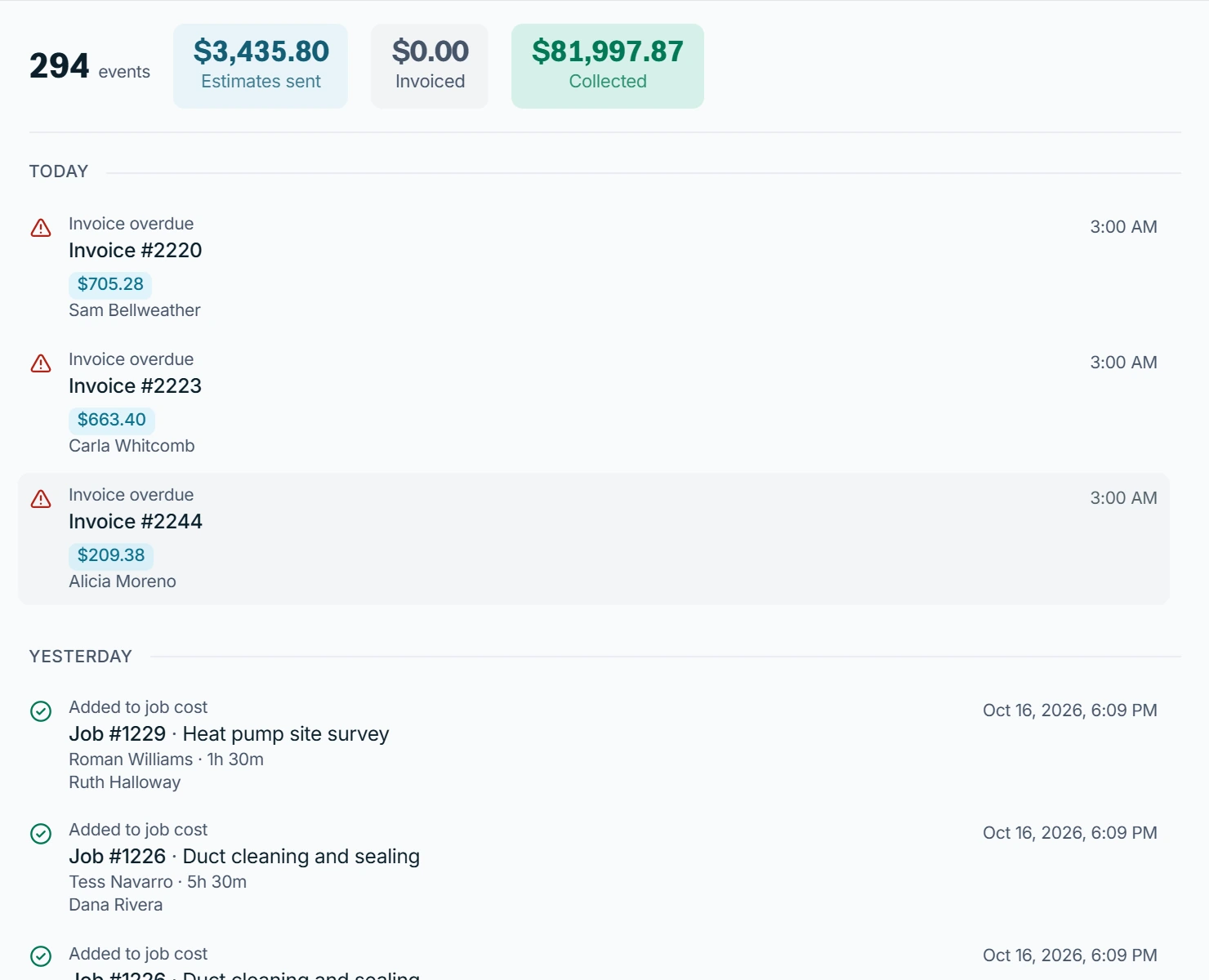
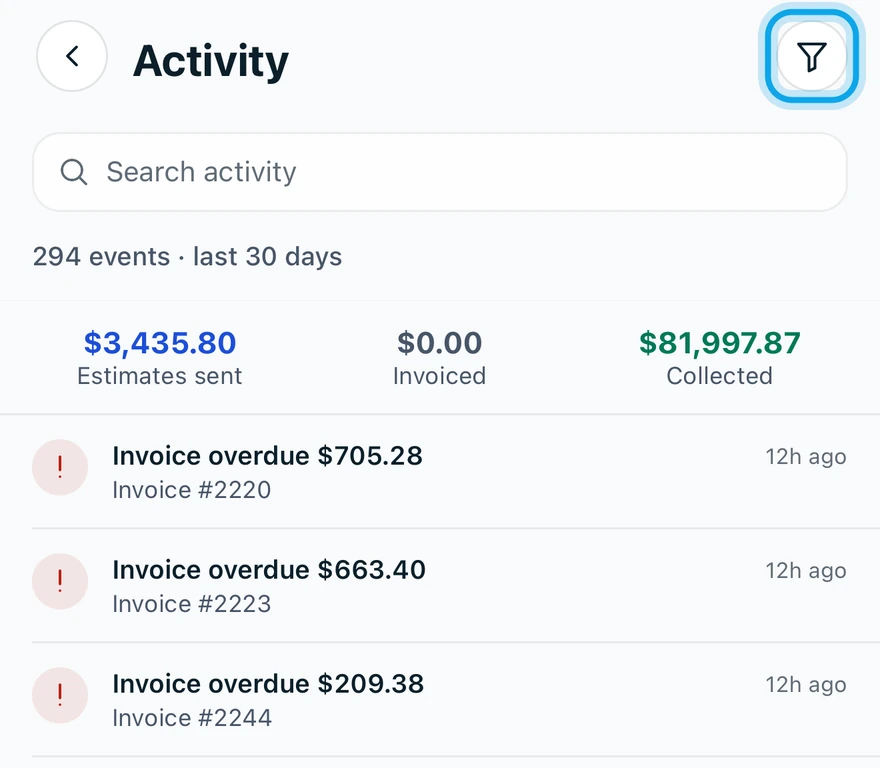
What you see
The web opens the Activity Log, with events grouped by day and who did each. Cost amounts on expense and labor events show only to members with View cost & profit.
The app says it needs a connection
It reads Activity needs a connection — it isn't stored on this device. Open it again once you have signal.
Who can do this
The feed needs View reports, held by owners, admins and office by default. Others ask an owner or admin under Settings → Team & roles → Roles.