Send a message to your team
Type in Message the team… and press Send message. Everyone in the workspace can read it, and a sent message can't be edited or deleted.
Send a message
- Open the channel or record chat.
- Type in Message the team… at the bottom.
- To mention a teammate, type @ and pick their name.
- Press Send message.
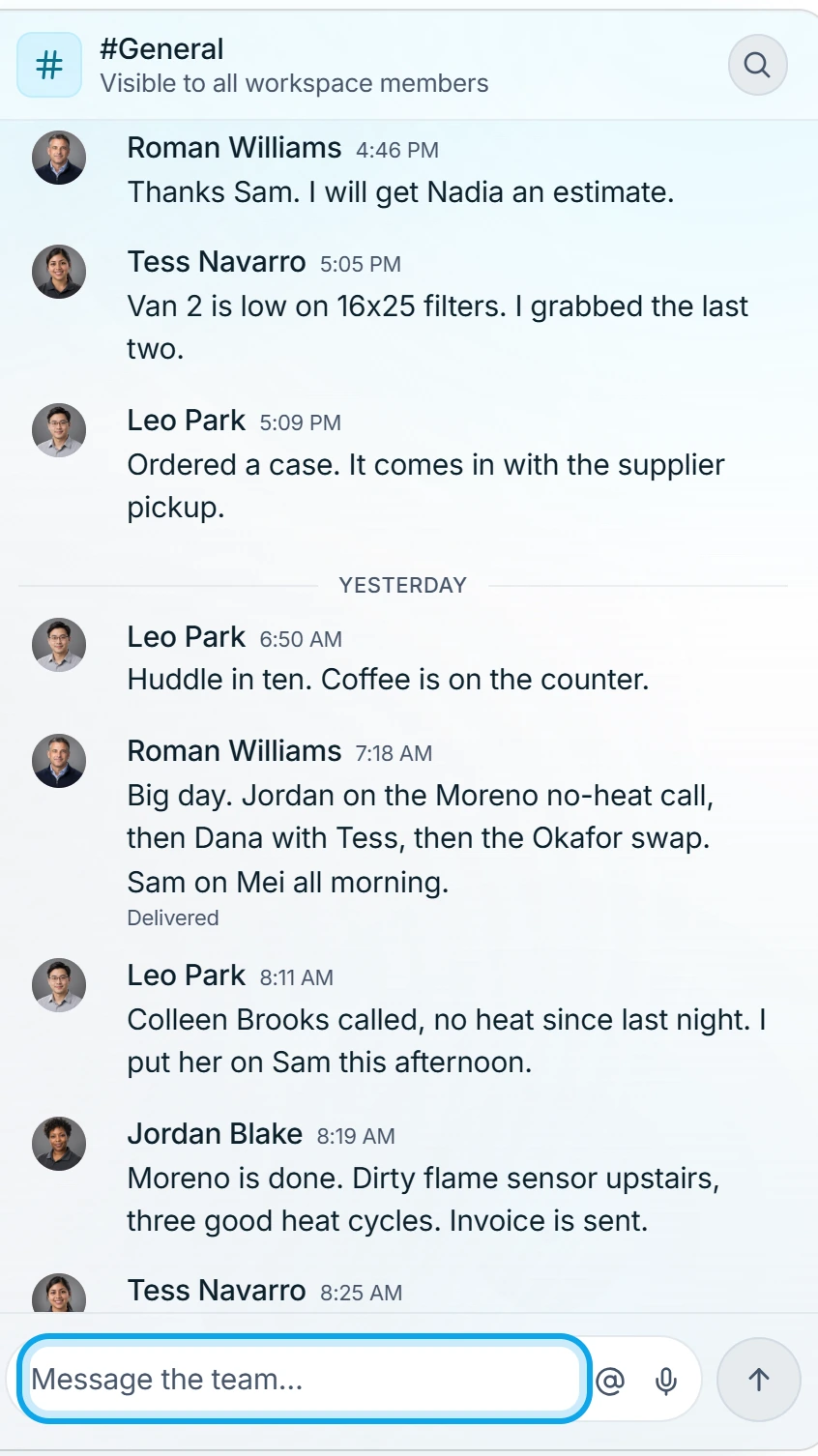
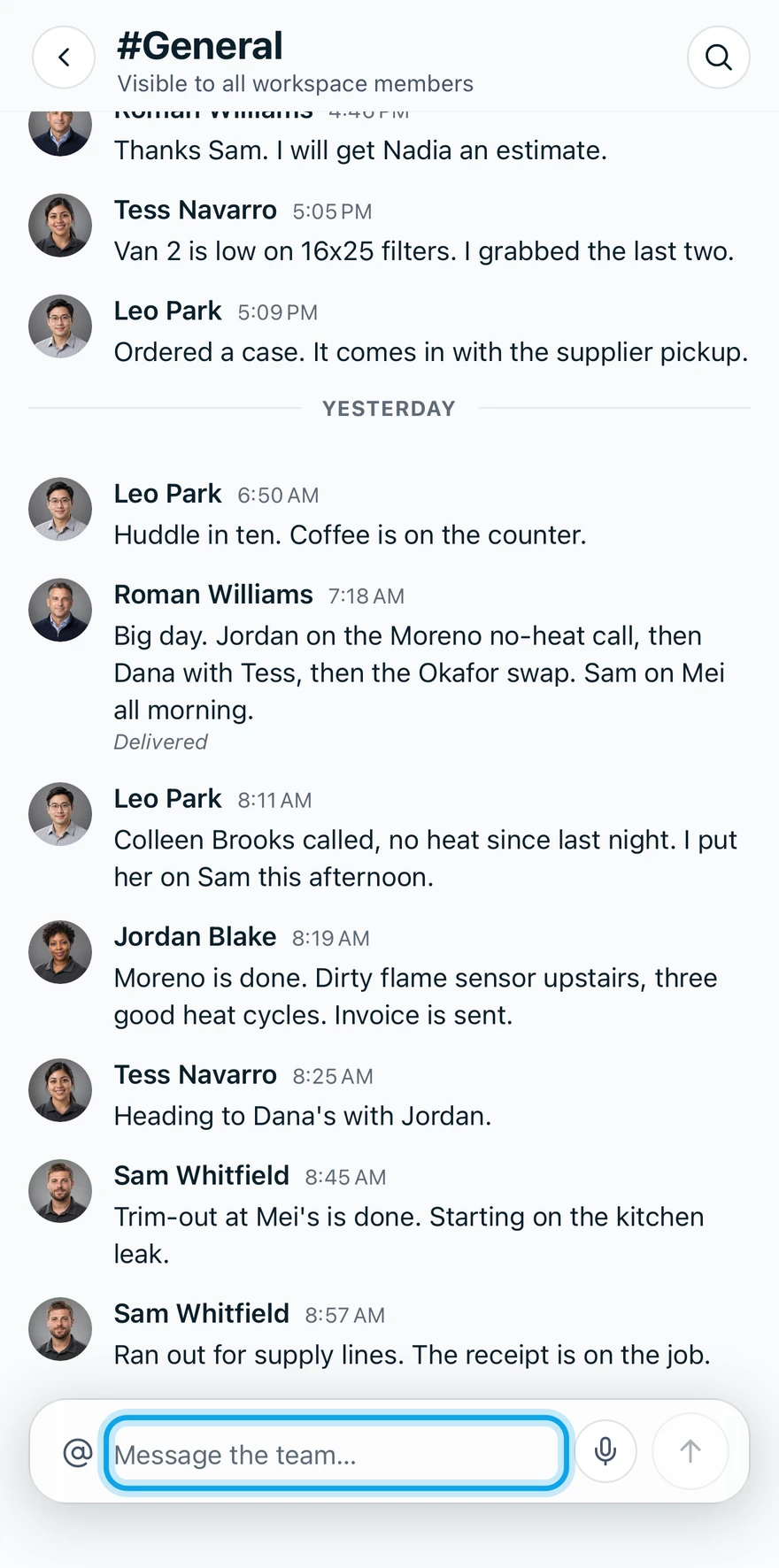
A message can be up to 4,000 characters. Customers never see Team Chat.
What you see
On the web, your message reads Sending…, then Delivered. A mention flags the teammate's unread badge. With Chat push alerts on, their phone also shows a push such as "Dana mentioned you".
Attach a file
In a record chat, Attach a file offers the photos and files already on that record. Add files on the record itself, then pick them here. Named channels take no attachments.
Find an old message
Search this conversation looks through the whole thread. It needs a connection.
Who can do this
Every member can send messages. No permission is needed.