Add a service or material to your price book
Add each service, material or bundle you sell on Price book in Settings. Changing an item later never changes estimates or invoices that already use it.
Add an item
- Open Settings → Price book (Price Book in the Zaras app).
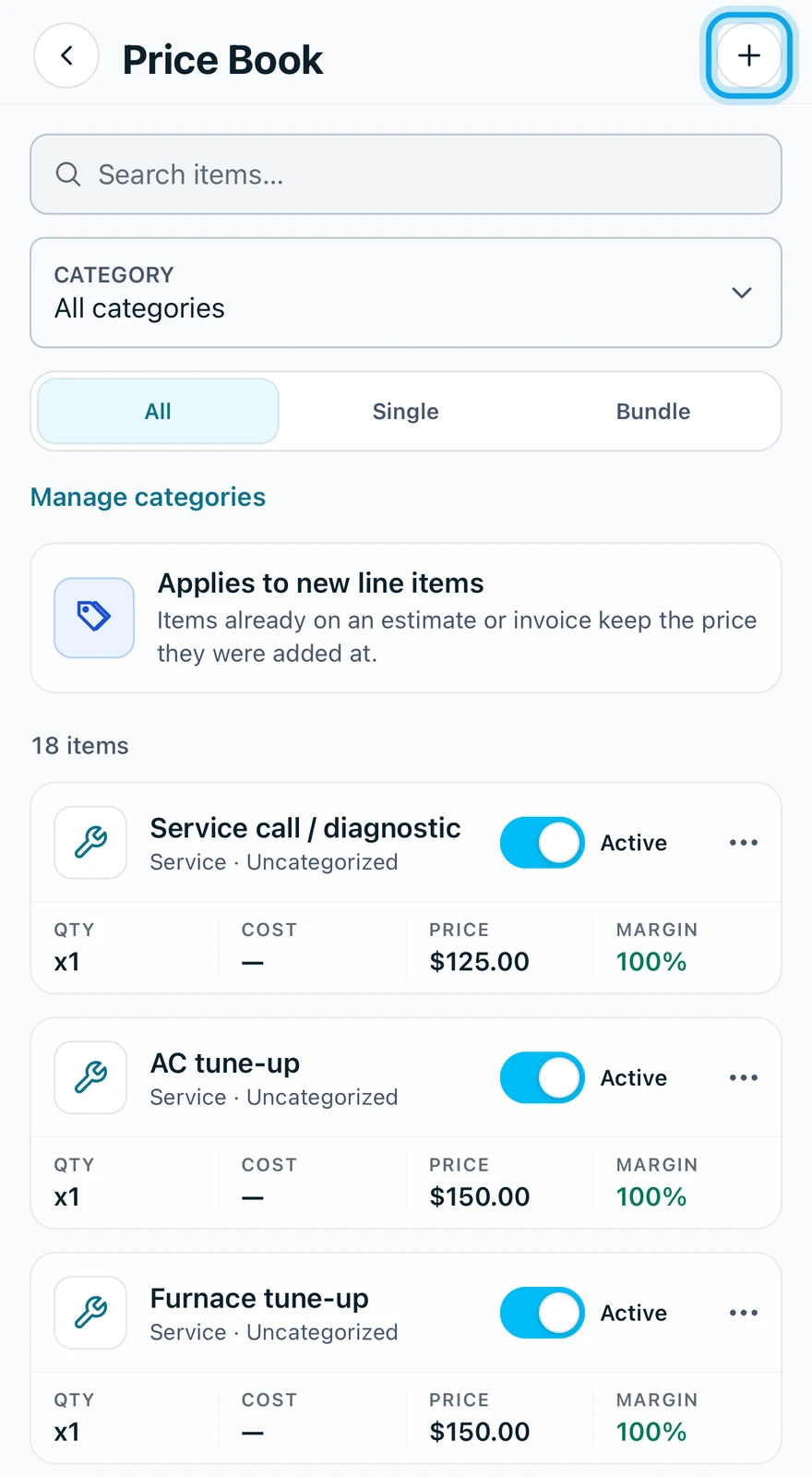
- Press Add item on the web, or tap the + at the top right in the app.
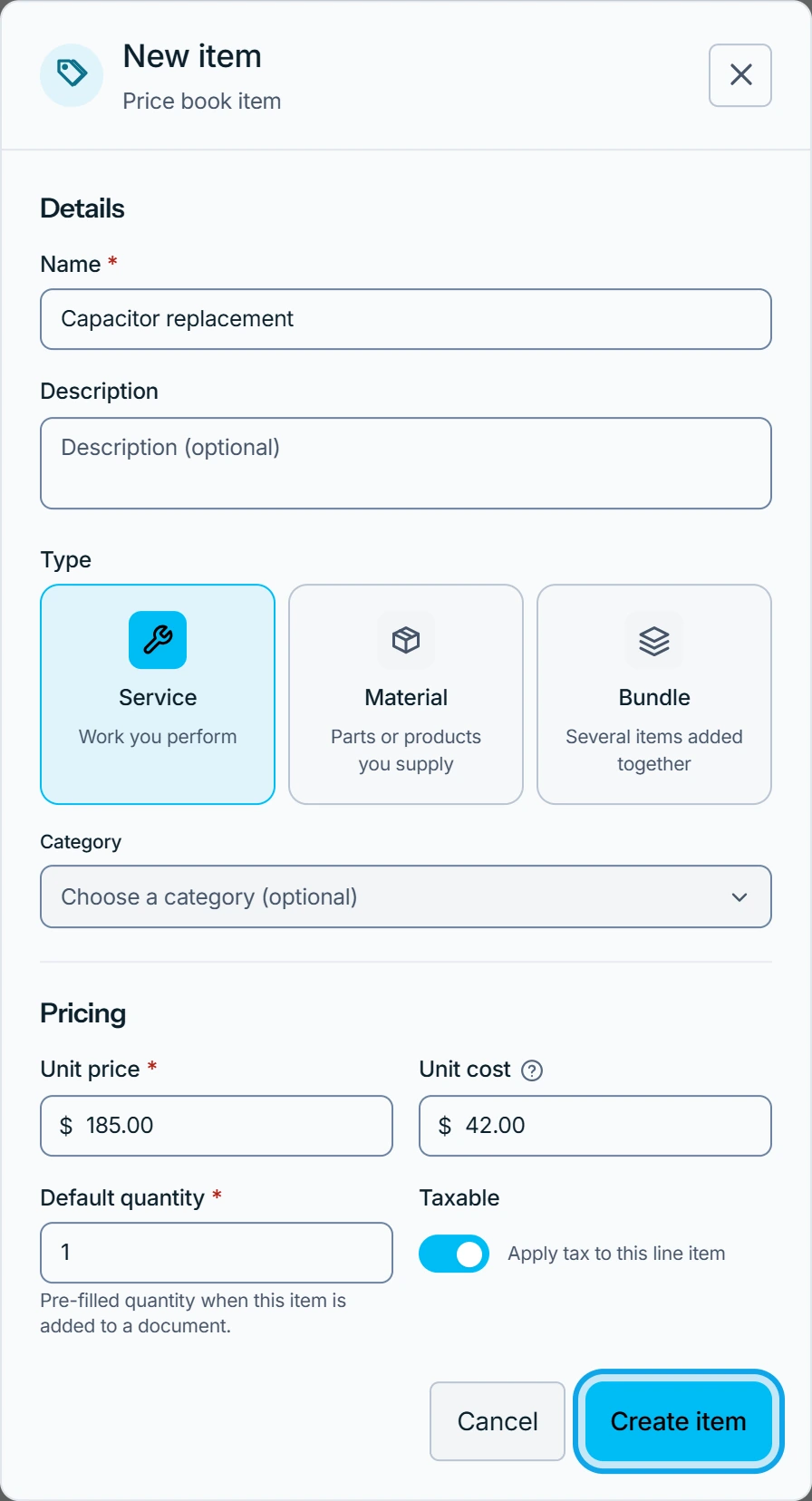
- Choose the Type: Service, Material or Bundle.
- Enter the name and the Unit price.
- Optionally enter the Unit cost, your own cost, which customers never see.
- Press Create item.
Bringing over a whole catalogue? Import it from a CSV file instead, or bring it from another app.
What you see
The item joins the list, ready to add as a line item. The page carries Applies to new line items: Items already on an estimate or invoice keep the price they were added at.
Change or remove an item
Open the item to edit it. Item type can't be changed after creation.
Switching an item off is reversible: It stops appearing when you add line items. Delete item removes it for good, and Documents already using it keep their own copy.
Who can do this
It needs Manage financial settings, held by owners and admins by default. Unit cost also needs View cost & profit. Others ask an owner or admin under Settings → Team & roles → Roles.