See who changed a job, estimate or invoice
Open the record and scroll to its Activity card. Zaras records every change to a job, estimate, invoice or contact, with who made it and when.
See the full history
- Open the job, estimate, invoice or contact.
- Scroll to its Activity card.
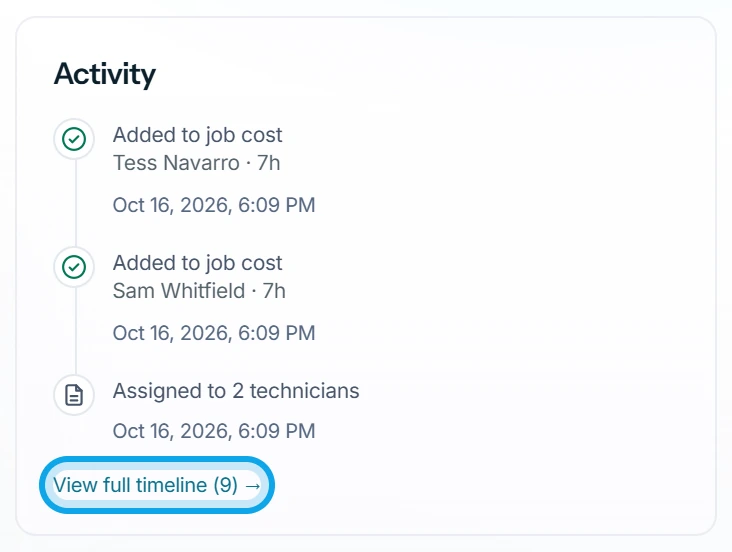
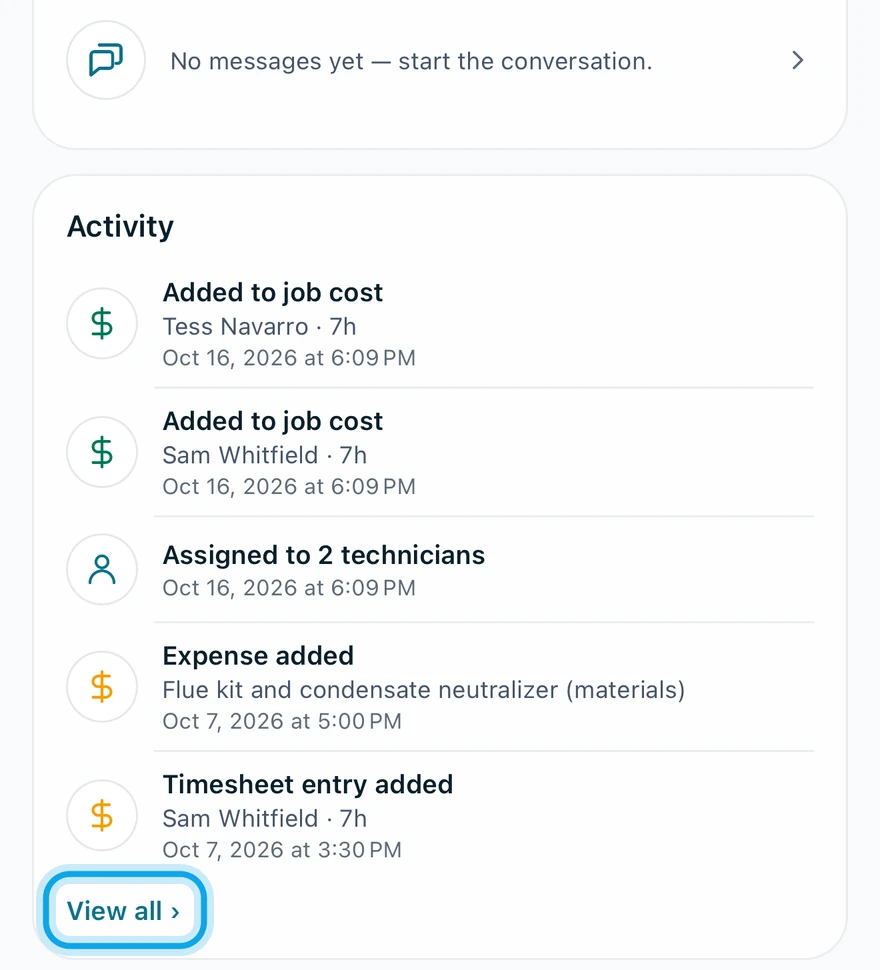
- Press View full timeline under the card on the web, or tap View all › in the Zaras app.
What you see
The web opens the Timeline view, with Activity and Communications tabs and Load older activity. The app groups changes made together into one entry.
Each entry names who acted: the customer for their own decisions, otherwise the team member. Entries include Job created, Job completed, Title updated, Visit completed and Payment voided.
A contact's Activity timeline also covers all its jobs, estimates and invoices.
The app says it is not available offline
It reads Not available offline yet — open this record's activity while online first. Open it once with signal.
Who can do this
Anyone who can open a record sees its history. Cost entries need View cost & profit, and the app's Communications tab needs Send & read messages.