What do the invoice statuses mean?
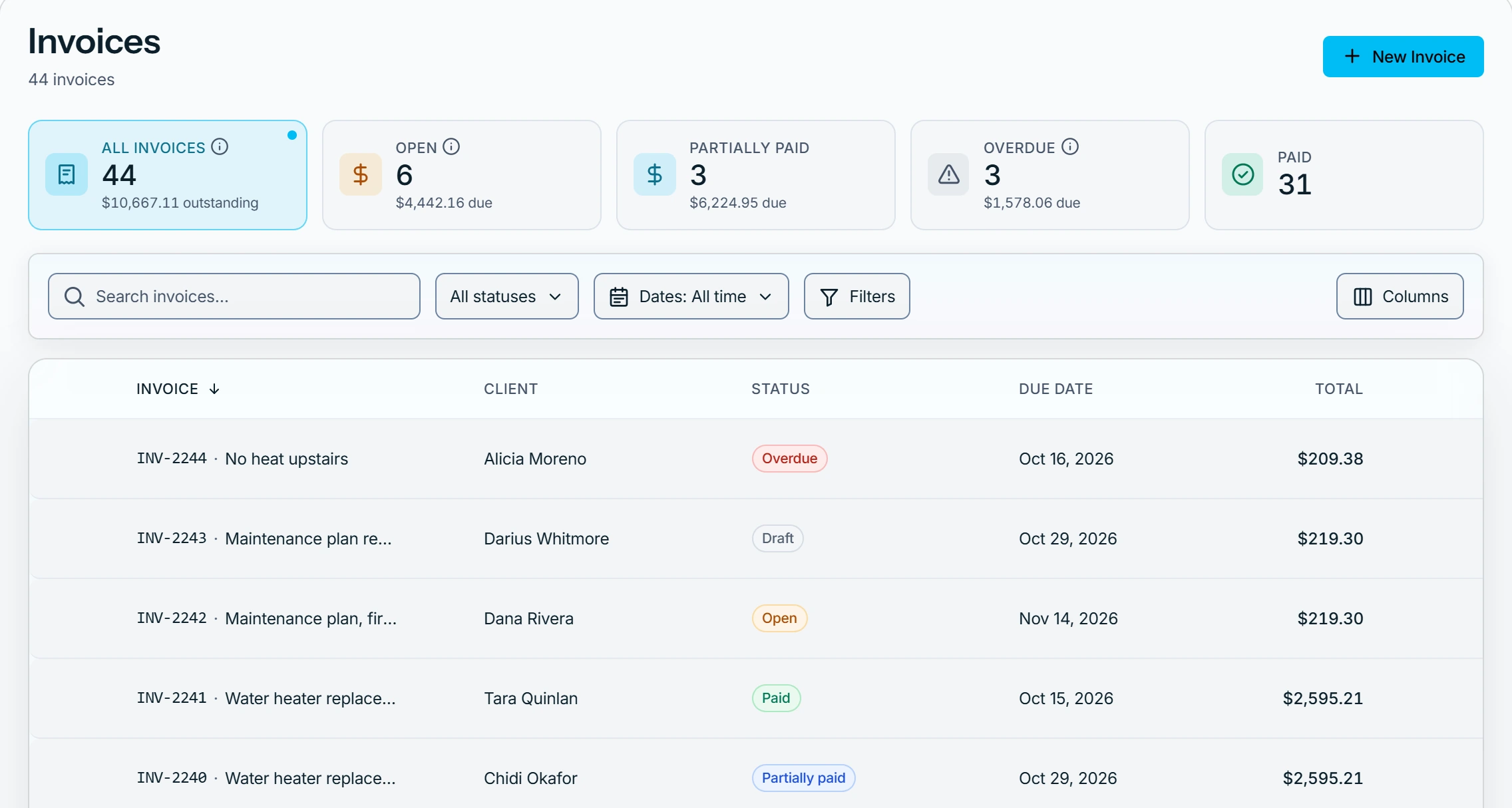
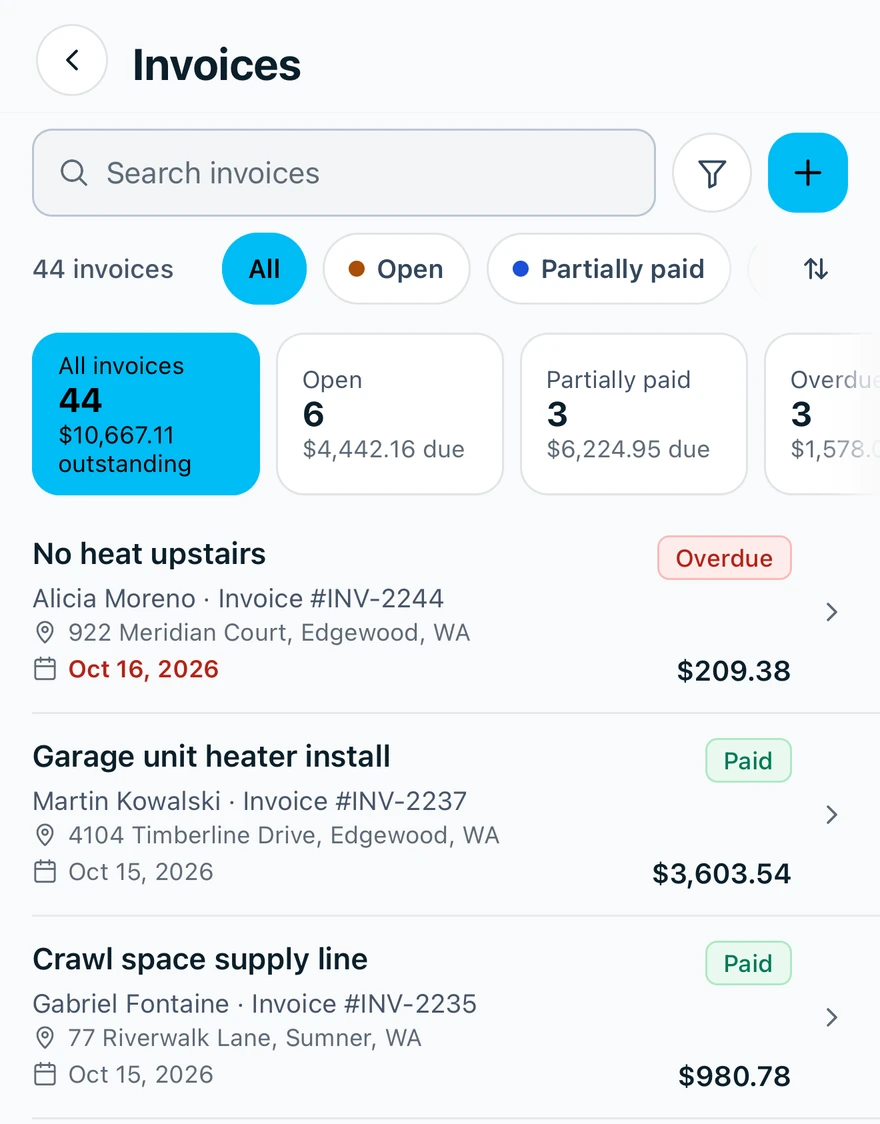
An invoice is a Draft until you send it, then Open until it is paid, written off or voided.
The statuses
Sending, recording payments, writing off and voiding set the status. Nobody types it.
- Draft: not sent, and the only status where the money can change. Send it.
- Open: sent. Pricing, payment terms and the issue date are locked.
- Partially paid or Paid: set by recording a payment.
- Written off: closed without full payment.
- Voided: canceled, and left out of balances and reports.
An invoice with payments says This invoice has payments, so it can't be voided. Void the payments first, or write off the rest.
Overdue means an open or partially paid invoice is past its due date with a balance. It still counts as Open or Partially paid. Viewed shows once the customer has opened their invoice page.
What a payment's status means
A payment on the invoice's Payment ledger has its own status. A voided payment is not a voided invoice, and voiding one reopens a paid invoice.
- Active: money received and counted.
- Voided: the payment was canceled. It stays, struck through, for your records.
- Reversal: the row that takes a voided or refunded payment back out. Its note is the reason.
- Refunded: the money was received, then sent back to the customer.
- Write-off: an amount written off, shown as a minus. It is not money received.
Who can do this
Anyone who can open invoices sees their status. Recording, voiding and writing off need Manage invoices, which owners, admins, office and technicians hold by default. Others ask an owner or admin under Settings → Team & roles → Roles.