Get a signature and complete the visit
Tap Signature on the visit, have the customer sign, then tap Clock out & complete. A completed visit can't be reopened, so check the work first.
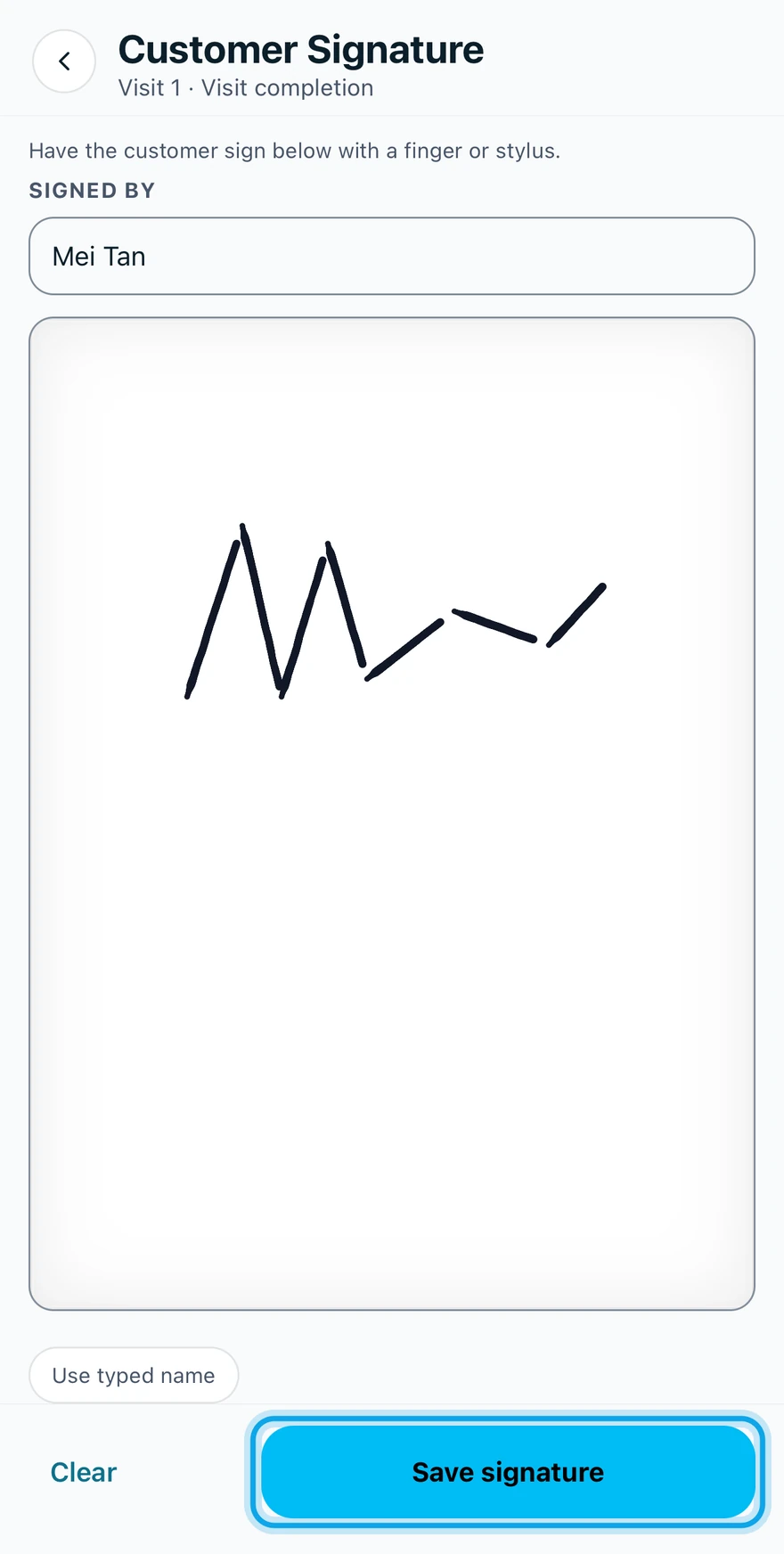
Get the signature
- Tap Signature on the visit to open Customer Signature.
- Have the customer sign with a finger or stylus.
- Or type their name and tap Use typed name.
- Tap Save signature.
Complete the visit
- Tap Clock out & complete.
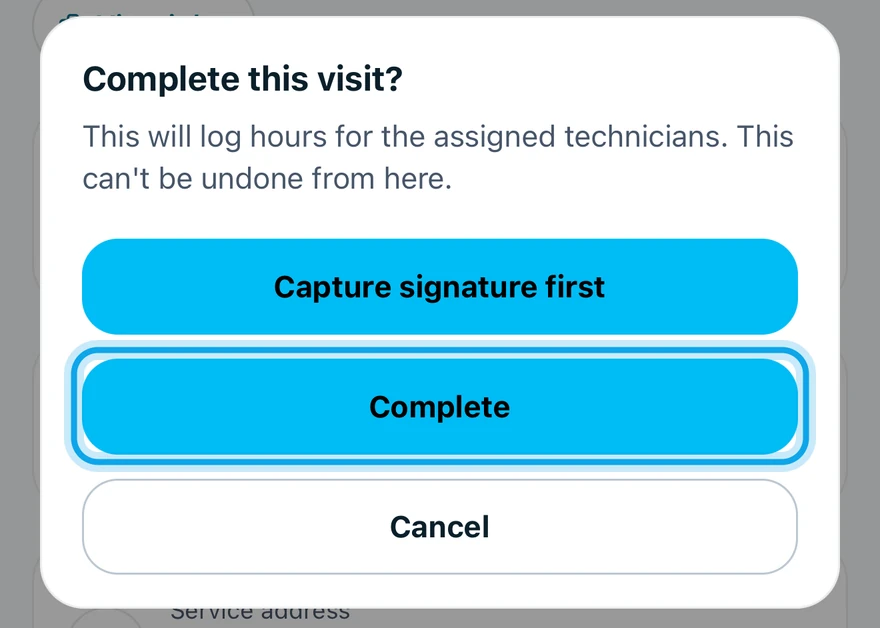
- Tap Complete in Complete this visit?.
No signature yet? Tap Capture signature first. It brings you back here afterwards.
What you see
The visit reads Completed, and the assigned technicians get draft timesheet entries for the hours. Without signal, the signature reads Signature saved. Saved offline — will sync when connected.
When it was the job's last visit, the job shows All visits complete: complete the job.
Who can do this
The signature and completing need Manage schedule. Owners, admins, office and technicians hold it by default. Others ask an owner or admin.