How is Zaras laid out on the web and in the app?
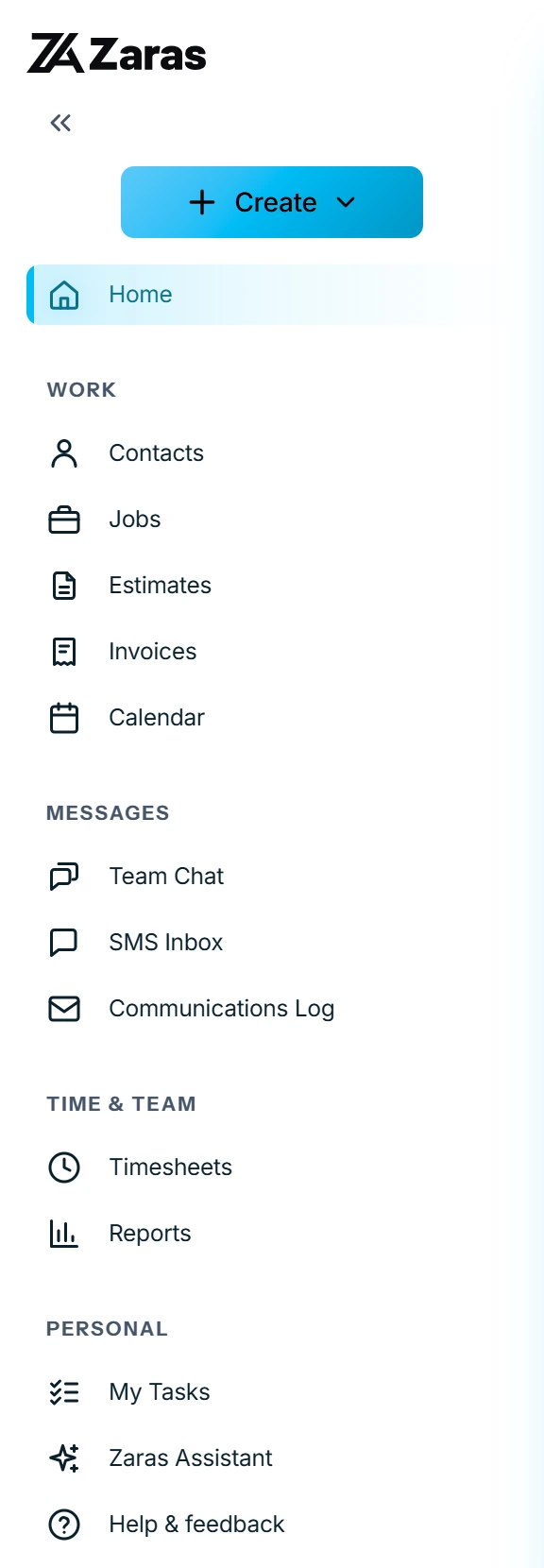
On the web, a sidebar groups every page into sections. In the Zaras app, five tabs and More hold the same pages.
On the web:
- Create at the top starts a new record. It is hidden if your role can create none.
- Home sits below it.
- Work holds Contacts, Jobs, Estimates, Invoices and Calendar.
- Messages holds Team Chat, plus SMS Inbox and Communications Log for roles with SMS access.
- Time & Team holds Timesheets, and Reports for roles that can view reporting.
- Personal holds My Tasks, Zaras Assistant and Help & feedback.
Timesheets reads My Hours if your role cannot approve other people's time. My Tasks and Zaras Assistant open as a panel over the page.
In the Zaras app:
The tabs are Home, Schedule, Work, Contacts and More. Work holds jobs, estimates and invoices.
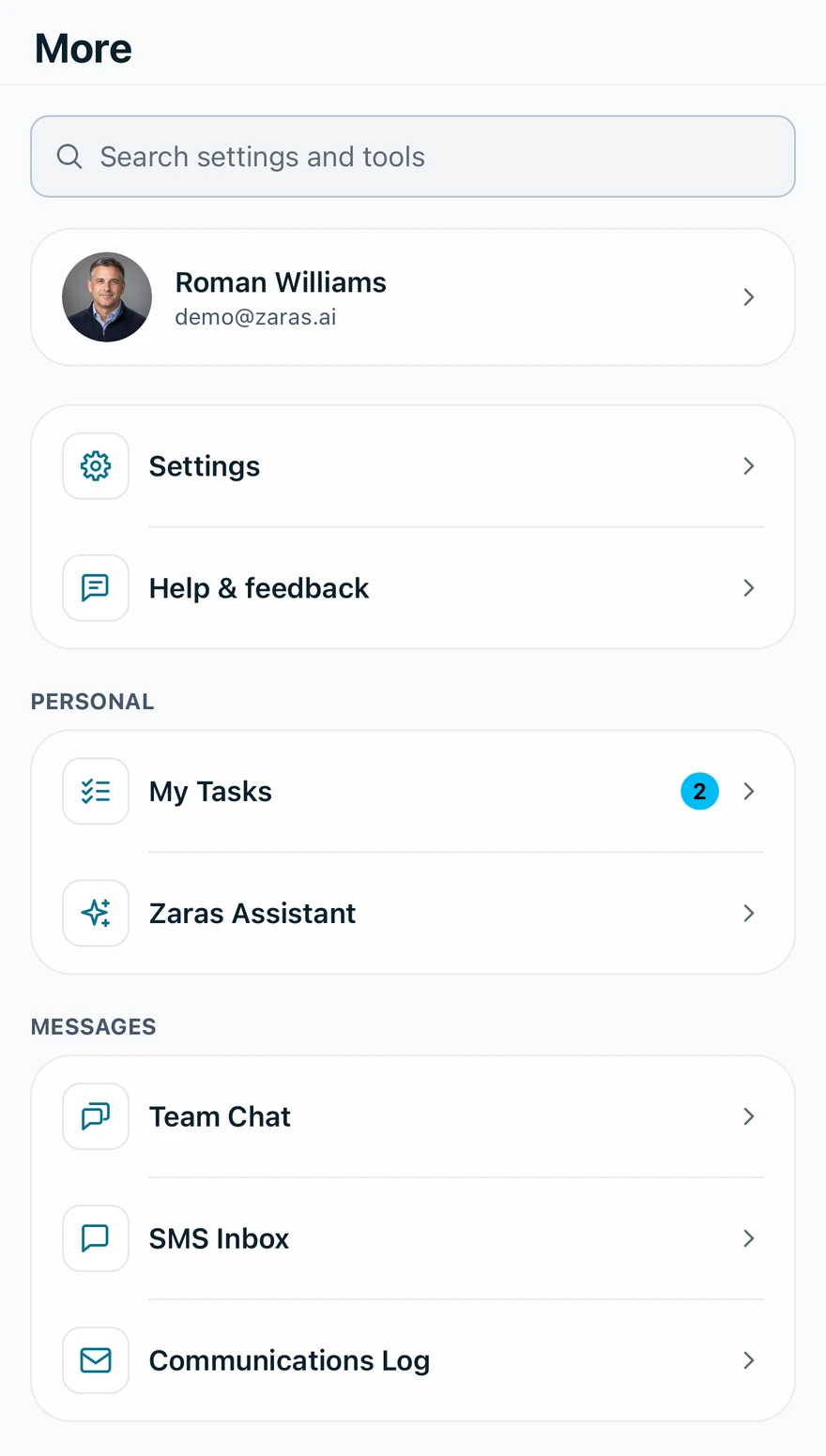
More opens over the page you are on. It holds your account card, a search, Settings, Help & feedback, the same sections as the sidebar, and Sign out.
Who can do this
Every member sees this layout. Pages your role can't use are hidden. On your own, some names change: see What changes when I work on my own?