What does my customer see on their invoice page?
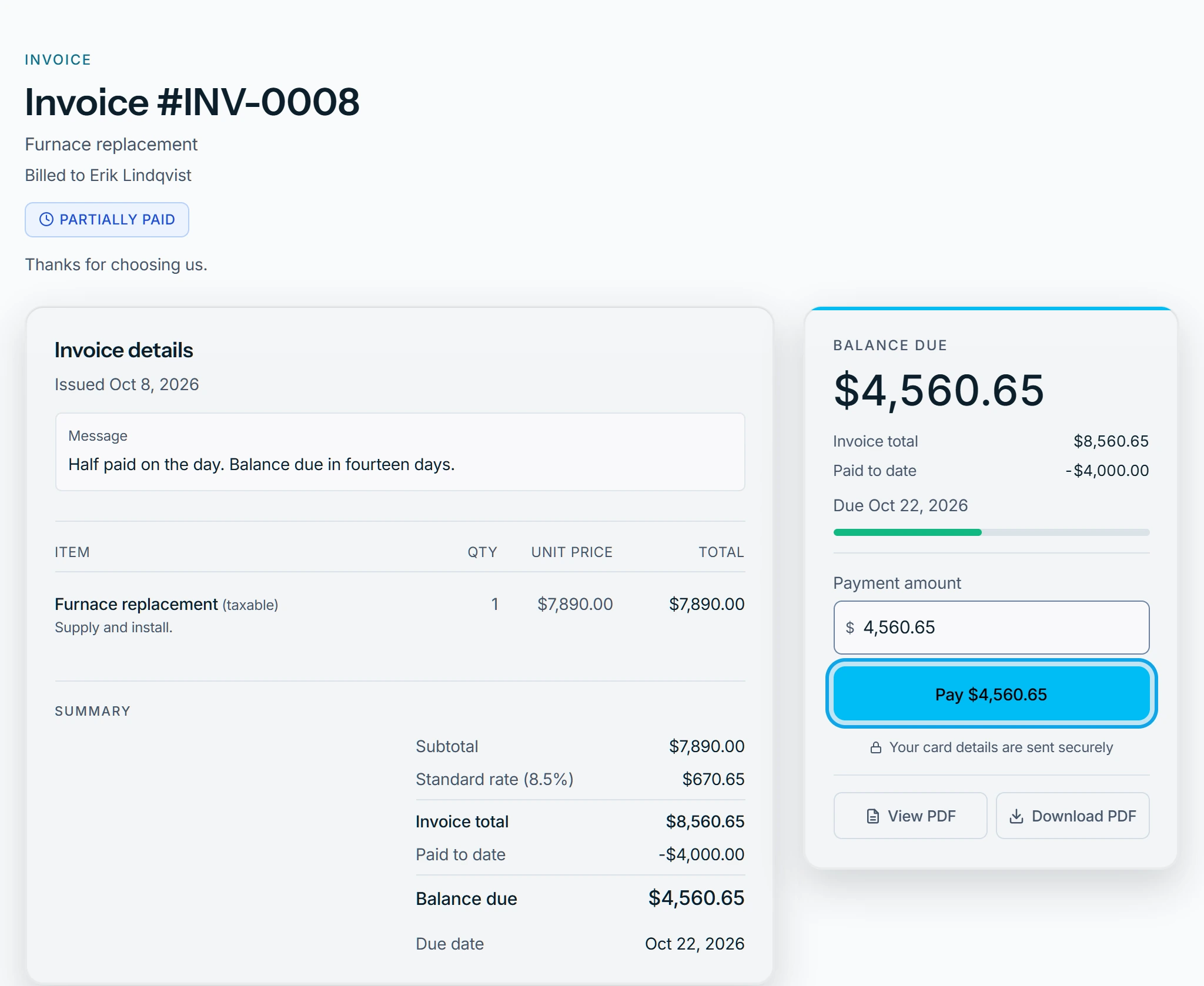
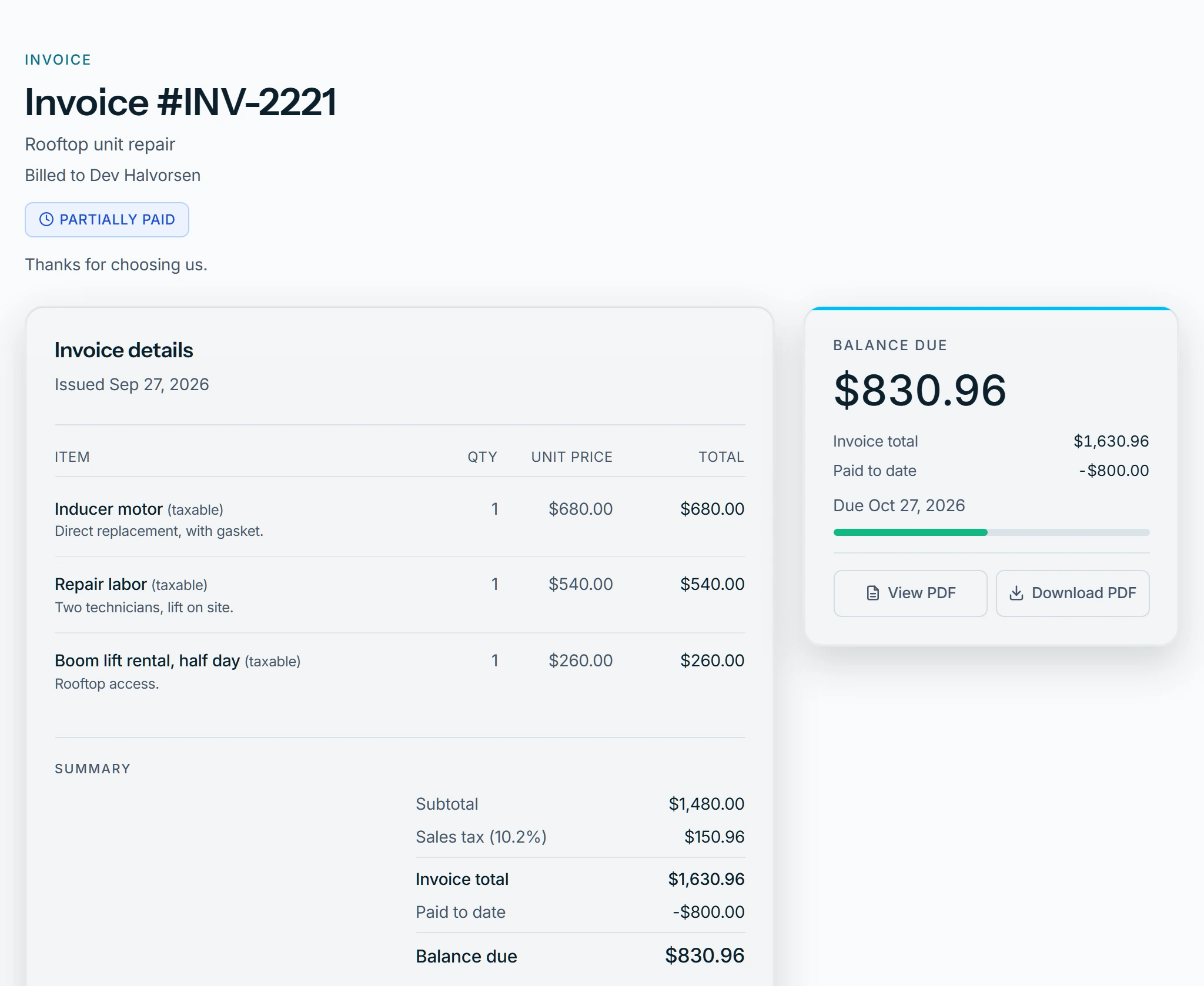
The invoice page shows the items, Invoice total, Paid to date, Balance due and the payments made. With online payments on, a balance due gets a "Pay" button.
Paying online
- They can lower the Payment amount to pay part of the balance.
- If their bank asks them to confirm, they come back to a Zaras page that finishes the payment.
- Paid after the invoice closed, or more than the balance? The page says the money is being returned.
With online payments off
Your instructions show under How to pay instead.
When there is nothing to pay
- A void invoice says no payment is due.
- An expired link asks them to contact you for an updated one.
Check it yourself
Press Customer preview on Online payments in Settings. In the app, tap View customer preview.
Who can do this
The customer needs only the link. Card payments need online payments connected.