Duplicate a job
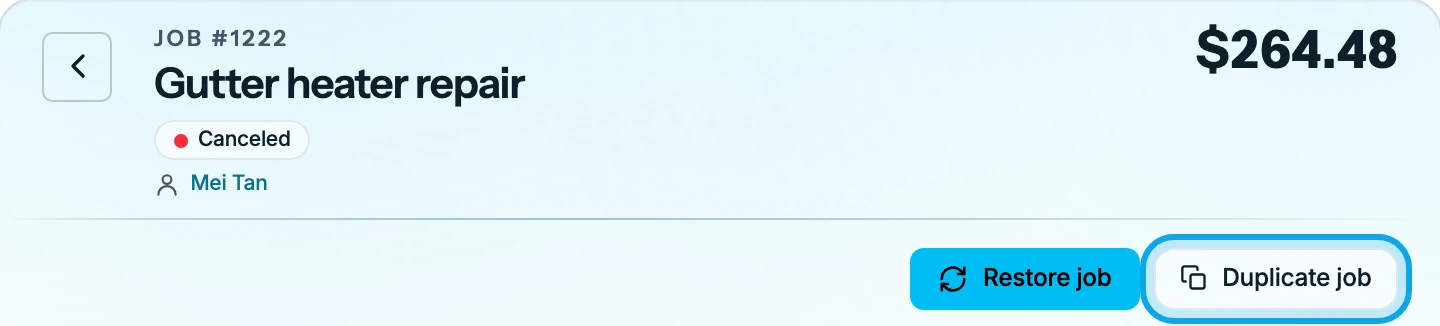
You can duplicate a completed or canceled job to do the same work again. Estimates and invoices have no duplicate.
Duplicate a job
On the web:
- Open the completed or canceled job.
- Press Duplicate job at the top of the job, or under More.
In the Zaras app:
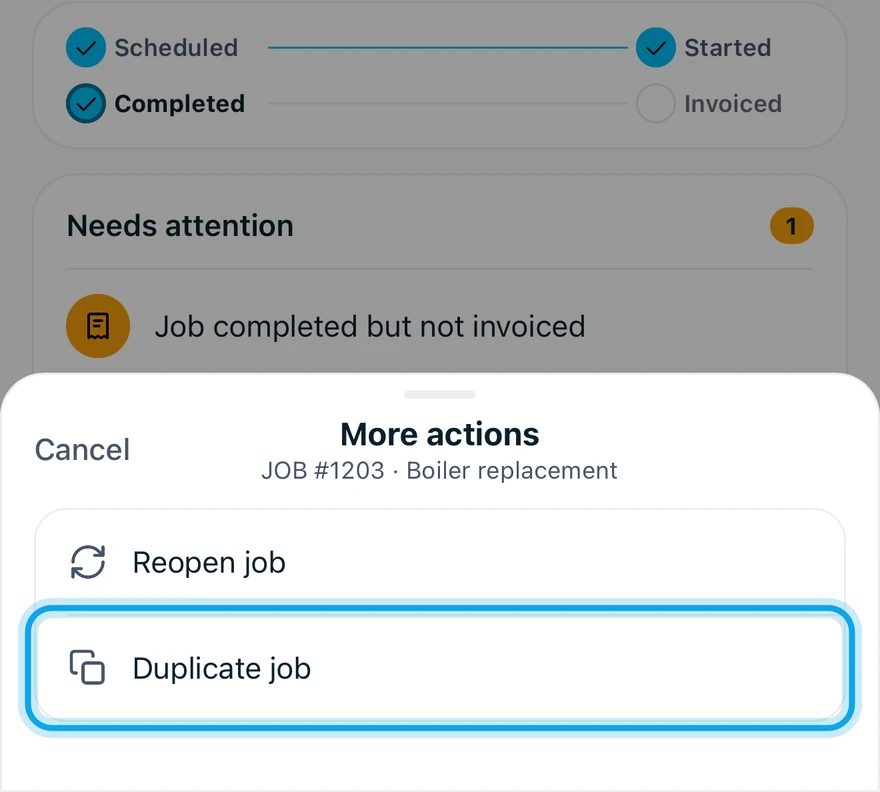
- Open the completed or canceled job.
- Tap Duplicate job in the bar at the bottom, or under More.
- Tap Duplicate in Duplicate this job?.
What you see
The web opens the copy straight away. The app says Job duplicated and opens the copy.
The copy is a new active job, and the original stays as it was. The copy keeps the customer, the service address, the line items, the notes and the files. Its title ends in "(Copy)", and it gets its own job number. Visit history, hours, expenses and invoices stay with the original.
Duplicate job is missing
Only completed and canceled jobs offer it. An active job or a job in progress has no duplicate.
Who can do this
Duplicating needs Manage jobs. Owners, admins, office and technicians hold it by default. Others ask an owner or admin under Settings → Team & roles → Roles.