Create a Zaras account on the web
Create your account at app.zaras.ai with your email and a password. Without an invitation, it starts a new workspace of your own.
Create your account
- On Create your account, enter your Email and a Password.
- Press Create account.
- On Check your email, open the confirmation link in the email.
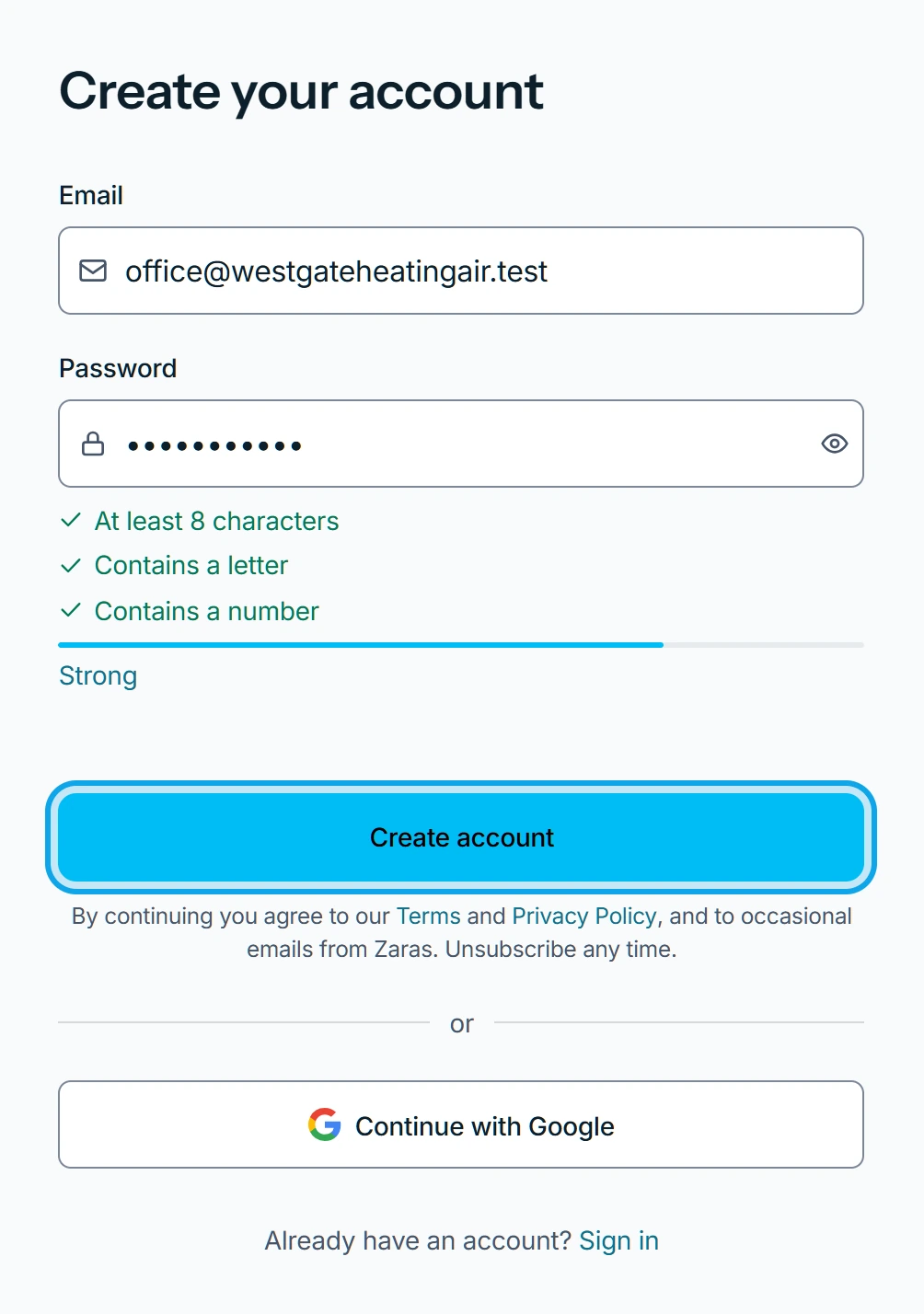
Signing up from an invitation also asks for your Full name. You can skip the password and sign in with Google or Apple instead.
What you see
The link activates the account, and the setup steps follow: Set up your workspace after you sign up.
No email arrived
Press Resend email. Confirmation email re-sent. confirms it went. For the reminder and the 8-digit code later, see Confirm your email address.
It says the email exists
An account with that email already exists. Press Sign in and use that email and password.
Who can do this
Anyone can create an account. On a phone, you can also create it in the Zaras app.