What does the Home screen show me?
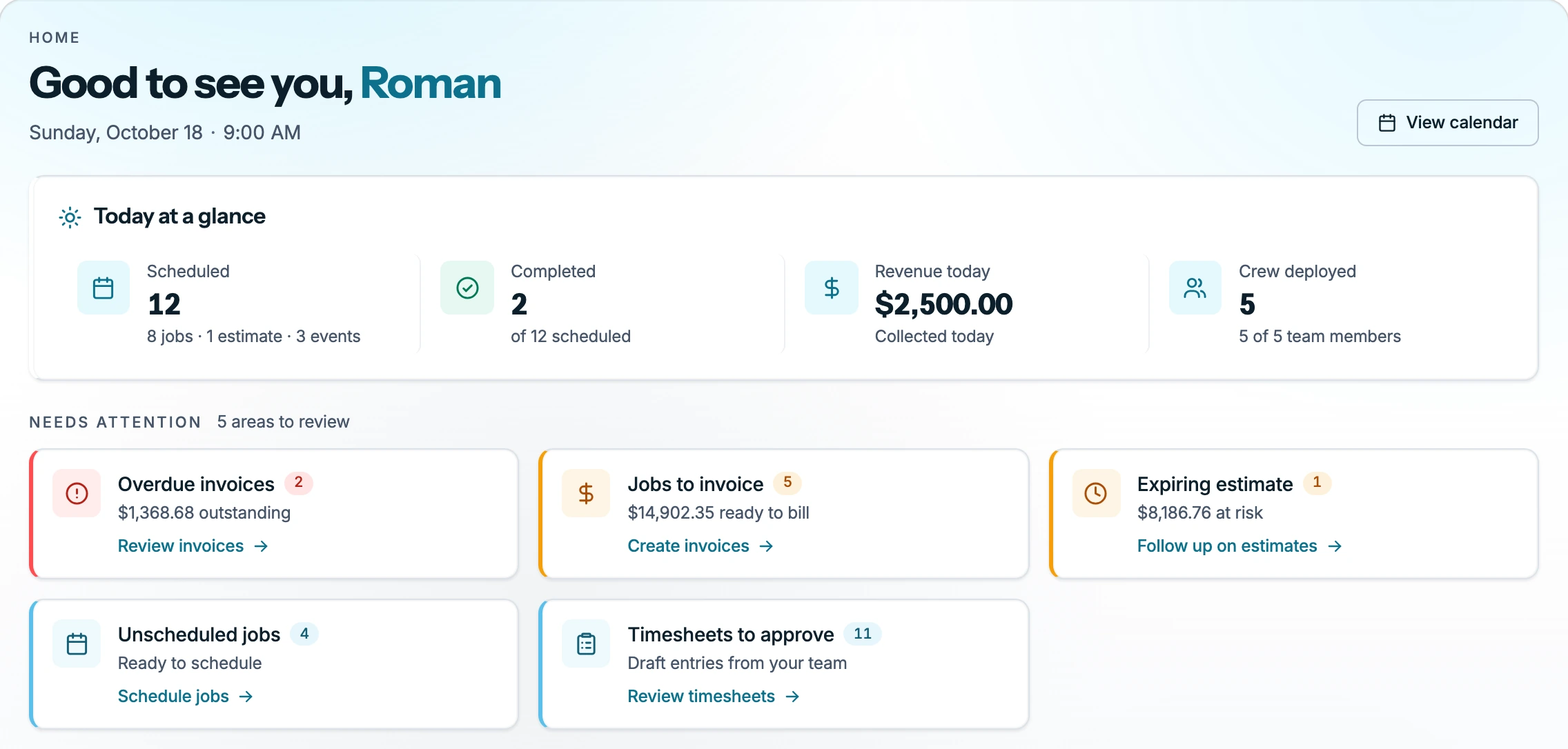
Home shows your day. Owners, admins and office see the whole business, and technicians see their own work.
Open Home in the sidebar on the web, or the Home tab in the app.
The business view
It shows:
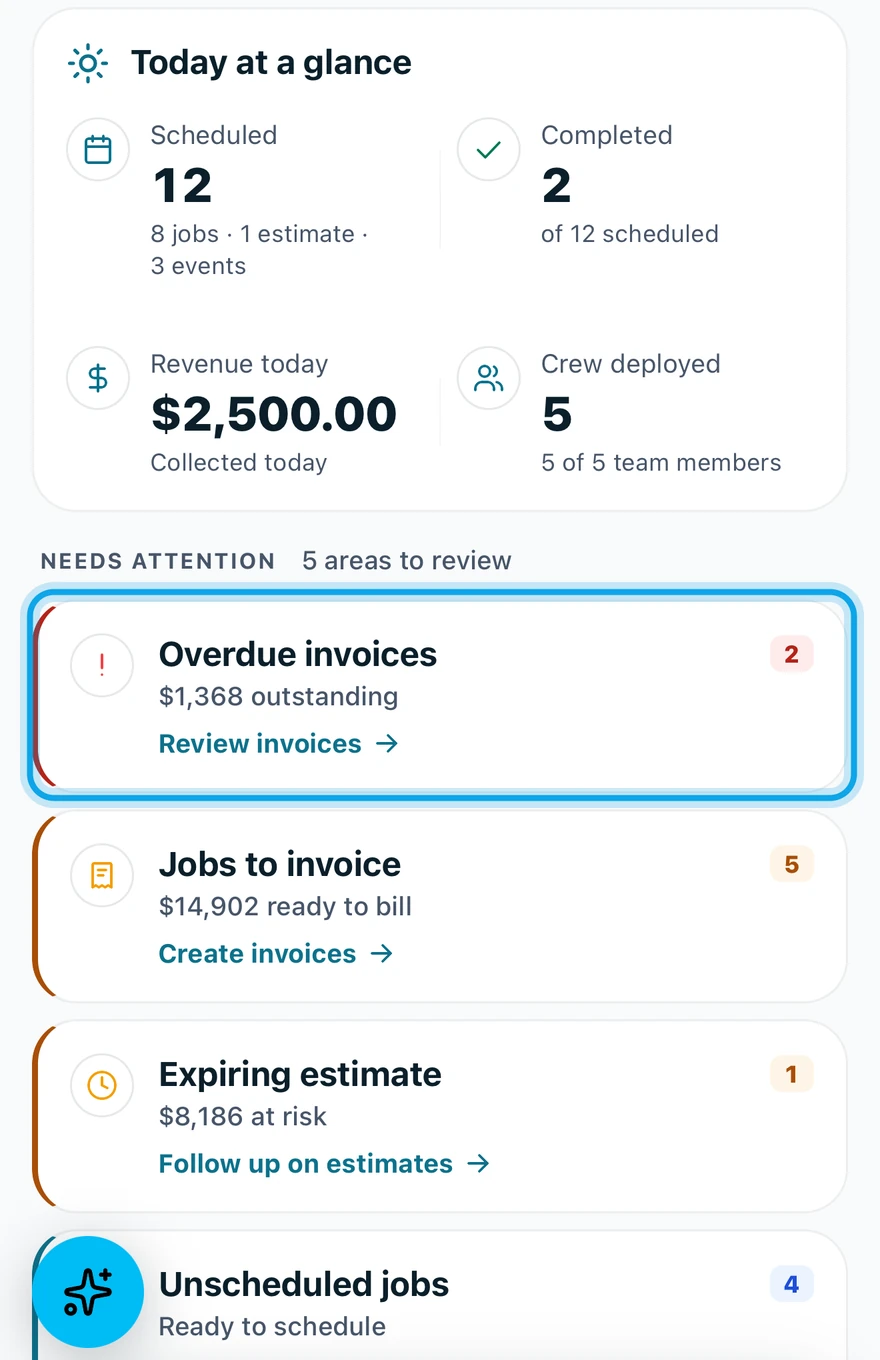
- Today at a glance: scheduled and completed work, revenue today and tasks due.
- Needs attention: overdue invoices, jobs to invoice, expiring estimates, change requests, unscheduled jobs and timesheets to approve, each opening the list it counts.
- Schedule: the day's visits, with the week's days above it to pick a day.
- Team today: who is out working. It shows once you have a team.
- This week: jobs completed, invoices issued and money collected, against a week ago.
- Quick actions: Create estimate, Add contact and Create invoice, giving way on the web to schedule alerts.
Recent activity and your tasks for today are there too.
Your own day
Technicians see:
- Up next: your next visit, with the customer, phone and address.
- Schedule: your visits, with the same row of the week's days.
- Assigned backlog: work assigned to you that has no date yet.
- My Hours and My Expenses: your time and what you spent.
You're invited shows at the top of either view when another workspace invites you.
Who can do this
People with View reports get the business view. Owners, admins and office hold it by default. Others ask an owner or admin under Settings → Team & roles → Roles.