Change your business info and time zone
Change your name, contact details and time zone on Business info in Settings. A new time zone applies to work already booked, not just new work.
Change your business info
- Open Settings → Business info (Business Info in the Zaras app).
- Press Edit on Business identity for the name, email or phone.
- Press Edit on Business location for the address or time zone.
- Press Save changes on the web, or tap Save in the app.
- For a new time zone, press Change timezone in Change the business timezone?.
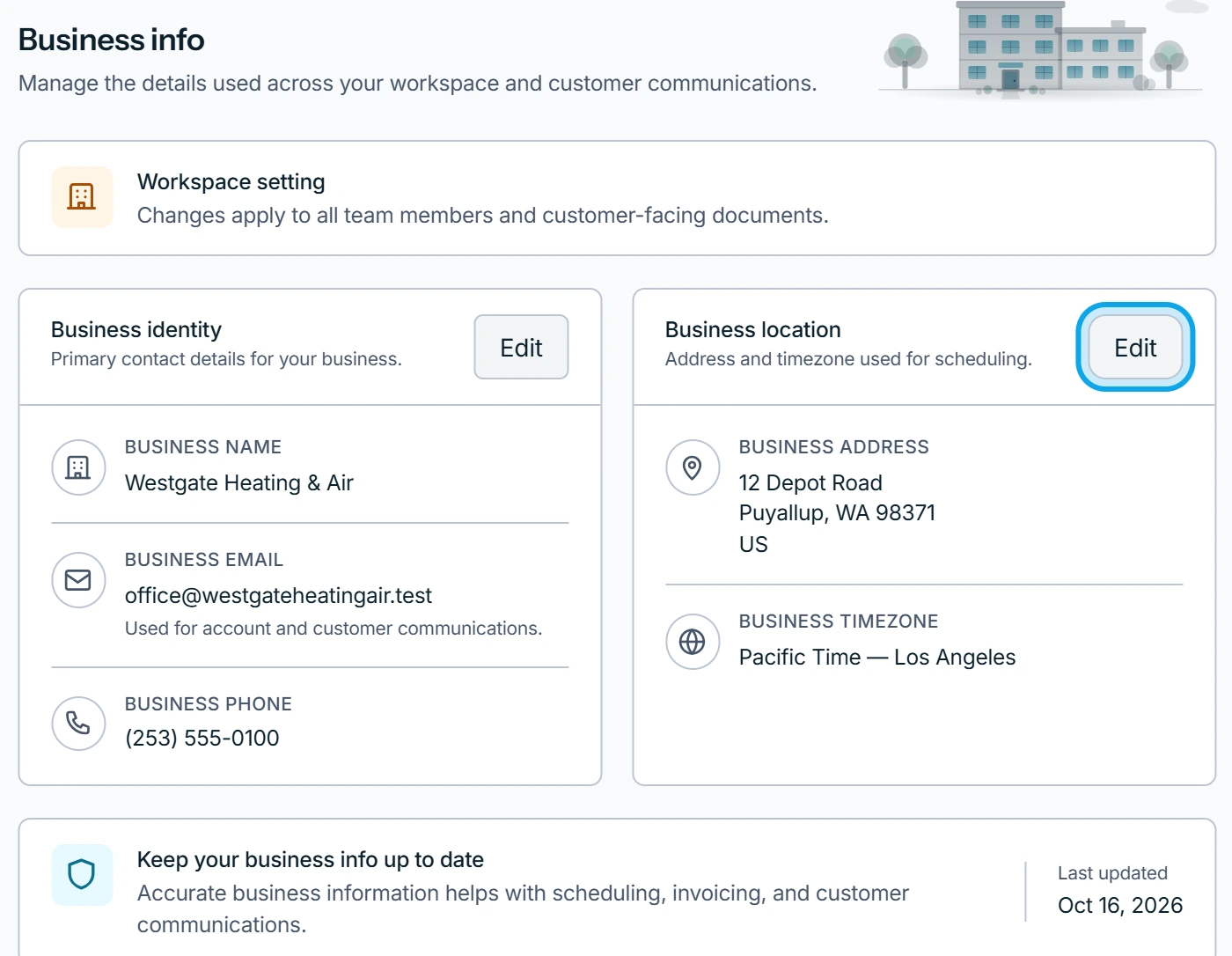
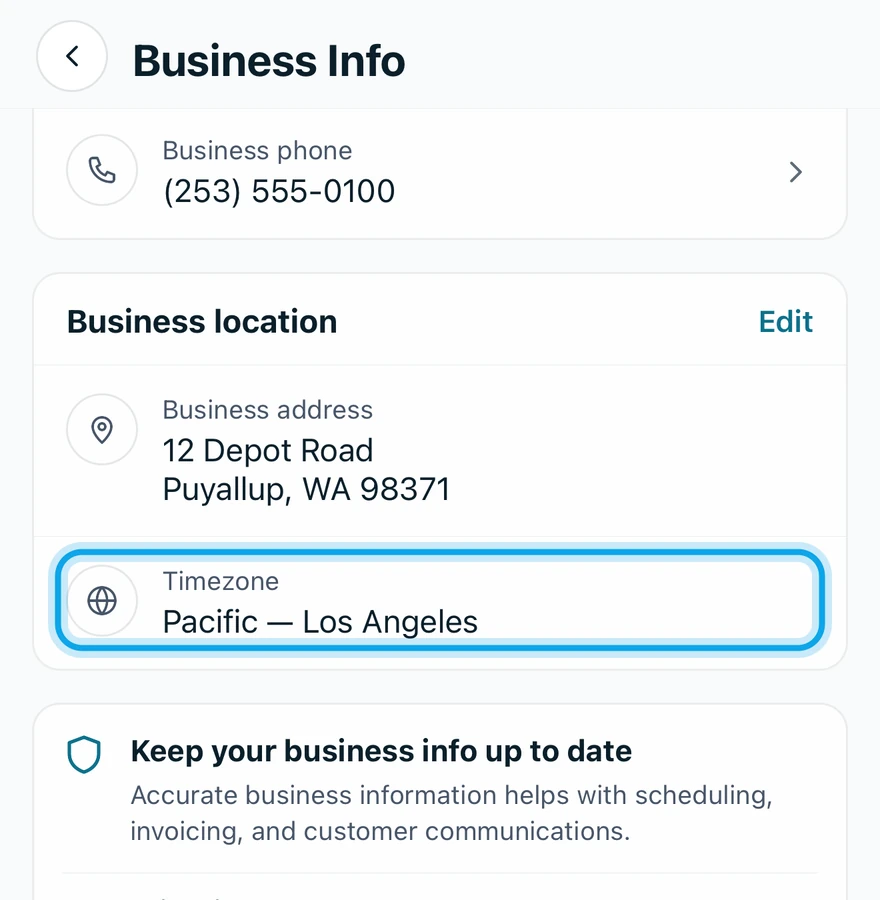
What you see
Business info updated shows on the web, and Business info saved in the app. The business name is the sender on your emails. The address, phone and email print on estimates and invoices.
A visit booked for 9:00 stays at 9:00, now read on the new zone's clock. The prompt lists the rest: Day boundaries move, so today's schedule and daily totals can change. Due dates and arrival windows are re-read too.
The time zone doesn't match the address
Timezone may not match the business address. appears beside the time zone. Press Review and pick the zone your work happens in.
Who can do this
It needs Manage business settings, held by owners and admins by default. Others ask an owner or admin under Settings → Team & roles → Roles.