Delete your Zaras account
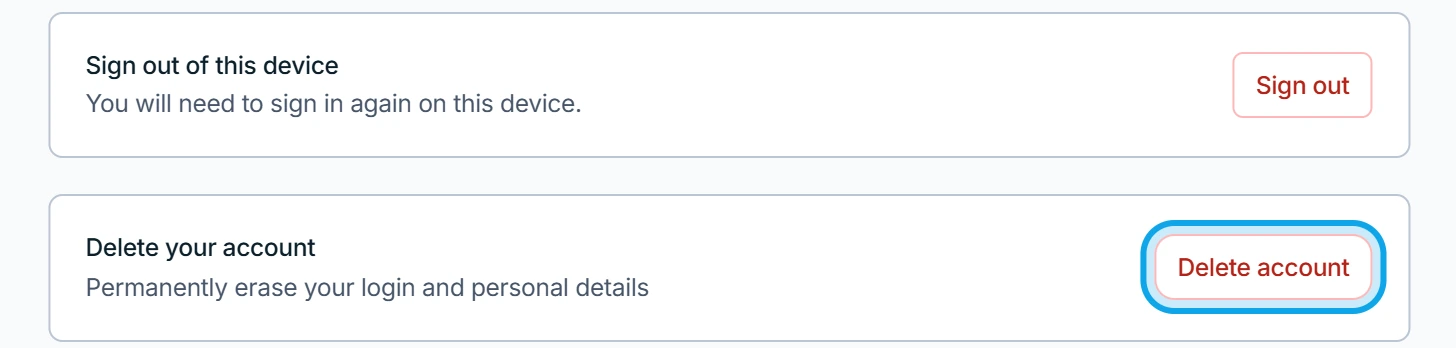
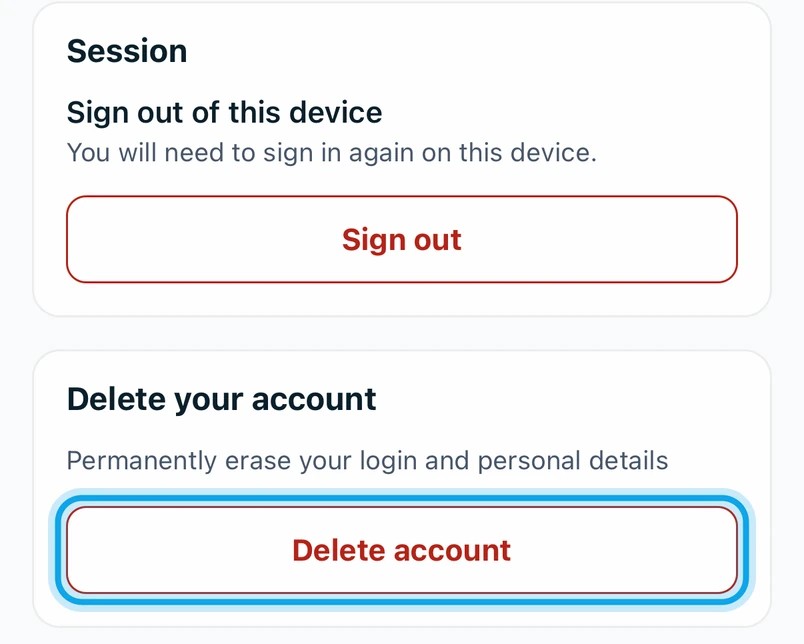
Delete your account from the foot of Your profile. It erases your email, phone, photo, sign-ins and devices. Your work stays with the business.
Delete your account
- Press Delete account at the foot of Your profile.
- Press Email me a code and enter the 8-digit Code.
- Type
DELETEin the box. - Press Delete my account.
What you see
Your account is deleted confirms it, and an email follows when cleanup finishes, within 24 hours. For a member there is no undo. The workspace owner is emailed that you left. Your jobs, notes, photos, chat messages and time entries stay, marked (Former).
You own the workspace
- Alone in it: the account and workspace are deleted after 30 days. Sign in before then and press Restore workspace.
- With members: first transfer ownership or delete the workspace.
You can't open the app
Go to app.zaras.ai/delete-account. Enter your Account email, press Send code and finish the same way. With two-factor on, or as an owner with members, sign in instead.
Who can do this
Every member can delete their own account. No permission is needed.